
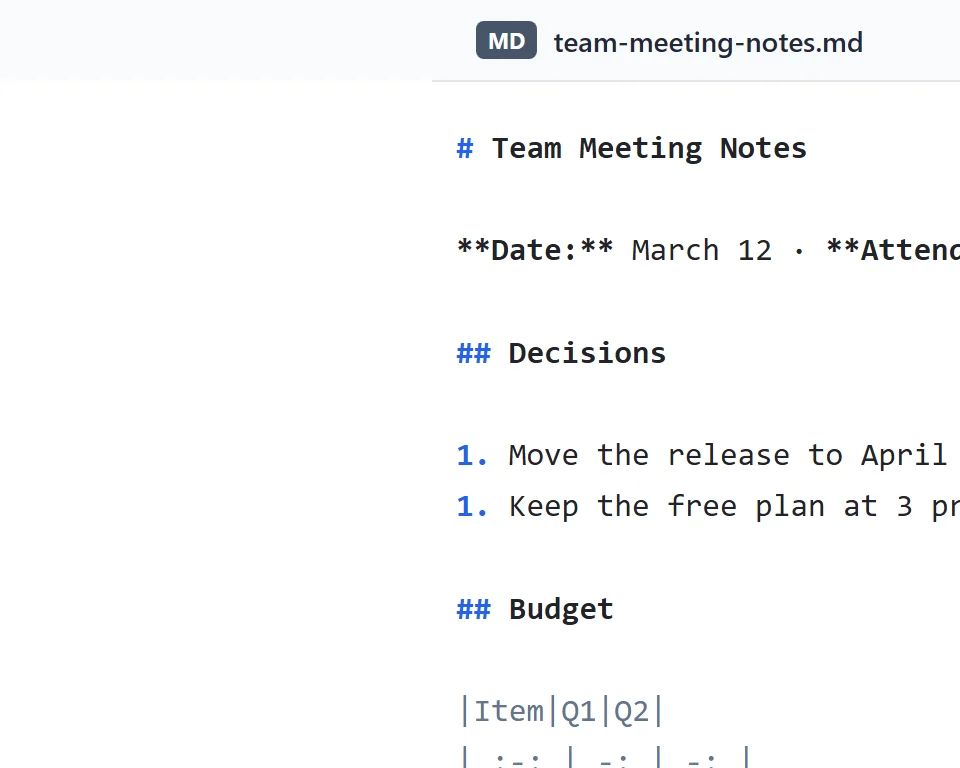
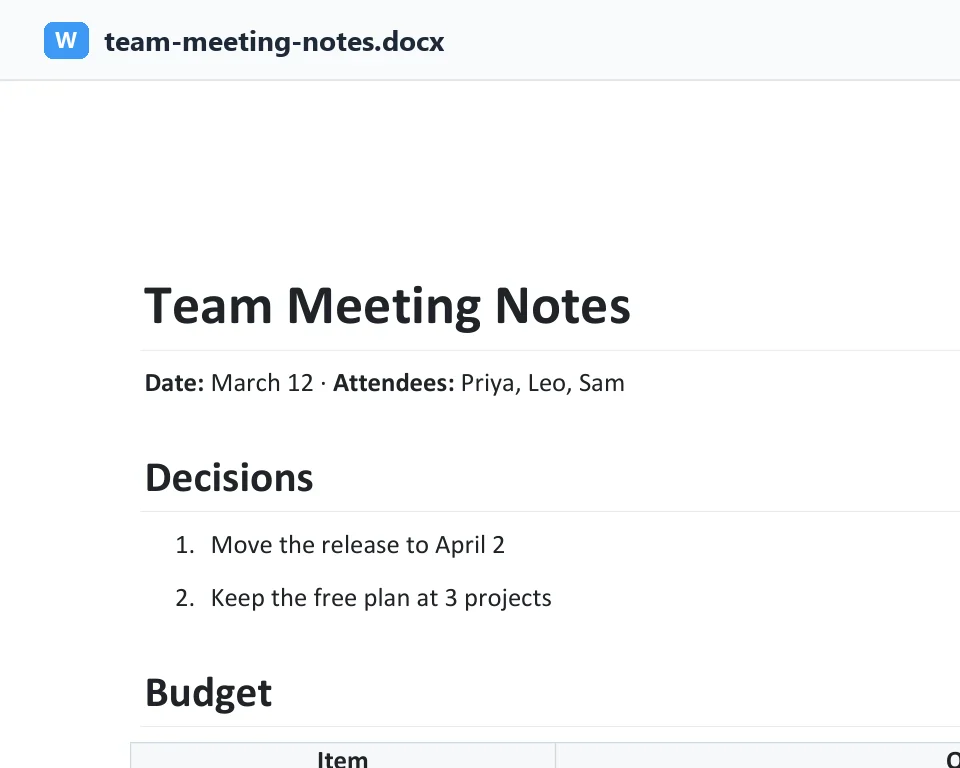
Markdown Ready for AI and Git
Word Structure Becomes Markdown

Old .doc Files Work

No Word Clutter

Smaller Input for AI

Your Data, Protected

Have a PDF Instead?

How to Convert Word to Markdown
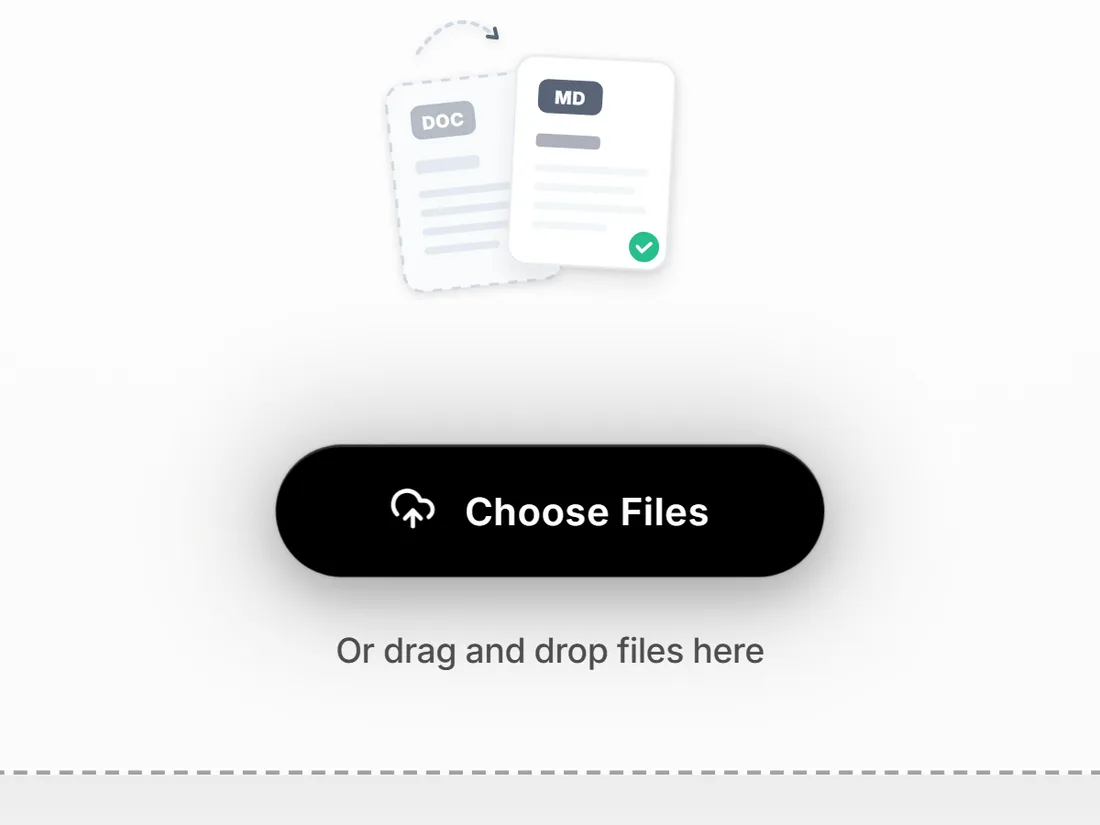
Upload Your Word File
Click "Select files" or drag a .docx or .doc file into the upload area.
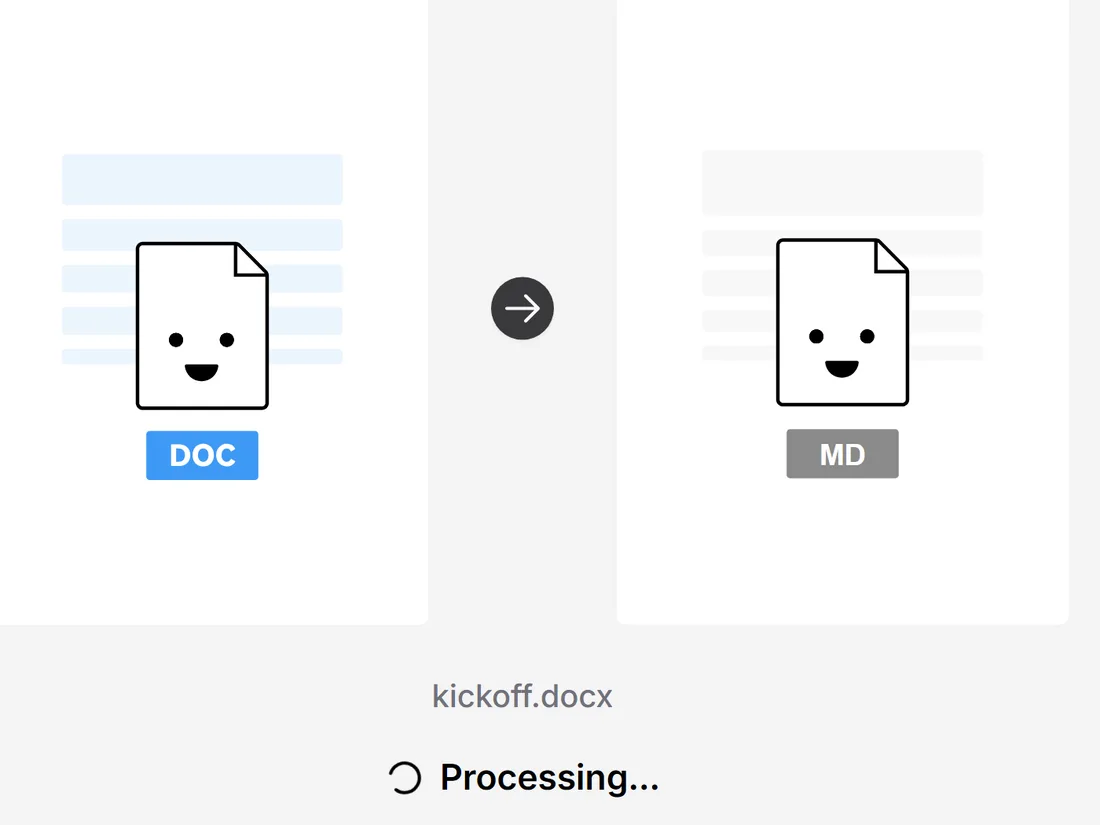
Let Us Convert It
Headings, lists, tables and links are rebuilt as Markdown and Word clutter is removed.
Download the Markdown
Download the .md file and open it in any editor, or paste it into your AI chat.
Word to Markdown FAQ
What does the Markdown keep?
Headings, paragraphs, bold and italic text, lists, tables and links. Text inside text boxes is moved into the main text in reading order.
Are images exported?
No. The result is a text-only .md file, so images and charts are left out. If a document contains only images, there's no text to convert and you get an error instead of an empty file.
Can I convert .doc files?
Yes. Both .docx and the older .doc format are supported.
Can I use the result with ChatGPT or Claude?
Yes. AI tools read Markdown well: paste it into the chat or attach the .md file.
What are the free plan limits?
Free users can convert Word files up to 30 MB. Upgrade to Pro for files up to 2 GB.
How is this different from PDF to Markdown?
Word files already contain structure, so headings and tables convert directly without OCR. Use PDF to Markdown when you only have a PDF or a scan.