
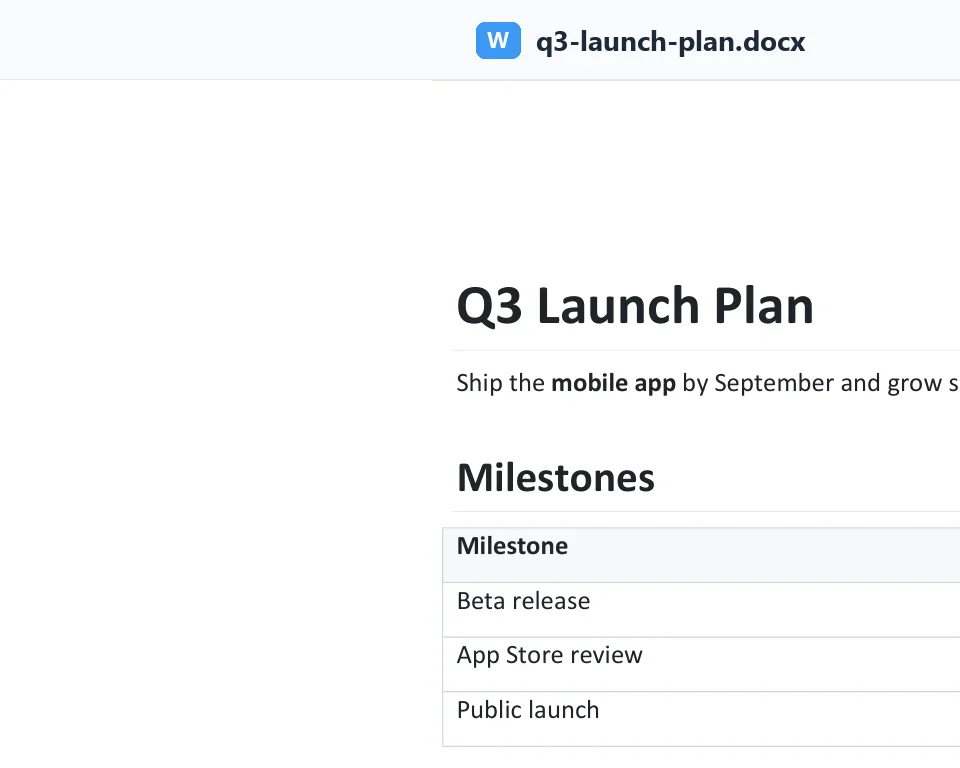
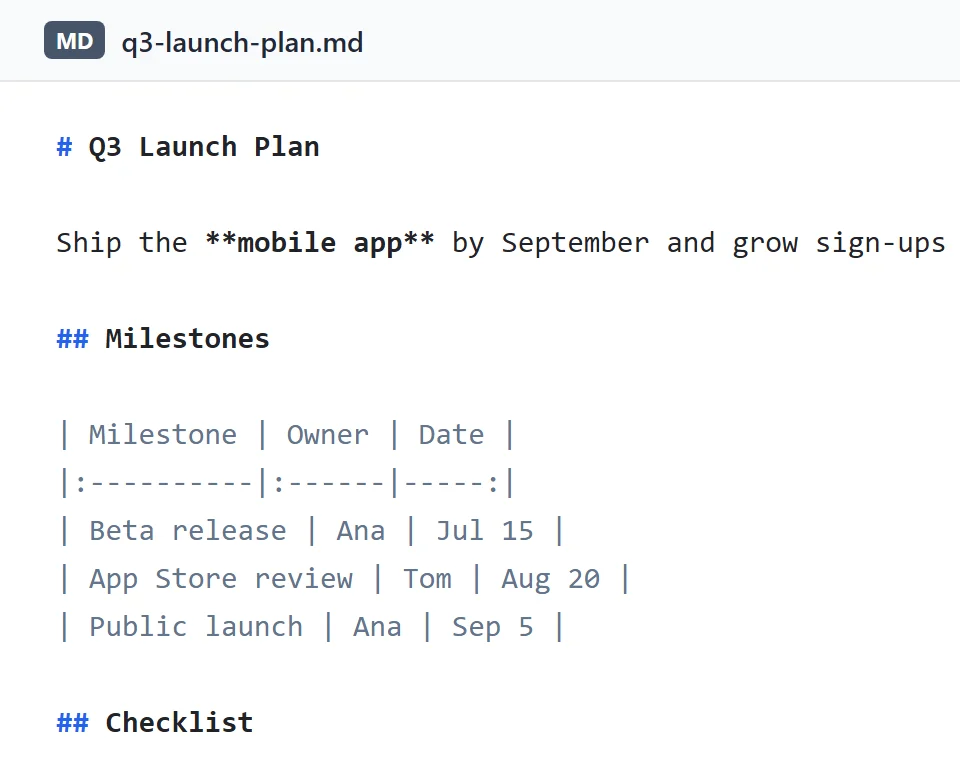
A Word File That Looks Finished, Not Pasted
Real Word Structure

Tables and Code Styled

Right East Asian Fonts

Images Handled Safely

Opens Wherever You Edit

Need Another Format?

How to Convert Markdown to Word
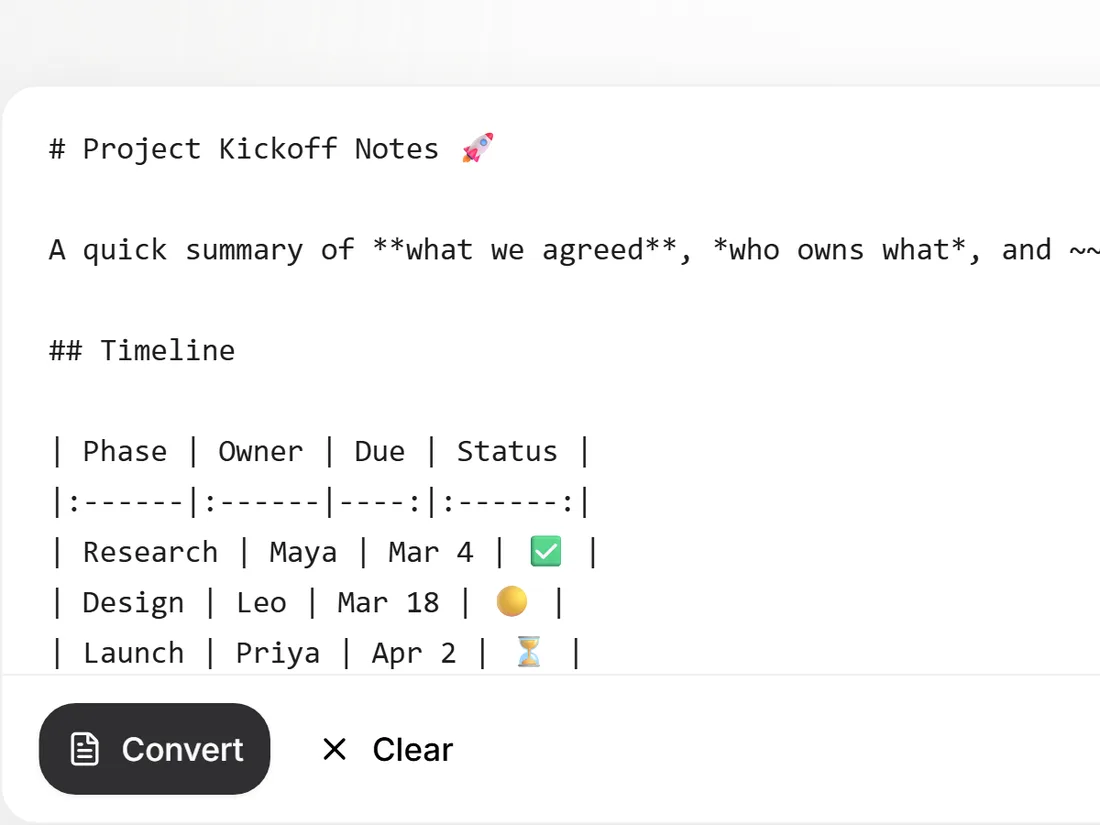
Paste or Open Your Markdown
Type or paste Markdown into the editor, or open a .md file from your computer.
Let Us Convert It
Headings, lists, tables, code blocks and footnotes are mapped to Word styles automatically.
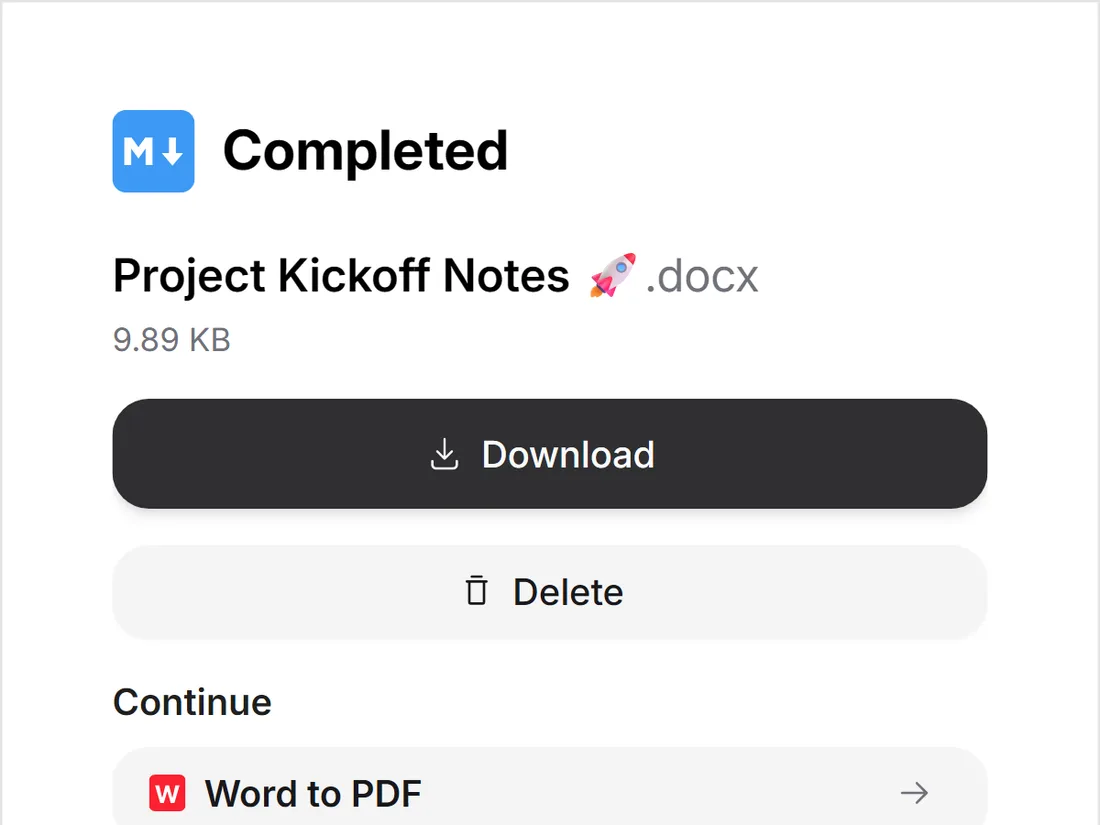
Download the DOCX
Download the Word file and keep editing it in Word, Google Docs or WPS.
Markdown to Word FAQ
Which Markdown syntax is supported?
Headings, bold, italic, strikethrough, links, bulleted and numbered lists, task lists, tables, quotes, code blocks, footnotes and horizontal rules — the GitHub Flavored Markdown you get from most editors and AI tools.
What happens to images?
Images embedded in the file are placed in the document. Images that point to a web address are not downloaded; they become links to the original address. Images with a relative path show their alt text.
Are math formulas converted?
Formulas are kept as LaTeX text in a code style, so nothing is lost, but they are not turned into editable Word equations. For typeset formulas, use our Markdown to PDF tool.
Can I turn a ChatGPT answer into a Word document?
Yes. Copy the answer as Markdown, save it as a .md file and upload it here. Headings, lists, tables and code keep their structure in Word.
What are the free plan limits?
Free users can convert Markdown files up to 30 MB. Upgrade to Pro for files up to 2 GB.
Is the conversion safe?
Files are transferred with TLS and processed mainly in the EU/EEA. They are deleted after processing or kept only for the minimum time needed to provide the service.