
Beyond Merging: Redefine Your Document Workflow
Cross-Format Merge

Visual Fine-Tuning & Page Extraction

Smart Page Alignment & Unification

Continue With More Tools

Processed on Secure EU Servers

No Downloads, Any Device

Merge PDF Files Online in Just 3 Steps

Batch Drag & Drop Upload
Click "Choose Files" or drag and drop multiple PDFs, images, and office documents into the secure workspace above.

Visual Reorder & Fine-Tune
In the thumbnail view, drag cards to rearrange the order. Rotate individual pages or unify page sizes as needed.

One-Click Merge & Lossless Export
Once everything looks right, hit "Merge." The system completes high-quality processing in seconds — download the final document for free.
PDF Merging FAQ
What are the free plan limits?
Visitors can process up to 25 files or 100 MB total for free, covering the vast majority of everyday needs. Need more? Upgrade to Pro for 500 files / 2 GB.
What file formats are supported?
Beyond PDF, we support Word (DOC/DOCX), Excel (XLS/XLSX), PPT (PPT/PPTX), images (JPG/PNG/GIF/BMP/WEBP/HEIC/AVIF), TIFF, CAD (DWG/DXF), AI, PSD, ODT, TXT, RTF, and more. The system auto-converts everything to PDF before merging.
Will mixing formats degrade the original quality?
Absolutely not. The engine uses native-level parsing to preserve 100% of the original text resolution, image DPI, and internal layout formatting.
Is it safe to merge PDFs containing confidential contracts?
Your files are safe. All data is transferred via 256-bit encryption, processed on EU-based servers under GDPR compliance, and permanently deleted after processing.
Can I rearrange pages before merging?
Yes, in two ways: drag entire files to reorder in File Mode, or switch to Page Mode to pick individual pages from different PDFs and arrange them freely. You can also rotate individual pages.
Can I merge encrypted PDFs?
Encrypted PDFs need to be unlocked first. Use Dpdf's "Unlock PDF" tool to remove the password in one click, then merge.
Can I continue processing after merging?
Yes. After merging, the system recommends follow-up tools like compression, watermarking, and format conversion. Click to continue — no re-uploading needed. For example, if the file is too large, use the "Compress PDF" tool to reduce its size instantly.
Related Guides
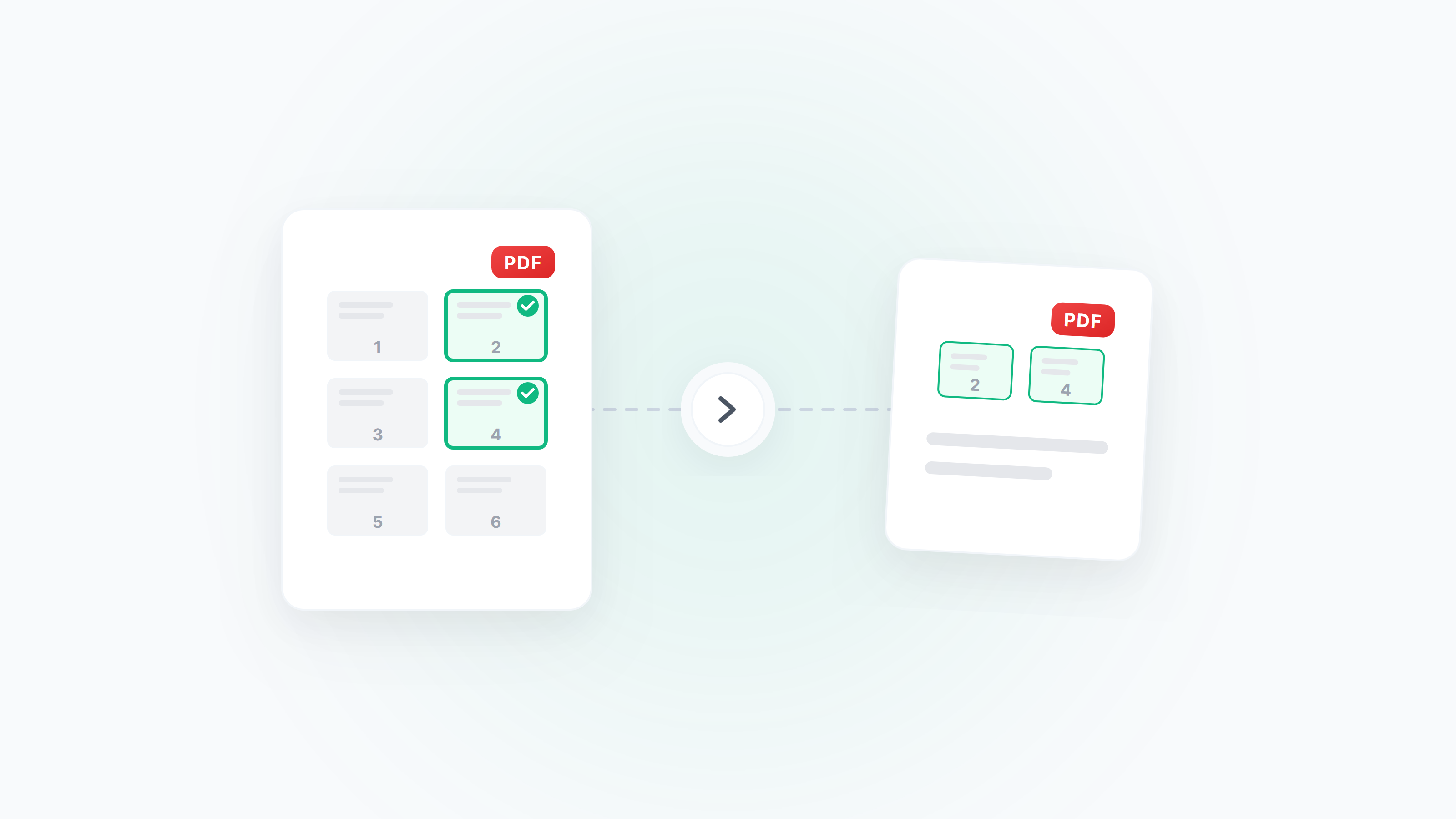
Guide to Extracting and Deleting PDF Pages: Pick Exactly What You Need
How to extract specific pages from a PDF, delete unwanted pages, and reorder pages by drag and drop. Covers scenarios like extracting contract signature pages, cleaning up scanned files, and splitting chapters from long documents.
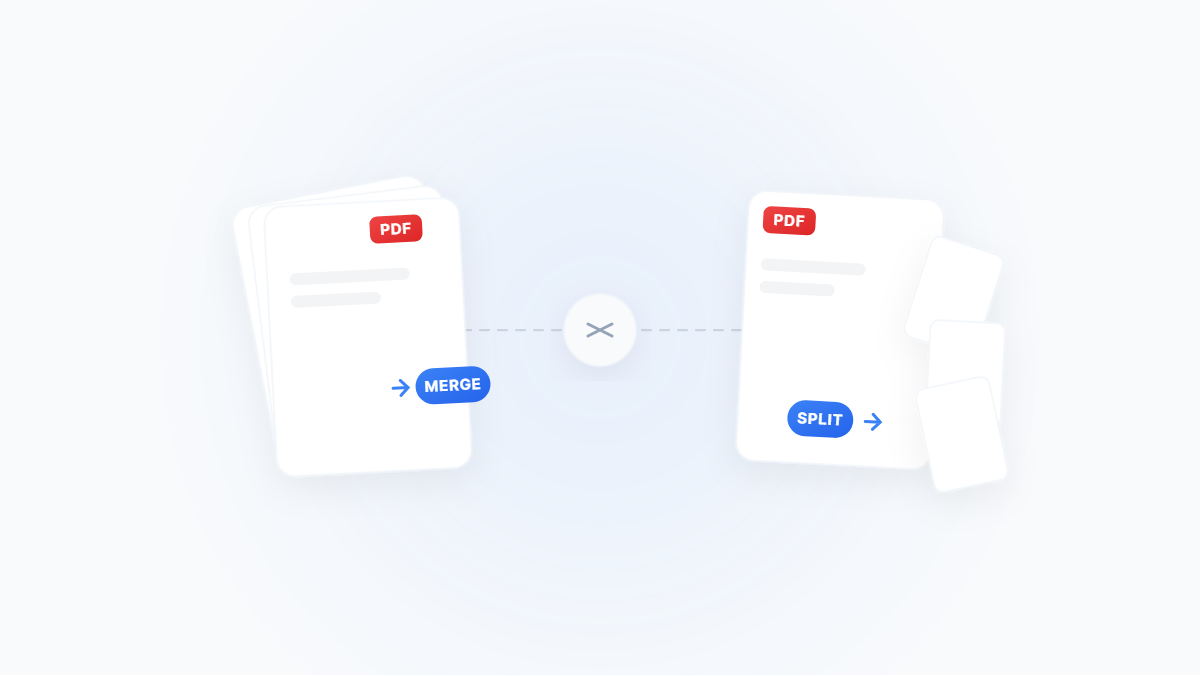
The Complete Guide to Merging and Splitting PDFs: Merge, Extract, Delete, Rotate — All You Need
A scenario‑driven guide to PDF page management: merge, split, extract pages, delete pages, rotate and reorder — with Windows/macOS and online methods plus practical tips.
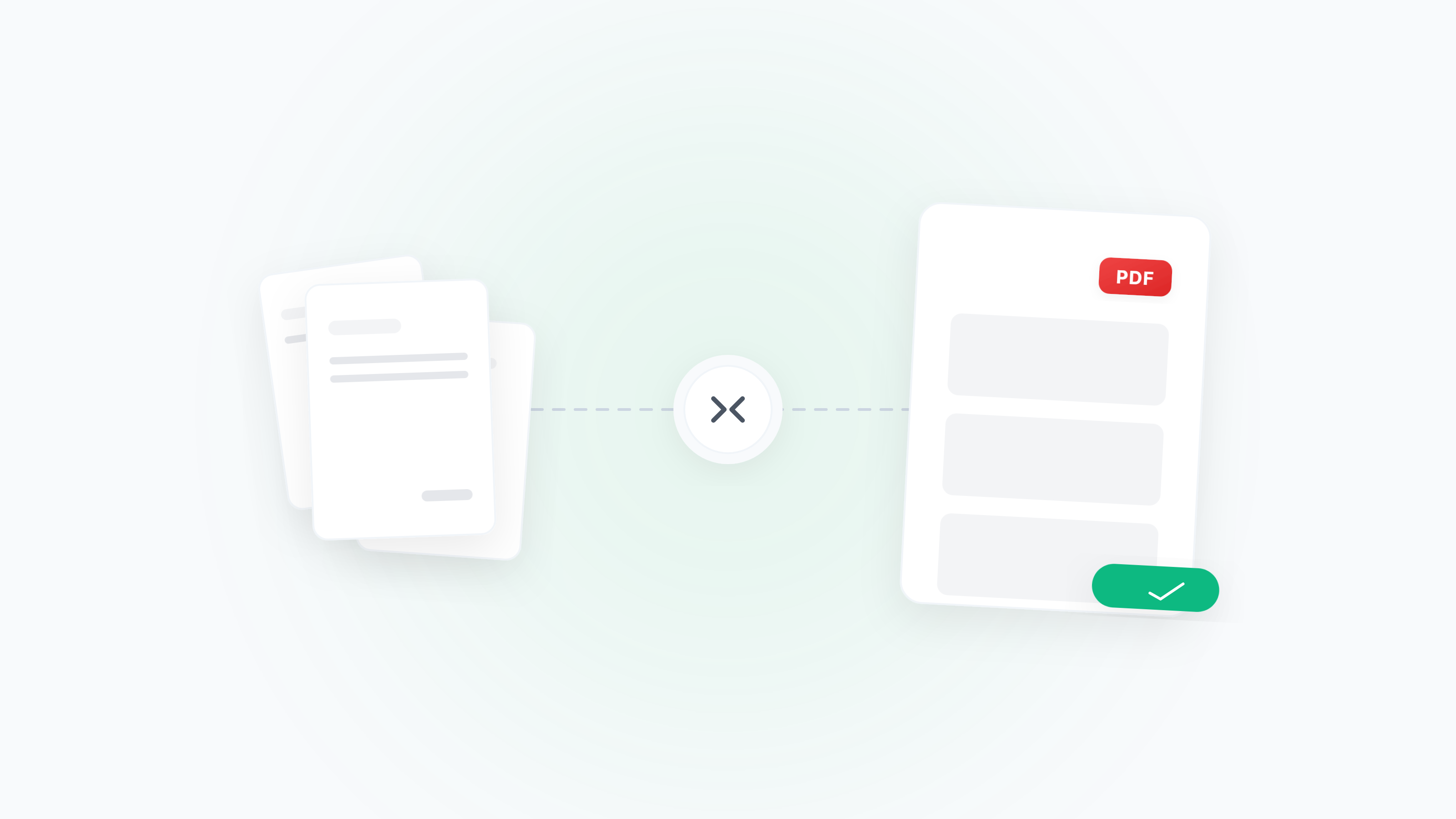
Merge Receipts/Invoices for Reimbursement — Multi‑Format, Sorting, Rotation, Compression
Turn messy receipts/invoices into a single, submission‑ready PDF. Handle mixed formats, sorting, orientation fixes, blank page removal, size limits, and common error checks.