
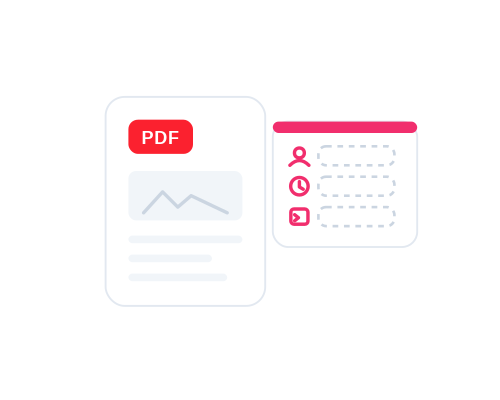
Clean Properties, Untouched Pages
Author and Software Names

Creation and Edit Dates

XMP Metadata Too

Finish the File Before Sending

Your Data, Protected

Runs in Your Browser

How to Remove Metadata from a PDF

Upload Your PDF
Click "Choose Files" or drag and drop the PDF you want to clean.

Metadata Is Removed Automatically
Document properties and XMP metadata are removed. There is nothing to set.

Download the Clean PDF
Download the new file and send, file or publish it.
Remove PDF Metadata FAQ
What metadata does this remove?
The document information fields (title, author, subject, keywords, creator, producer, creation and modification dates, and custom properties) and the document-level XMP metadata stream.
Is any hidden information left after removal?
Data stored outside the document properties is not touched, such as EXIF data inside embedded photos, comment author names and attached files. If comments carry names, flatten them with Flatten PDF.
Will my pages change?
No. Text, images, links, form fields and bookmarks stay the same; only the properties record is removed.
What if my PDF has no metadata?
You'll see a message that there is nothing to remove, instead of getting back a copy that looks processed but isn't.
Does removing metadata affect a digital signature?
Yes. Rewriting the file makes an existing digital signature invalid. Remove the metadata first, then sign.
What are the free plan limits?
Free users can clean one PDF up to 100 MB and 200 pages at a time. Pro adds batch processing and files up to 2 GB.
Is it safe?
Files are transferred with TLS and processed mainly in the EU/EEA. They are deleted after processing or kept only for the minimum time needed to provide the service.
Related Guides
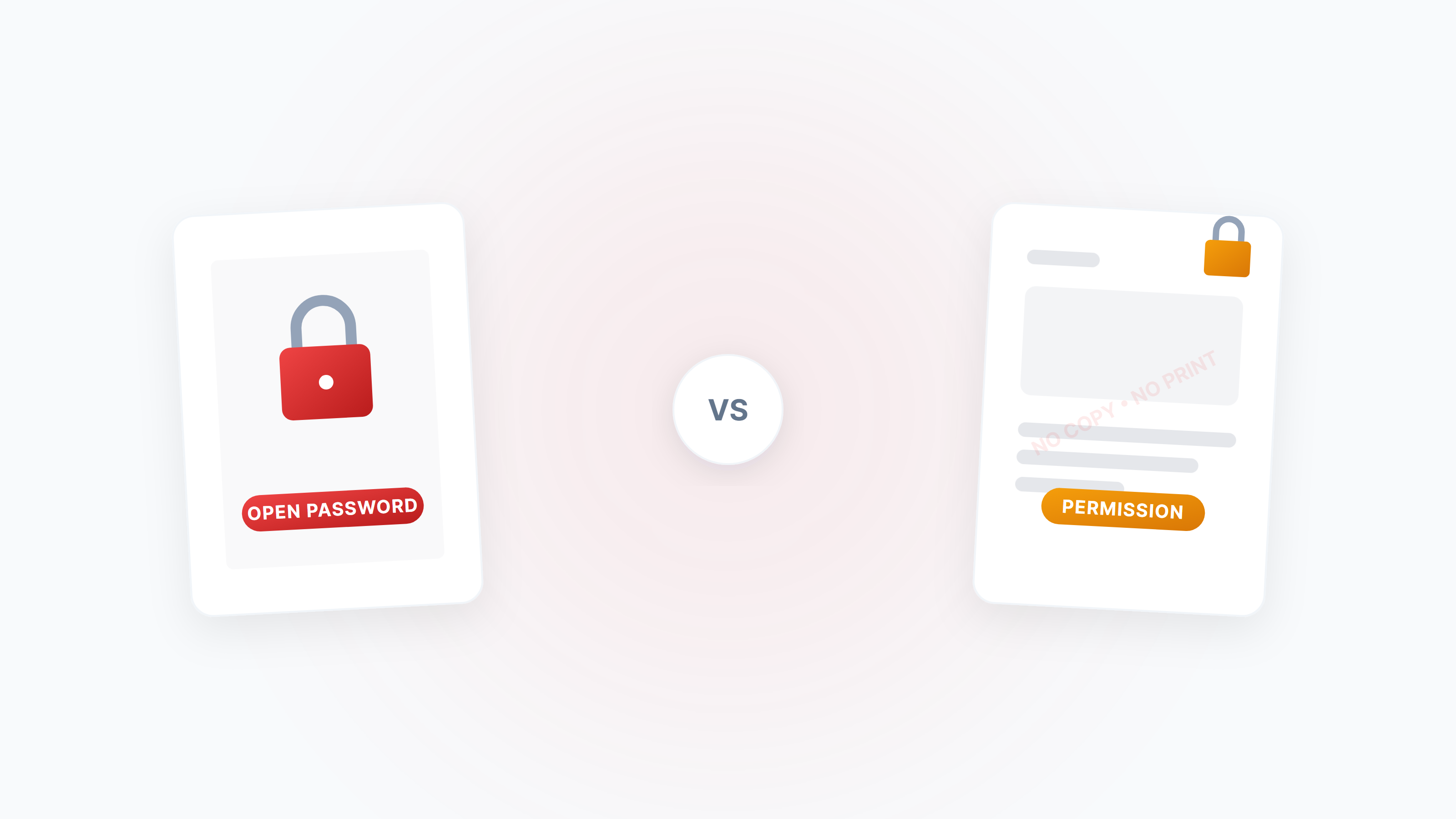
The Complete Guide to PDF Protection and Unlocking: Passwords, Permissions, and Security Strategies
A systematic guide to the two PDF password types (open password vs permission password), how to disable copying/printing/editing, and how to legally unlock restricted PDFs.
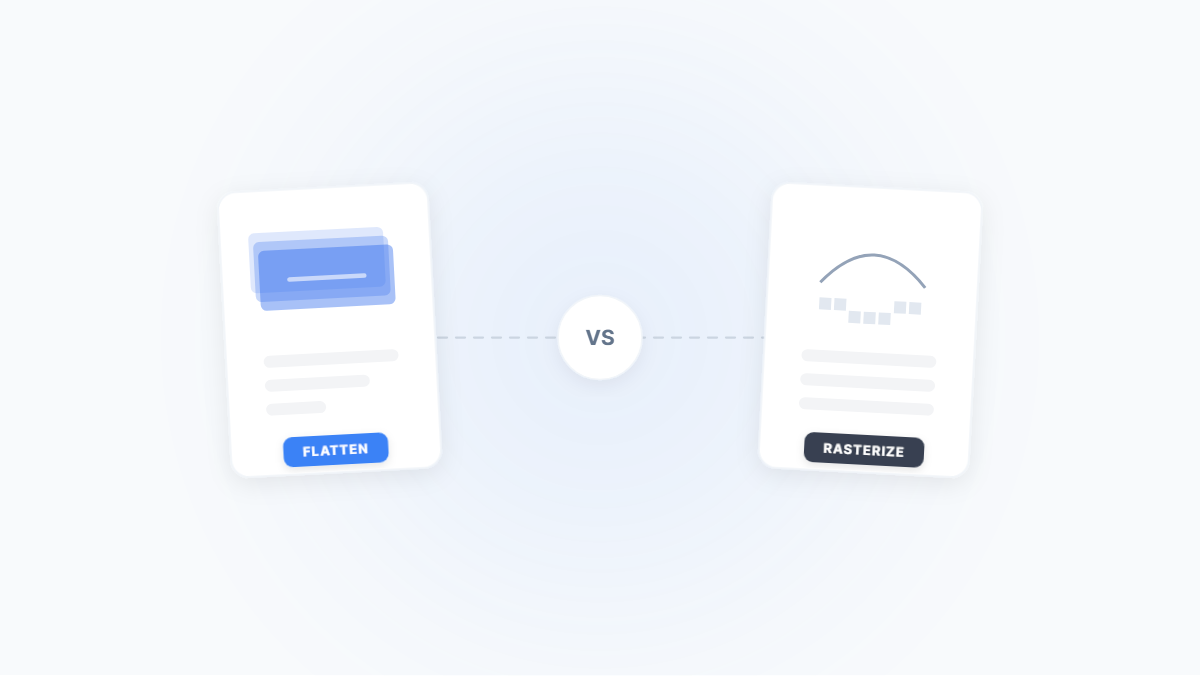
Flatten PDF vs. Rasterize PDF: Two Ways to Lock Down a Document — What's the Difference?
Both flattening and rasterizing can lock PDF content, but one preserves text while the other turns everything into an image. This article uses real-world scenarios to break down their differences, trade-offs, and when to use each.
PDF Password Types Explained: Open Password vs. Permission Password — Security Differences & Practical Guide
What's the difference between a PDF open password and a permission password? Open passwords use AES-256 to encrypt content and can't be bypassed; permission passwords are merely a 'gentleman's agreement' and can be removed instantly. This article breaks down the underlying mechanisms and best practices for both.