
Runs in your browser — nothing is uploaded
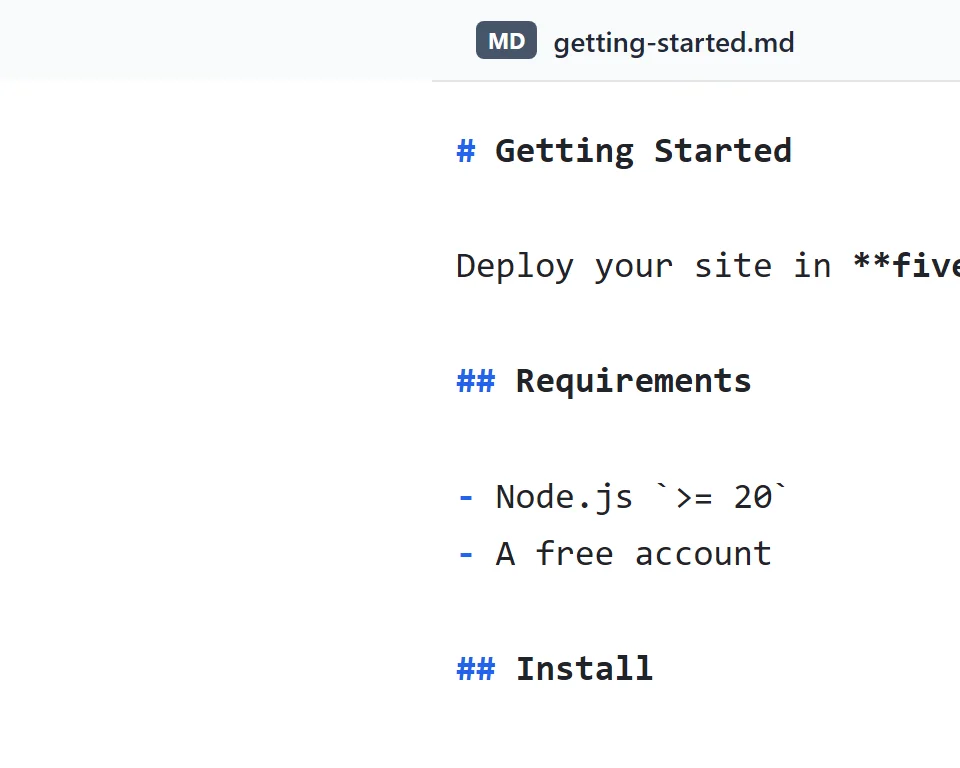
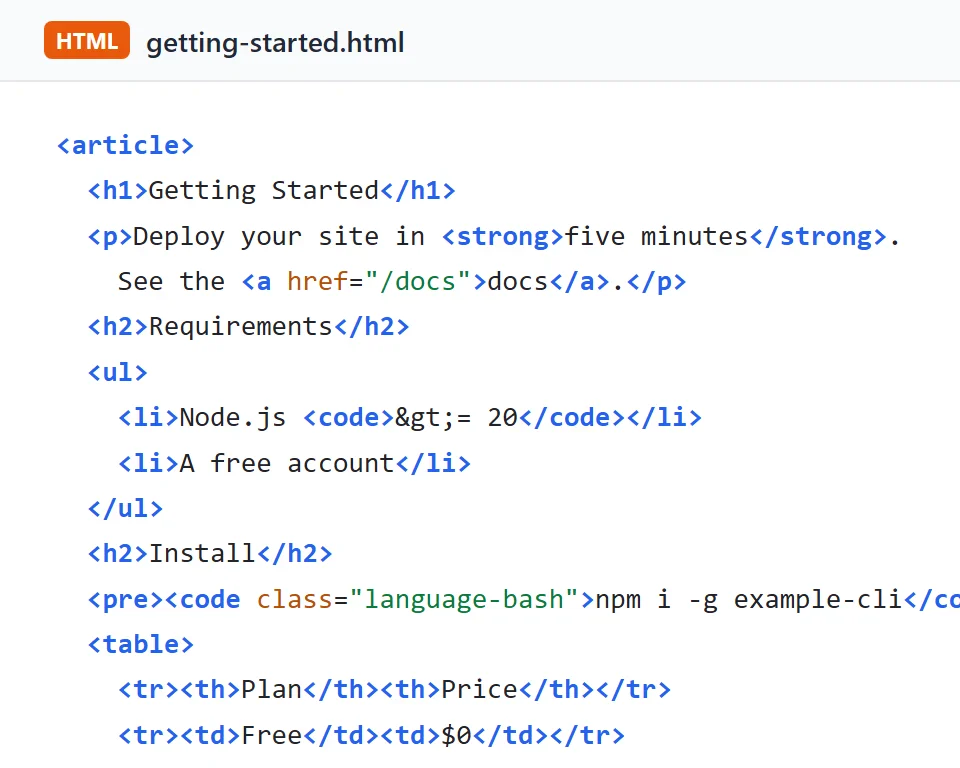
Markdown Ready for Notes, Docs and AI
Copy the Page, Not the Source

Page Clutter Removed

Tables and Code Intact

Fewer Tokens for AI

Private by Design

Need Another Format?

How to Convert HTML to Markdown
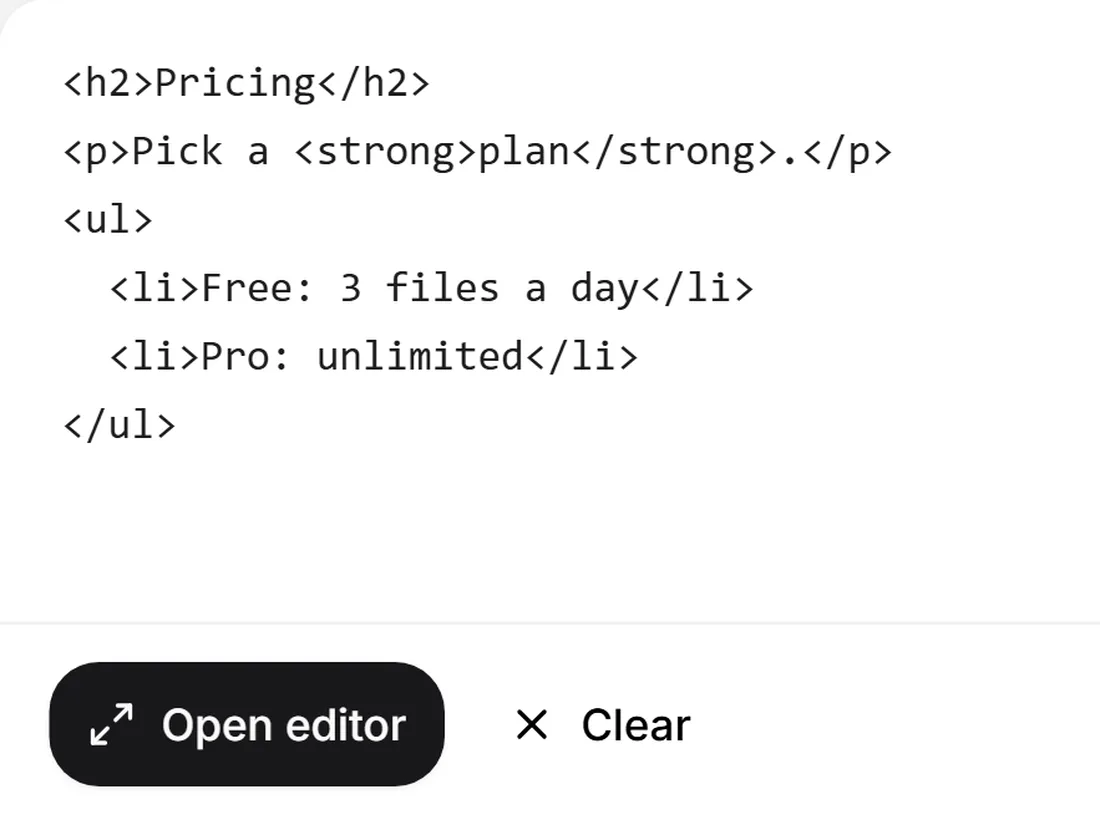
Copy From a Page or Paste HTML
Copy part of a web page and paste it into the editor, paste HTML code, or open an .html file.
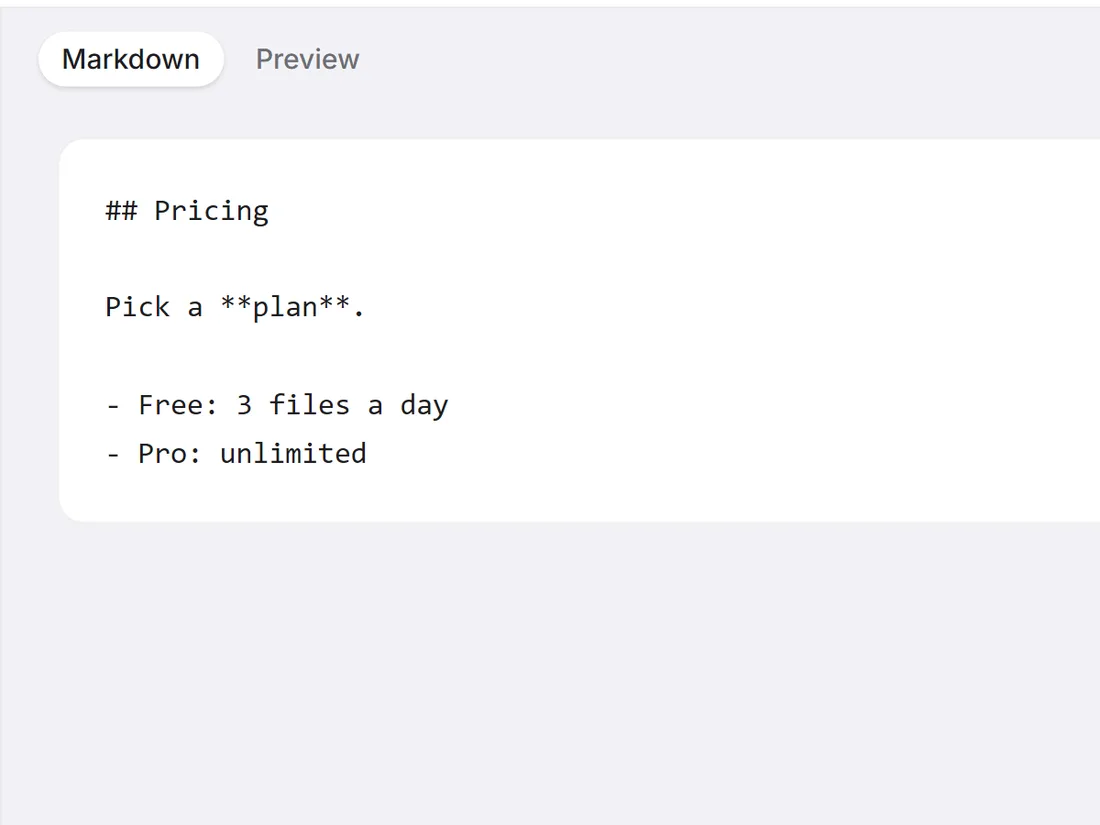
Review the Markdown
Check the Markdown output, or switch to Preview to see how it renders.
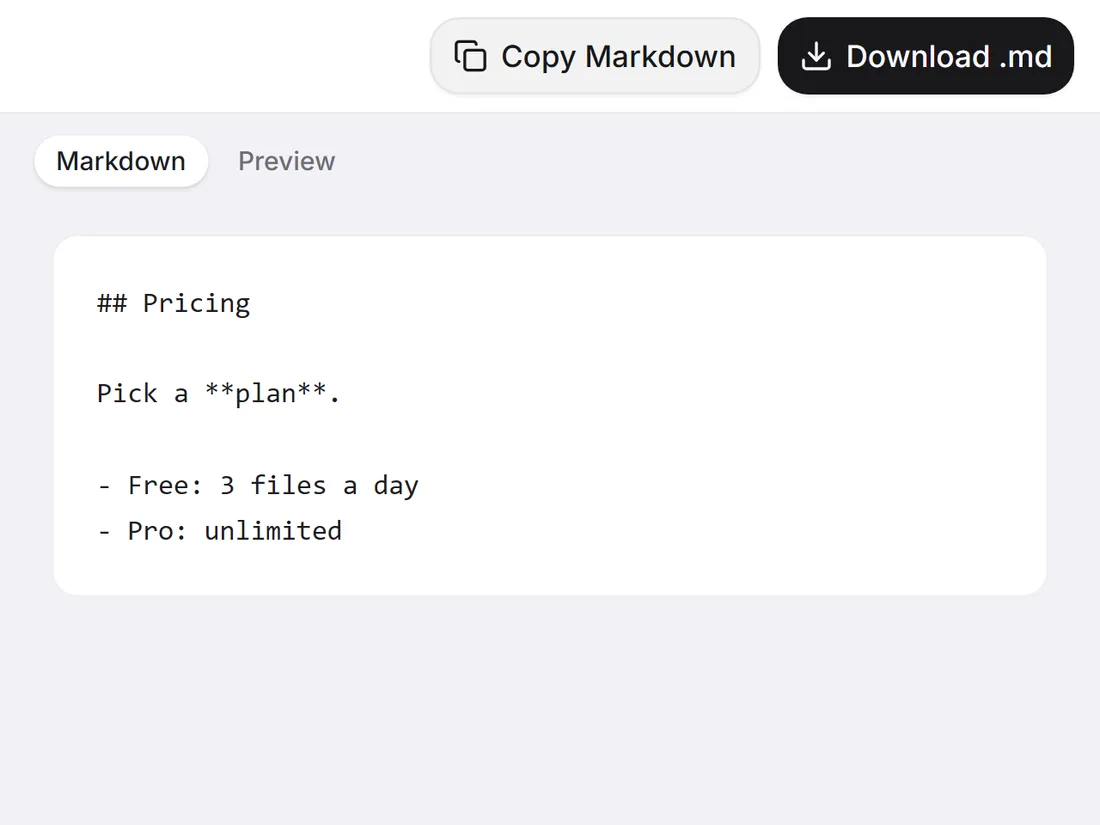
Copy or Download
Click Copy Markdown, or Download .md to save it as a file.
HTML to Markdown FAQ
Can I paste content directly from a website?
Yes. Select the part of the page you want, copy it with Ctrl+C or ⌘C and paste it into the editor. The formatted content on your clipboard is converted, not just the plain text.
What gets removed?
Scripts, styles, forms, buttons, iframes and page navigation such as menus, site headers, footers and sidebars. Inside an article, headers and asides are kept because they're usually part of the content.
Are relative links turned into full URLs?
No. Links and image paths are kept exactly as they appear in the HTML. Content copied from a live page in your browser usually already contains full addresses.
Which Markdown style do I get?
GitHub Flavored Markdown: # headings, - bullet lists, fenced code blocks, pipe tables, strikethrough and - [x] task lists.
Is it safe to paste HTML from sites I don't trust?
Yes. The HTML is parsed as data without running its scripts, the preview is sanitized, and nothing is sent to our servers.
Is there a size limit?
You can open .html files up to 5 MB. There's no daily limit, and it's free without sign-up.