
Beyond Removal: Intelligently Restore Clean Documents
Text & Image Watermark Removal

Automatic Full-Document Processing

Original Content Fully Preserved

Chain Multiple Operations

Processed on Secure EU Servers

No Downloads, Any Device

Remove PDF Watermarks in Just 3 Steps

Upload Your Watermarked PDF
Click "Choose Files" or drag and drop your PDF into the secure workspace.

Automatic Detection & Removal
The system automatically scans all pages, intelligently detecting and removing text and image watermarks.

Download Your Clean PDF
Processing completes in seconds — download your watermark-free, clean PDF document for free.
PDF Watermark Removal FAQ
Can it remove all types of watermarks?
It handles most text watermarks (like 'Draft', 'Confidential', company names) and image watermarks (like logos). Deeply embedded or rasterized watermarks may be harder to remove completely.
Will removing watermarks damage the document?
No. Watermark removal only targets the watermark layer — the original text, images, and layout formatting are 100% preserved.
Is it legal to remove watermarks?
Only remove watermarks from documents you own or have authorization to modify. Removing watermarks from copyrighted materials without permission may violate applicable laws.
What are the free plan limits?
Free users can process PDFs up to 100 MB with no watermarks on the output. Need more? Upgrade to Pro for files up to 2 GB.
Is watermark removal safe?
Your files are safe. All data is transferred via 256-bit encryption, processed on EU-based servers under GDPR compliance, and permanently deleted after processing.
Related Guides
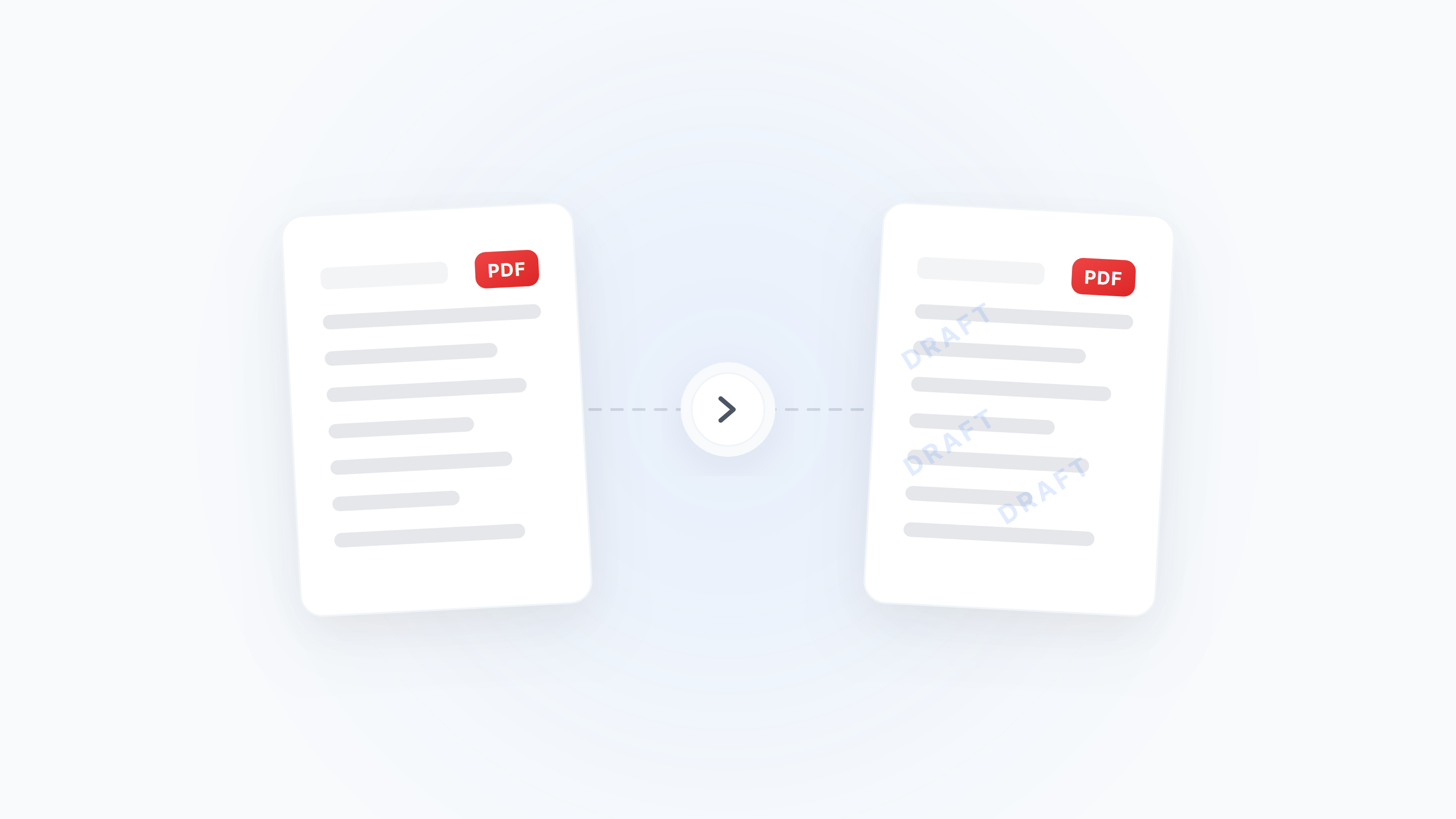
Complete Guide to Adding and Removing PDF Watermarks: From Brand Marking to Copyright Protection
Learn how to add text/image watermarks to PDFs, adjust opacity and position, and understand when watermark removal is safe. Covers business branding, copyright protection, anti-tampering, and more.
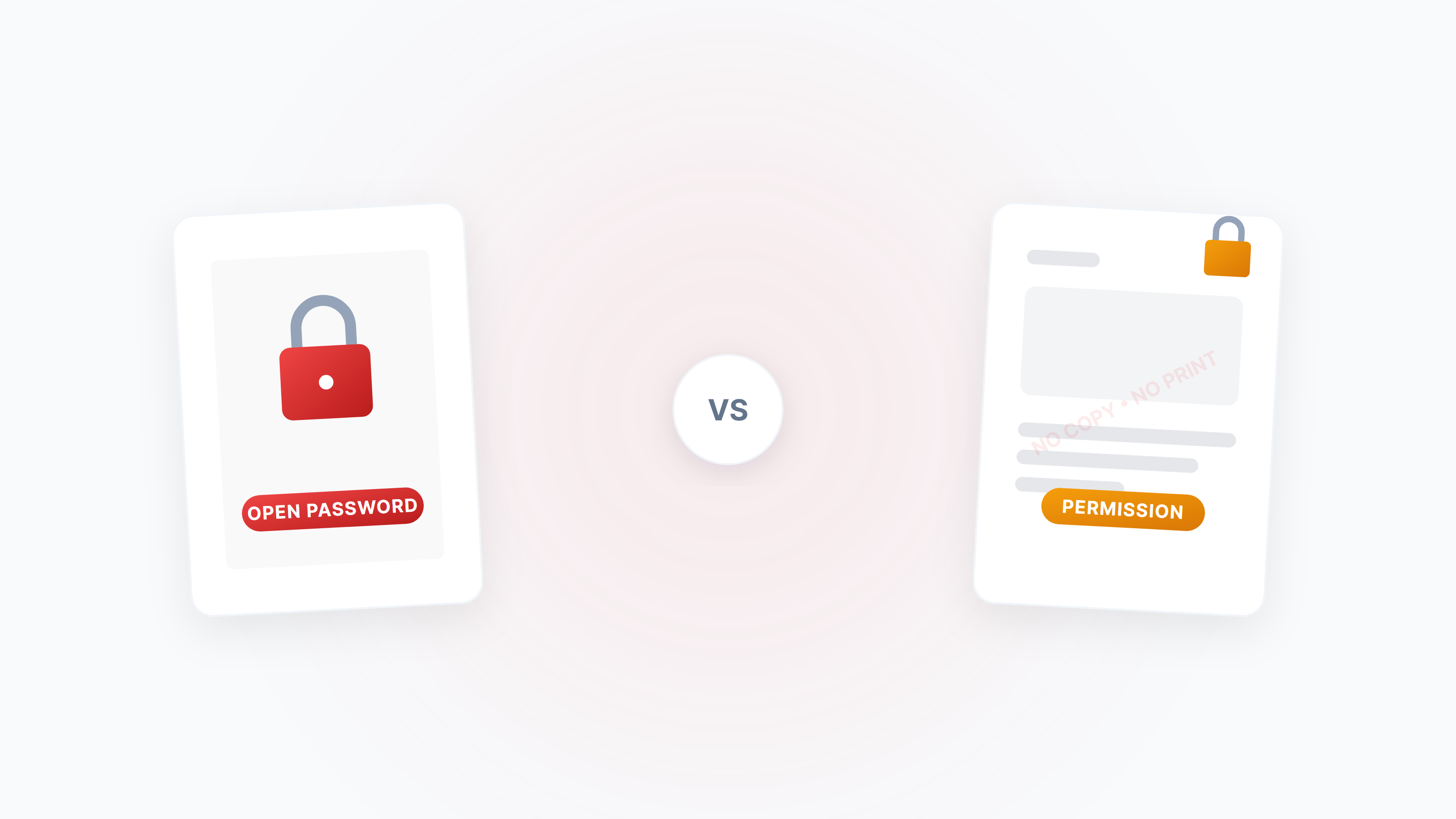
The Complete Guide to PDF Protection and Unlocking: Passwords, Permissions, and Security Strategies
A systematic guide to the two PDF password types (open password vs permission password), how to disable copying/printing/editing, and how to legally unlock restricted PDFs.
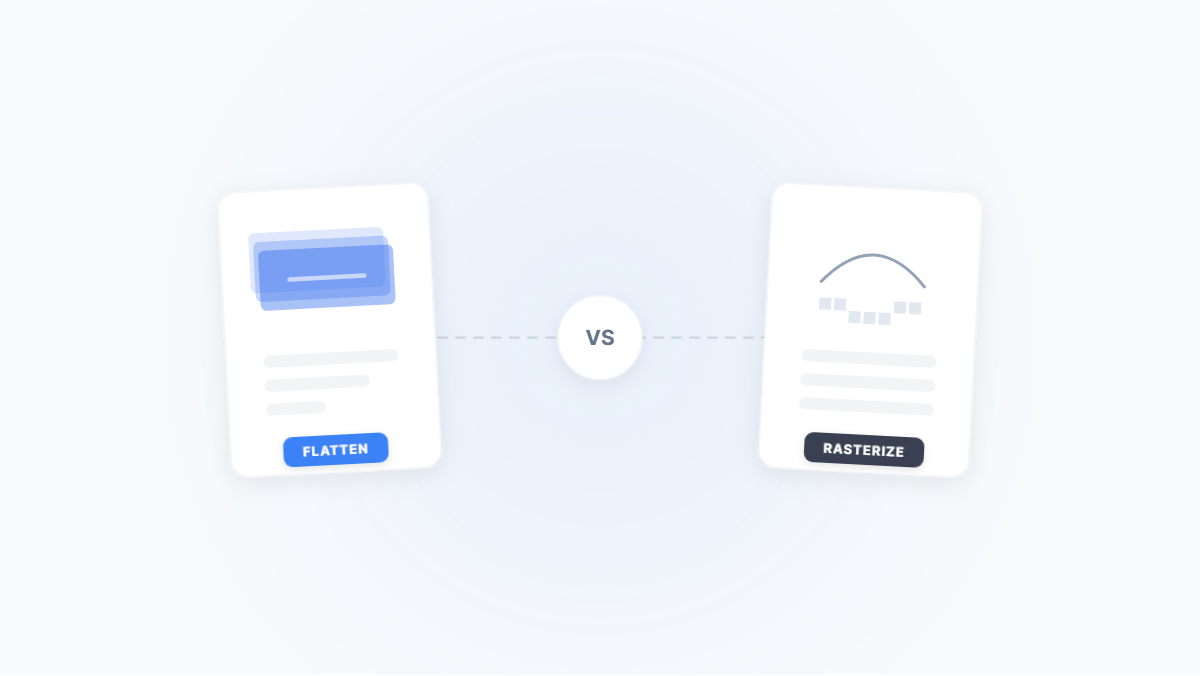
Flatten PDF vs. Rasterize PDF: Two Ways to Lock Down a Document — What's the Difference?
Both flattening and rasterizing can lock PDF content, but one preserves text while the other turns everything into an image. This article uses real-world scenarios to break down their differences, trade-offs, and when to use each.