
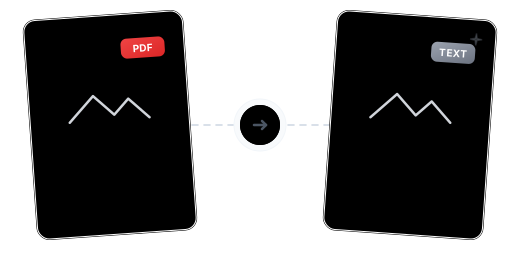
Beyond Extraction: Intelligent Text Recognition
Dual-Mode Text Extraction

Multi-Language OCR Recognition

Clean Plain Text Output

Keep Working After Conversion

Your Data, Protected

Works on Every Device

Convert PDF to TXT in Just 3 Steps

Upload Your PDF
Click "Choose Files" or drag and drop your PDF into the secure workspace.

Choose Conversion Mode
The system auto-detects the document type. Enable OCR and select recognition languages for scanned documents.

Download Your TXT File
Conversion completes in seconds — download your plain text file for free.
PDF to TXT Conversion FAQ
Can scanned documents be converted?
Yes. Enable OCR and the system will recognize text in scanned documents and output it as plain text.
What OCR languages are supported?
Chinese, English, and many other languages. Select multiple languages simultaneously to improve recognition accuracy.
Can I use this on my mobile phone?
Absolutely. Our tool is entirely web-based and compatible with all major browsers. Whether you're on a phone, tablet, or computer, you can process files anywhere.
What are the free plan limits?
Free users can process PDFs up to 100 MB. Upgrade to Pro for larger files.
Is the conversion safe?
Your files are safe. 256-bit encrypted transfer, EU-based servers, GDPR compliant, and permanently deleted after processing.
Related Guides
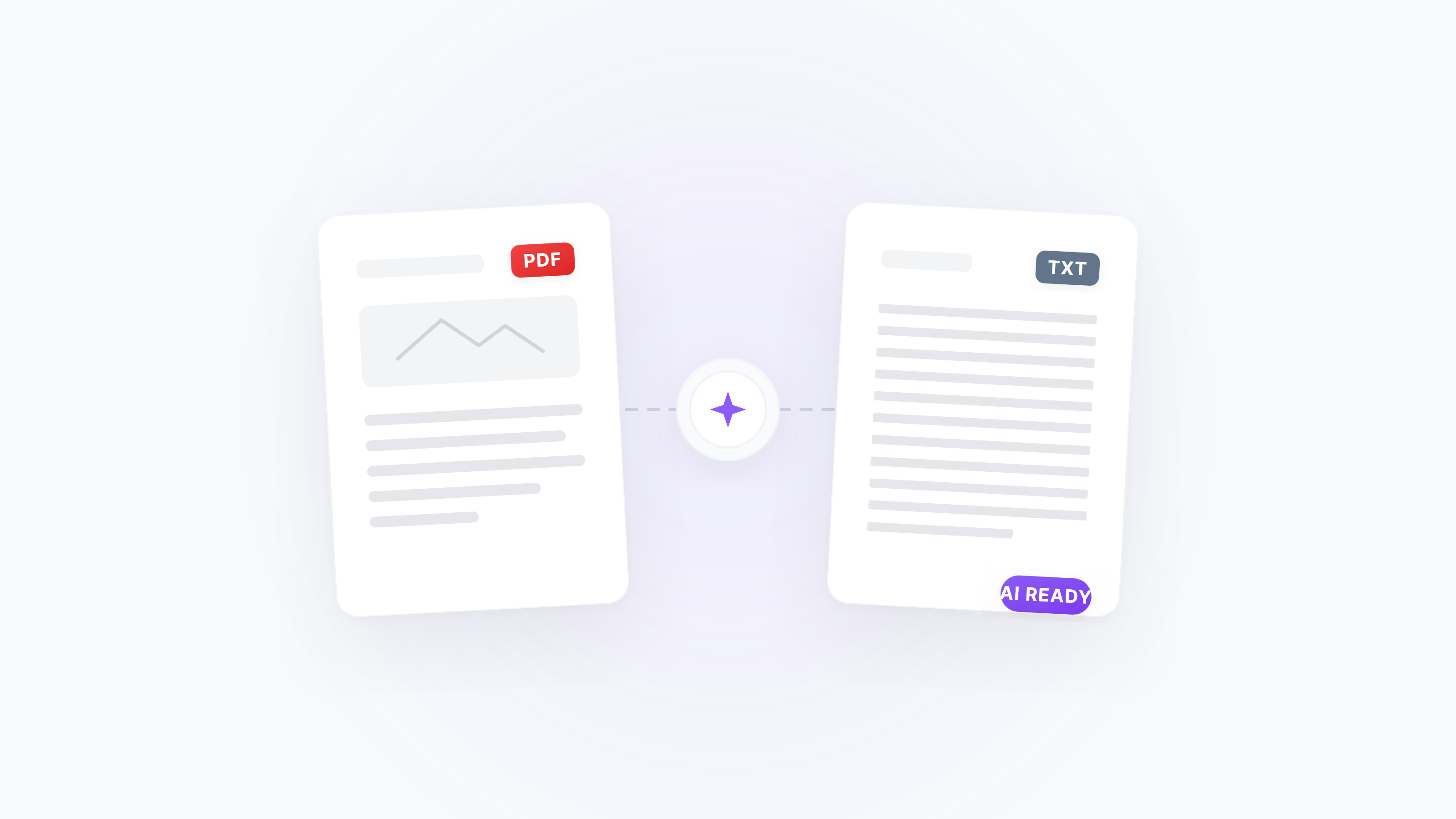
PDF to Text (TXT) Best Practices: Do These Steps Before Feeding AI for Summarization / Retrieval
Want to feed PDF text to ChatGPT/Claude/Gemini? Crop, convert to B&W, then extract text — the tool auto-repairs and OCR — significantly reducing garbled text, broken lines, and lost table structure.
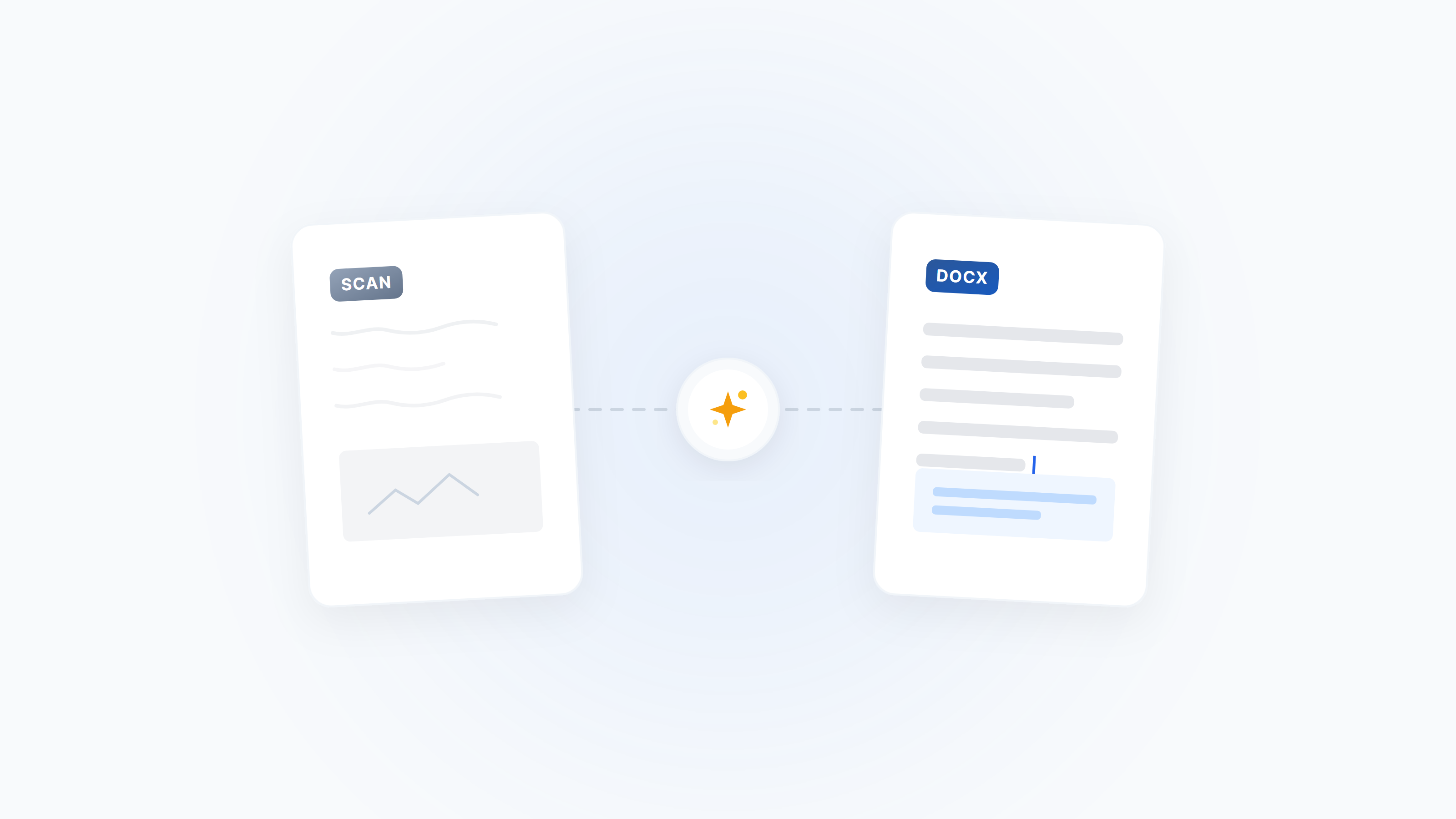
Scanned PDF to Editable Word: Complete Guide (OCR + Layout Fixes)
Turn scanned/photo PDFs into editable Word — with a 10‑second OCR check, preprocessing tips, common pitfalls, and reliable fallbacks.
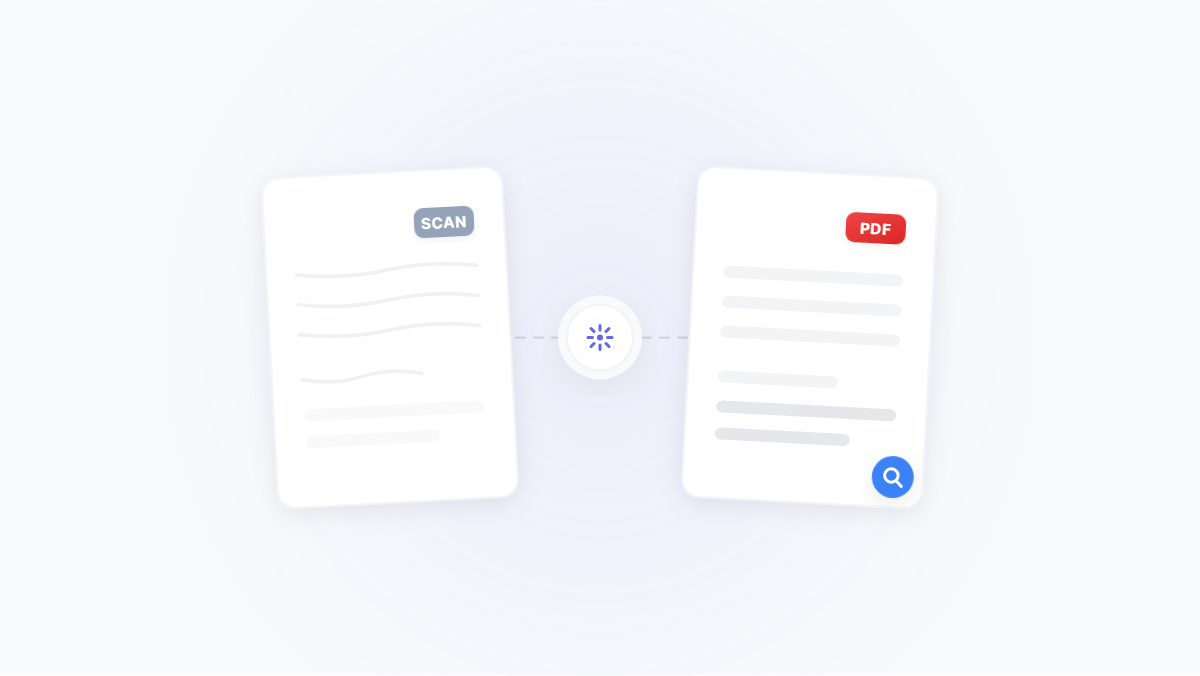
Make Scanned PDFs Searchable: An OCR Best‑Practice Guide (Accuracy & Size)
Turn image-based PDFs/scans into searchable, copyable text — covering preprocessing, language selection, table recognition, export formats, and compression.