
Beyond Rasterization: Anti-Copy Content Protection
Three Encoding Modes to Choose From

Completely Non-Selectable Text

Anti-Edit & Anti-Tamper

Chain Multiple Operations

Secure Cloud Processing

No Installation Needed

Rasterize a PDF in Just 3 Steps

Upload Your PDF
Click "Choose Files" or drag and drop your PDF.

Automatic Rasterization
The system automatically converts each page to a high-resolution image and repackages as PDF.

Download Your Rasterized PDF
Download your rasterized PDF with non-selectable text — for free.
PDF Rasterization FAQ
What's the difference between the three encoding modes?
'Color' preserves all color information — largest file but best visual fidelity. 'Grayscale' removes color, keeping brightness levels — moderate size, ideal for printing. 'JBIG2 Black & White' retains only black and white — ultra-small files, best for text-only scans.
Will the visual appearance change?
Color encoding preserves appearance virtually identical to the original. Grayscale and black-and-white encoding removes color information, but text and layout remain crisp.
Can text still be searched after rasterization?
No. All text has been converted to images — it cannot be selected, copied, or searched. To restore text, use <a href='/ocr-pdf'>OCR recognition</a>.
What are the free plan limits?
Free users can process PDFs up to 100 MB. Upgrade to Pro for larger files.
Is it safe?
Your files are safe. 256-bit encrypted transfer, EU-based servers, GDPR compliant, and permanently deleted after processing.
Related Guides
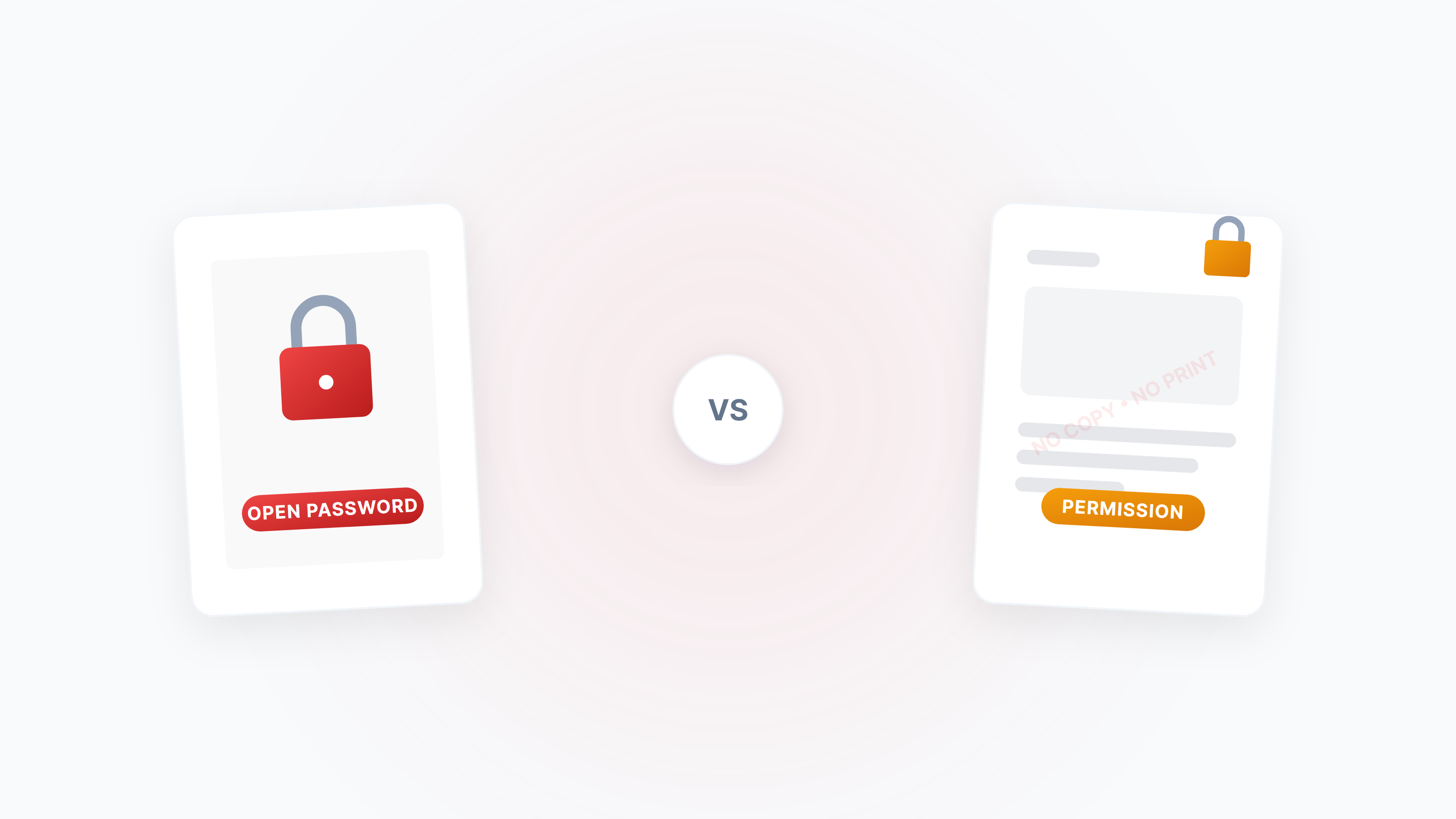
The Complete Guide to PDF Protection and Unlocking: Passwords, Permissions, and Security Strategies
A systematic guide to the two PDF password types (open password vs permission password), how to disable copying/printing/editing, and how to legally unlock restricted PDFs.
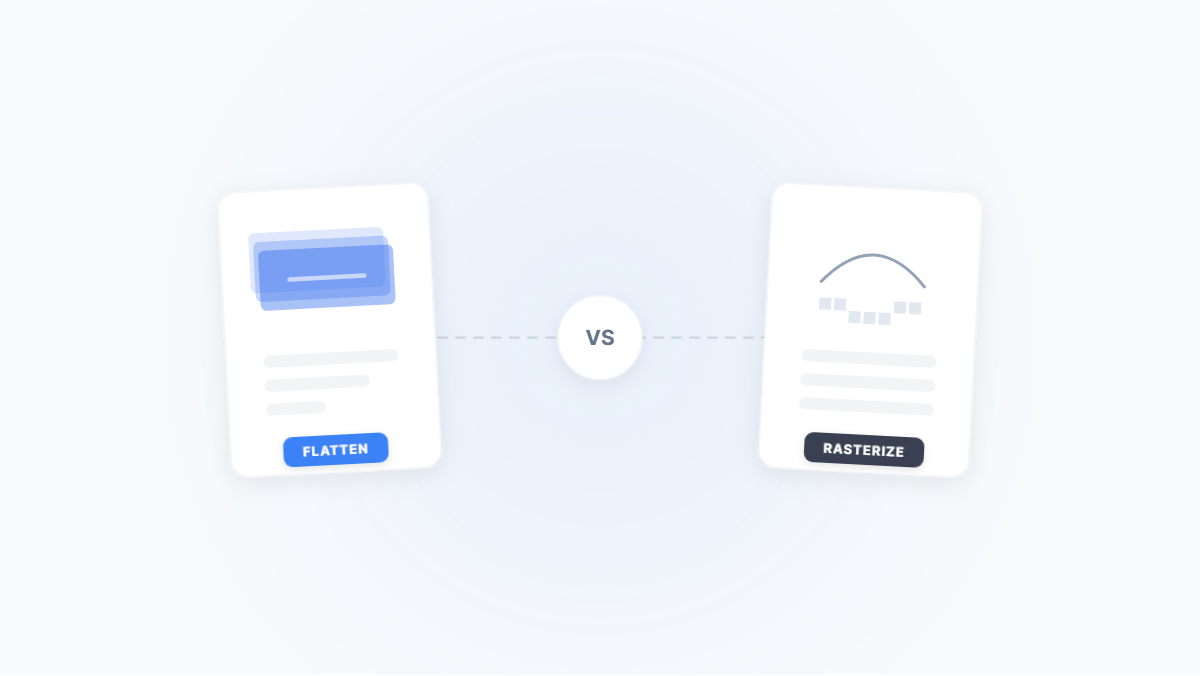
Flatten PDF vs. Rasterize PDF: Two Ways to Lock Down a Document — What's the Difference?
Both flattening and rasterizing can lock PDF content, but one preserves text while the other turns everything into an image. This article uses real-world scenarios to break down their differences, trade-offs, and when to use each.
PDF Password Types Explained: Open Password vs. Permission Password — Security Differences & Practical Guide
What's the difference between a PDF open password and a permission password? Open passwords use AES-256 to encrypt content and can't be bypassed; permission passwords are merely a 'gentleman's agreement' and can be removed instantly. This article breaks down the underlying mechanisms and best practices for both.