Markdown to PDF

Paste Markdown or an AI answer, preview it, and save a print-ready PDF β€” free, nothing uploaded

Runs in your browser β€” nothing is uploaded

Markdown to PDFRight in Your Browser

Paste Markdown or an AI answer and save a real PDF with selectable text and clickable links, without uploading anything
  • Tables, task lists, footnotes and code keep their layout
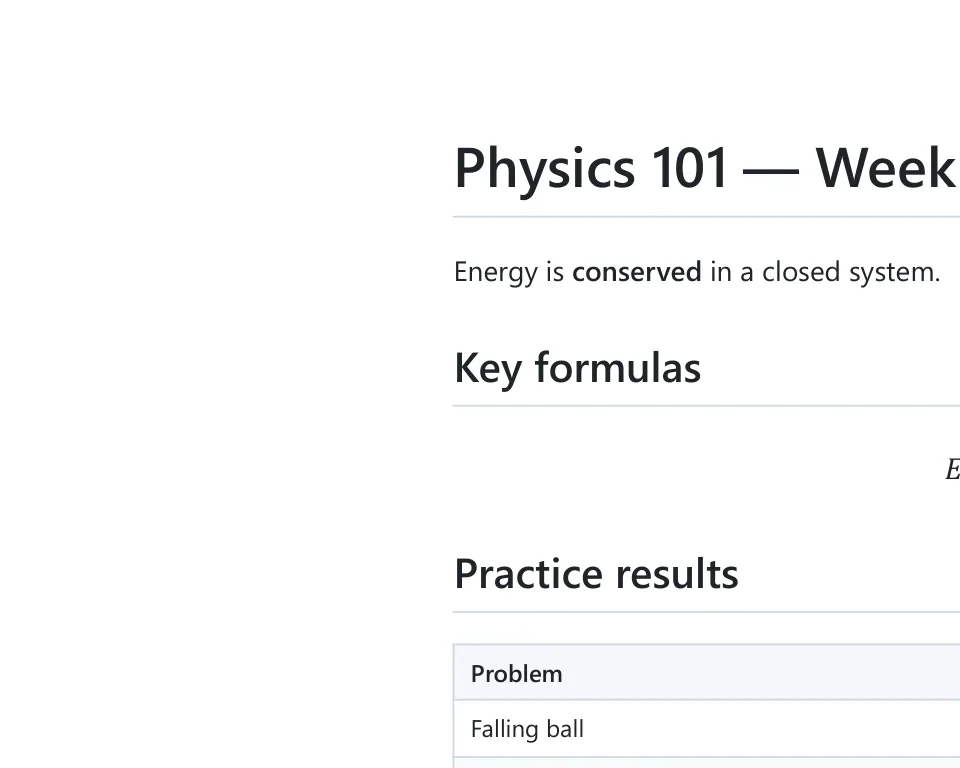
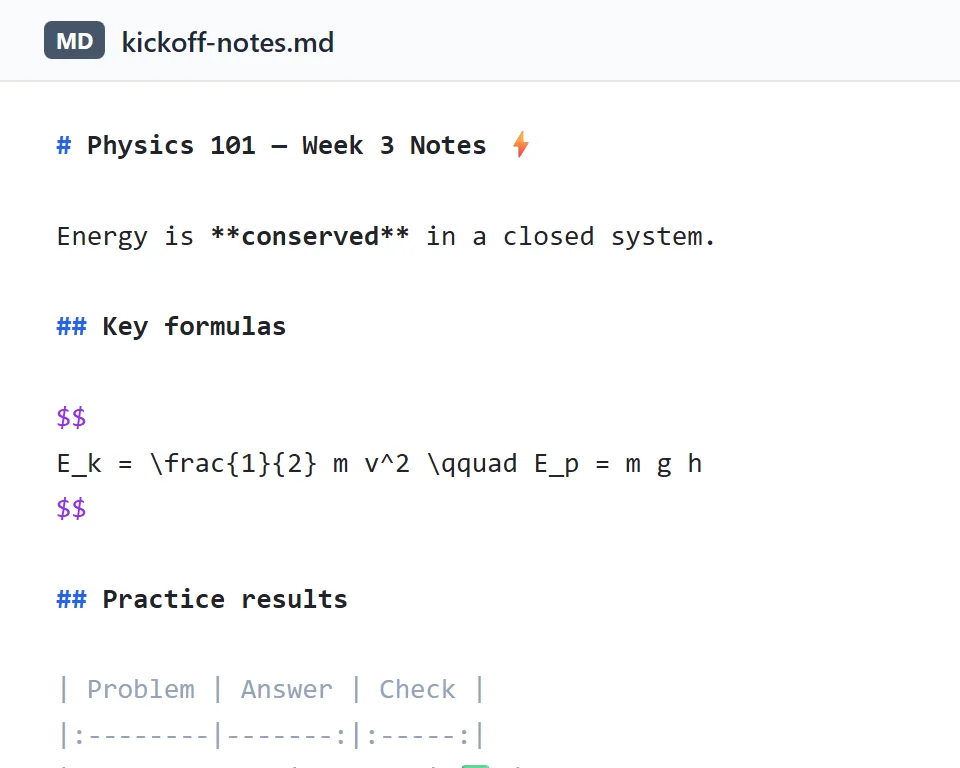
  • $…$ and \(…\) math prints as formulas, not raw LaTeX
  • Color emoji and Chinese, Japanese and Korean text print correctly
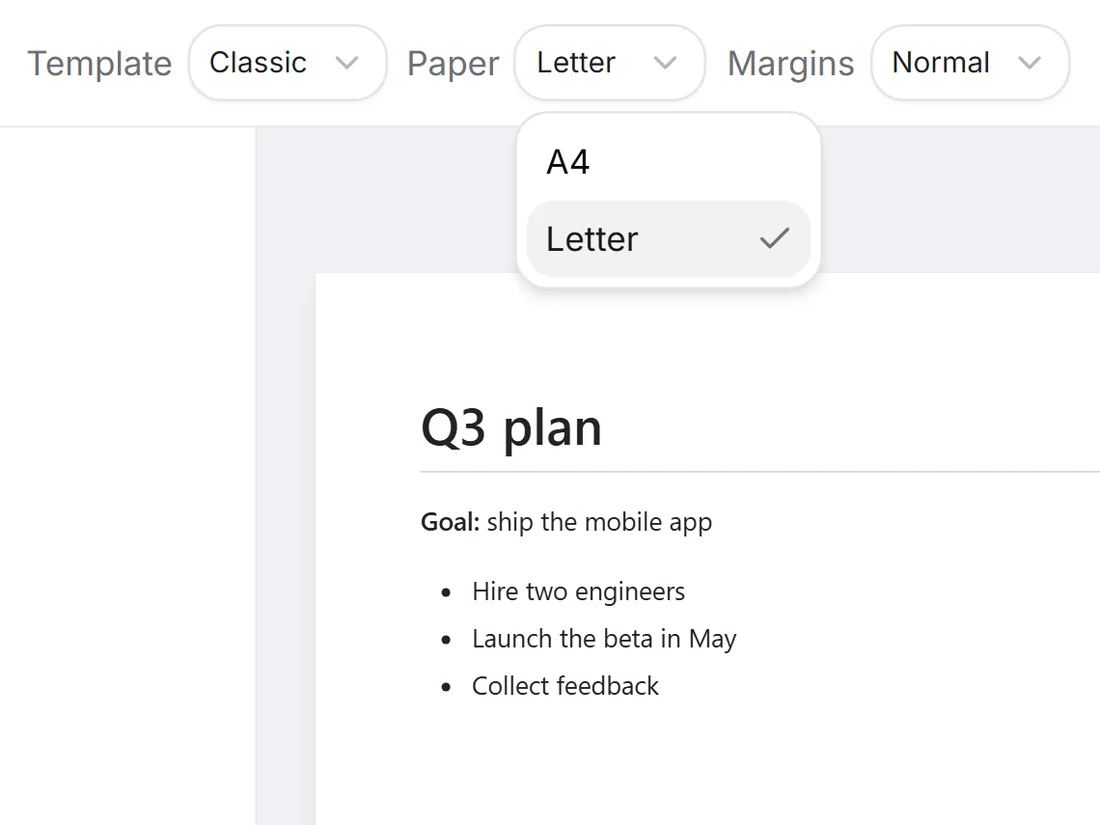
  • A4 or Letter, three margins, no browser header or footer
Markdown to PDF

Made for Notes, READMEs and AI Answers

Never Leaves Your Browser

Rendering and export happen on your device. Nothing reaches our servers, so meeting notes and internal docs stay private.

Real Math, Color Emoji

Inline and block math, including ChatGPT's \( \) and \[ \], is typeset as real formulas. Emoji print in full color.

Smart Page Breaks

Headings stay with their text, and code blocks, quotes and table rows aren't split across pages.

A Real PDF, Not a Screenshot

Your browser makes a vector PDF: sharp at any zoom, searchable and copyable. Long tables repeat their header on every page.

Clean Pages, Your Size

A4 or US Letter with normal, narrow or no margins, and no browser date, URL or title printed in the corners.

Need Another Format?

Publishing on the web? Convert Markdown to HTML instead. Starting from a PDF? Turn it back into Markdown.

How to Convert Markdown to PDF

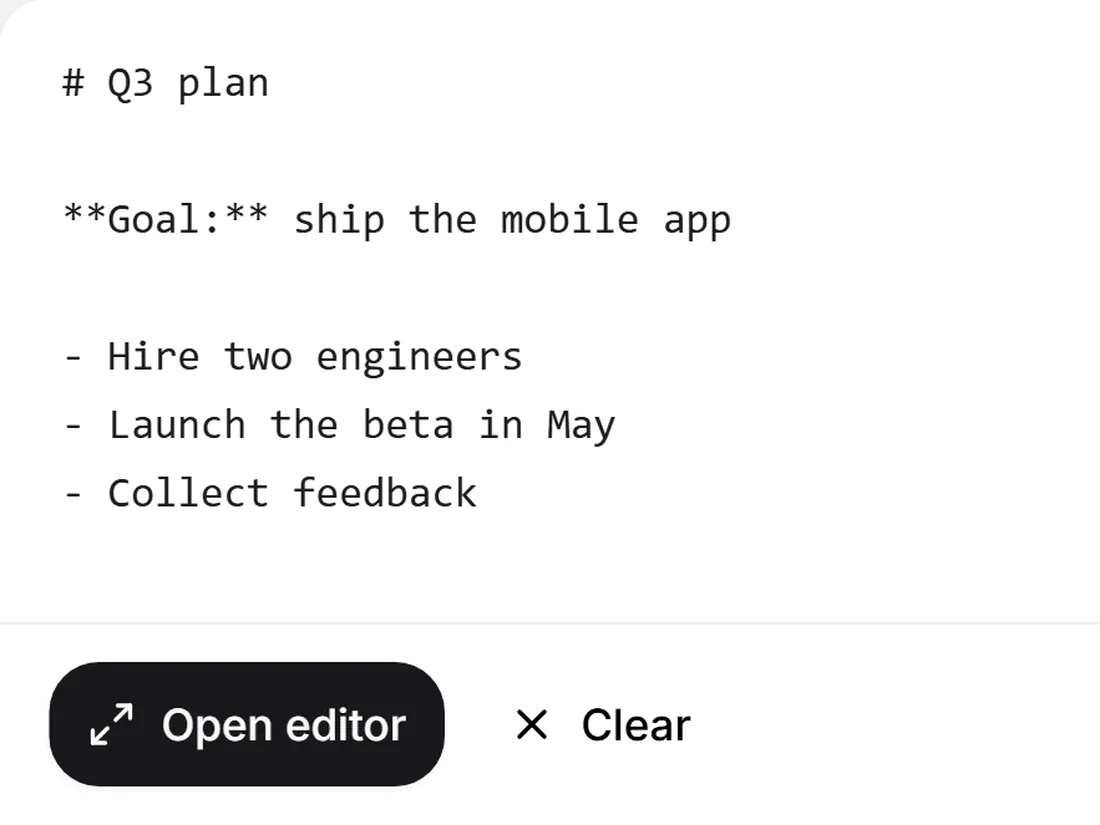
  1. Paste or Open Your Markdown

    Type or paste Markdown into the editor, or open a .md file from your computer.

  2. Check the Preview

    Review the live preview, then pick A4 or Letter and a margin size.

  3. Save as PDF

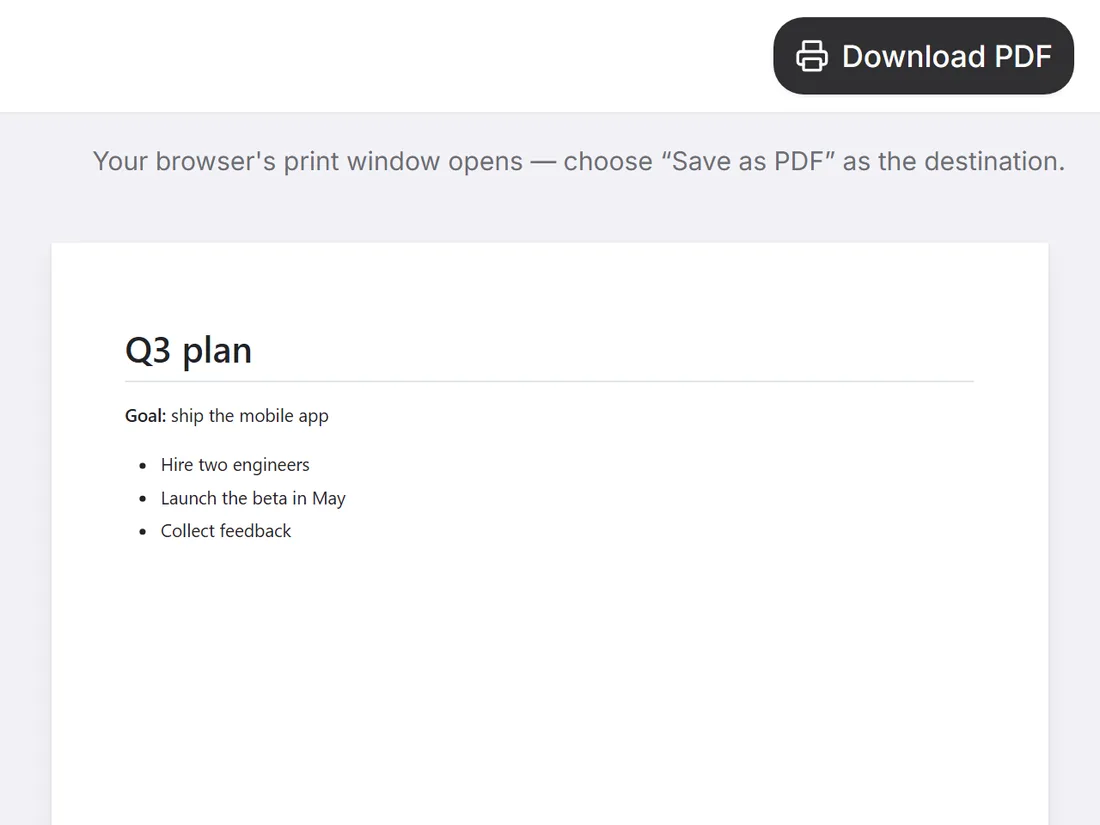
    Click Download PDF and choose β€œSave as PDF” in the print window that opens.

Markdown to PDF FAQ

Why does a print window open?

The PDF is created by your browser's built-in print engine, which keeps the file on your device and the text selectable. Choose β€œSave as PDF” as the destination and click Save.

Is it free? Is there a watermark?

It's free, with no sign-up, no daily limit and no watermark. You can open Markdown files up to 5 MB.

Are my files uploaded?

No. Your Markdown is read, rendered and turned into a PDF inside your browser. Nothing is sent to our servers.

Which Markdown syntax is supported?

Standard Markdown plus GitHub extras: tables, task lists, strikethrough, footnotes, autolinks and fenced code with syntax highlighting. Math in $…$, $$…$$, \(…\) and \[…\] is supported; Mermaid diagrams are not.

Why are some images missing?

Images with a web address (https://…) are included. Images with a relative path such as img/photo.png point to files on your computer that the page can't open, so their alt text is shown instead.

Can I turn a ChatGPT or Claude answer into a PDF?

Yes. Use the copy button under the answer to copy it as Markdown, paste it into the editor and download the PDF. Headings, lists, tables, code and formulas keep their formatting.

Does it work on phones?

Yes, but phone browsers put β€œSave as PDF” in the print or share menu, and results vary. For the cleanest PDF, use Chrome, Edge, Firefox or Safari on a computer.