
Beyond Grayscale: Optimized Printing & Storage
Black & White and Grayscale Dual Modes

Save Printing Costs

File Size Optimization

Chain Multiple Operations

Your Files Stay Private

Use It Anywhere

Convert PDF to Black & White in Just 3 Steps

Upload Your PDF
Click "Choose Files" or drag and drop your color PDF.

Automatic Conversion
The system automatically converts all color content to black-and-white grayscale.

Download Your Black & White PDF
Download your grayscale PDF — for free.
PDF Black & White Conversion FAQ
What's the difference between Black & White and Grayscale modes?
Black & White mode converts all content to pure B/W — major file size reduction, best for text-only documents. Grayscale mode preserves tonal depth (256 levels of gray) — photos and gradients remain distinguishable, ideal for documents with images.
Will text still be clear?
Yes. Both modes preserve text sharpness and readability — only color information is removed.
Can I use this on my mobile phone?
Absolutely. Our tool is entirely web-based and compatible with all major browsers. Whether you're on a phone, tablet, or computer, you can process files anywhere.
What are the free plan limits?
Free users can process PDFs up to 100 MB. Upgrade to Pro for larger files.
Is the conversion safe?
Your files are safe. 256-bit encrypted transfer, EU-based servers, GDPR compliant, and permanently deleted after processing.
Related Guides
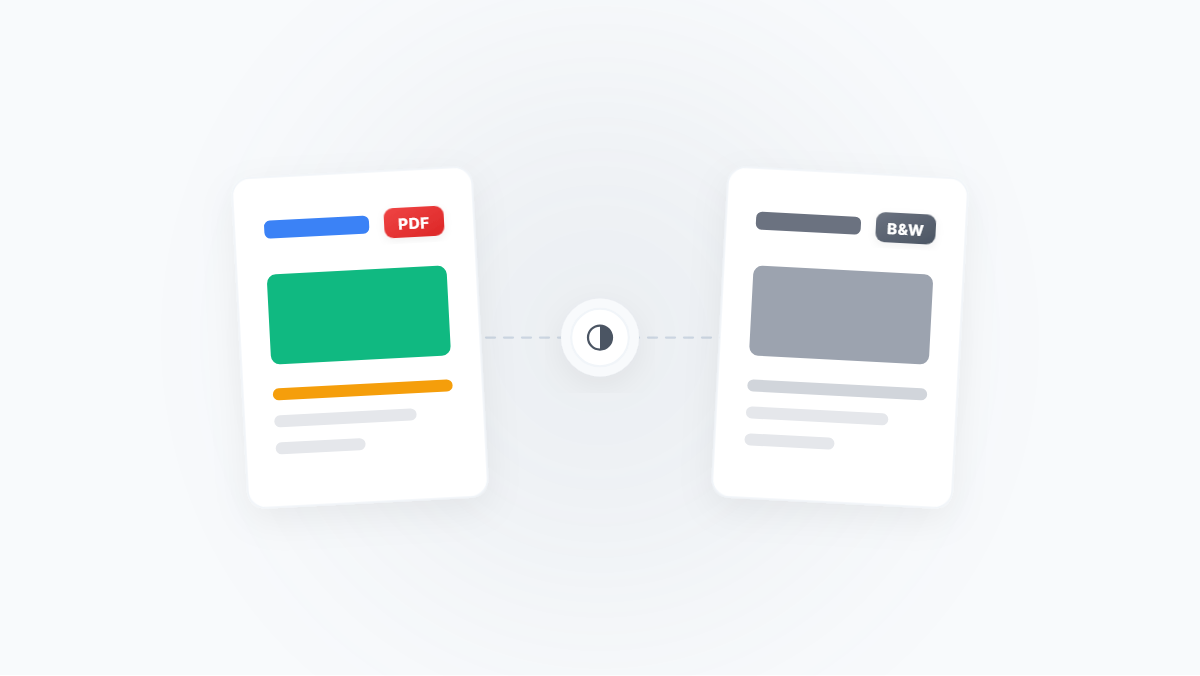
Convert Color PDF to Black & White/Grayscale: The Best Solution for Ink-Saving Printing and Maximum Compression
A complete guide to converting color PDFs to black & white or grayscale mode, covering ink-saving printing, maximum compression, OCR optimization, and more — with a clear breakdown of black & white vs. grayscale and step-by-step workflows.
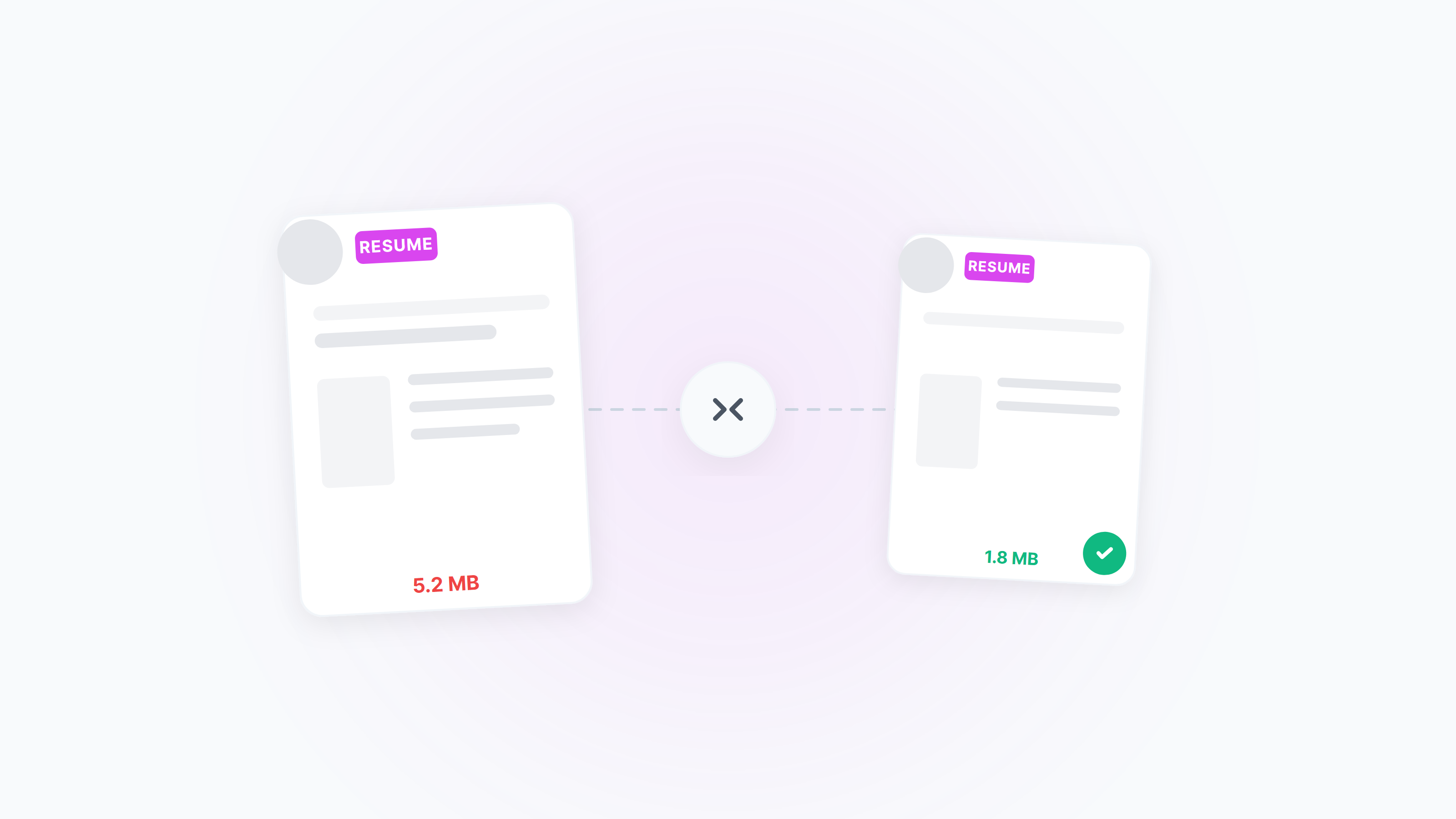
Compress Resume PDF to 2MB — Clear and ATS‑Friendly
Meet the common “≤2MB” resume limit without losing clarity. Practical online settings plus native Windows/macOS ideas, with tips for black‑and‑white, unified page size, and image optimization.
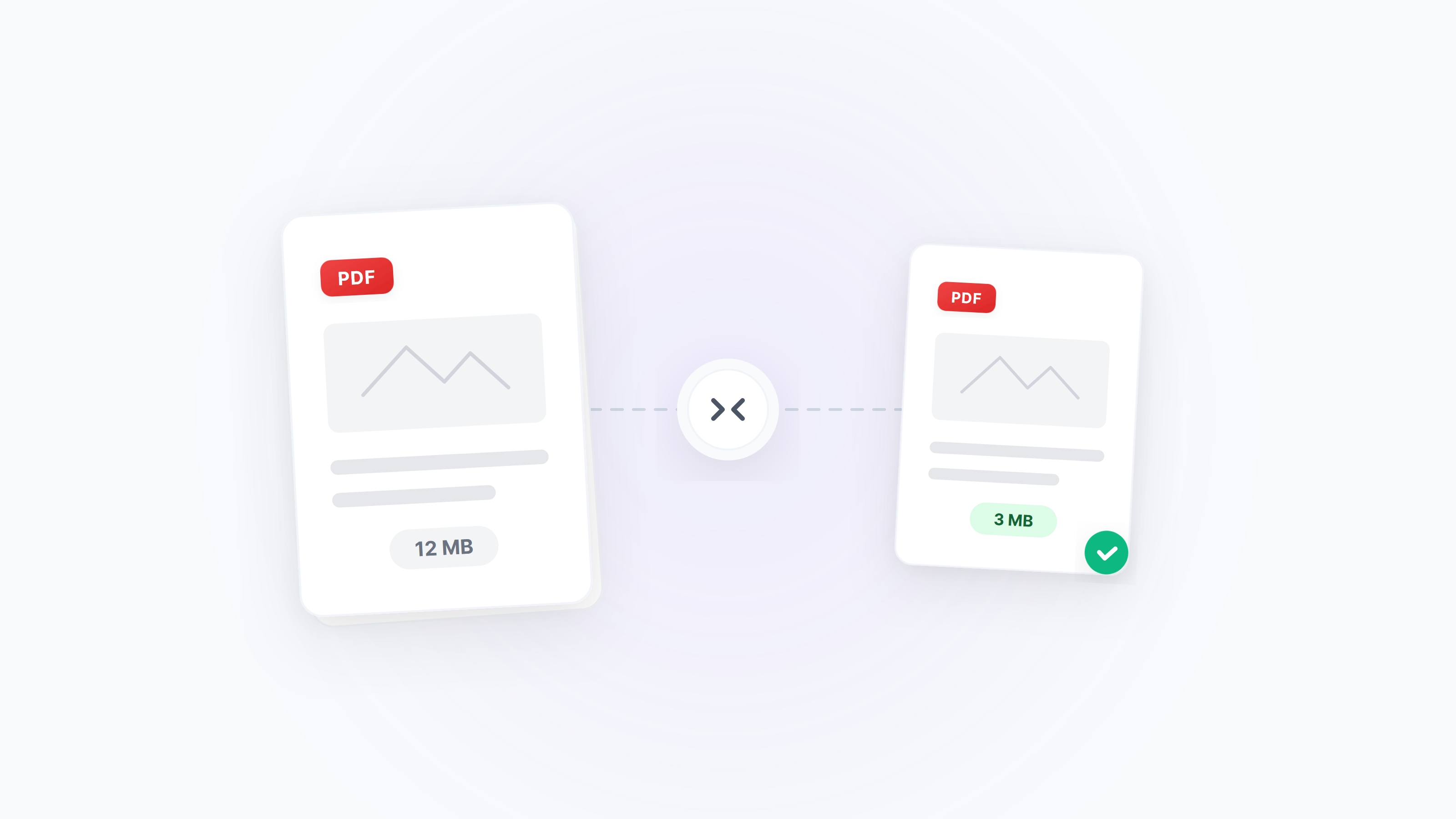
Complete Guide to PDF Compression
Choose the best compression solution based on PDF document type and usage scenario