Markdown to HTML

Copy clean HTML code or download a ready-to-open web page β€” converted in your browser

Runs in your browser β€” nothing is uploaded

Markdown to HTMLYou Can Use Right Away

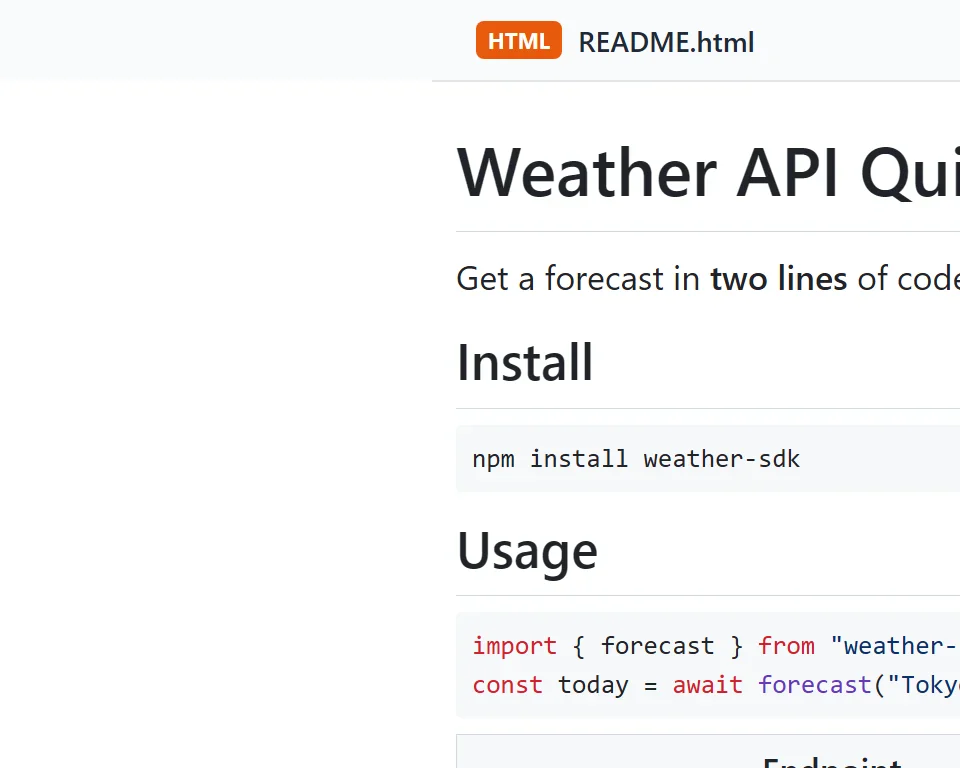
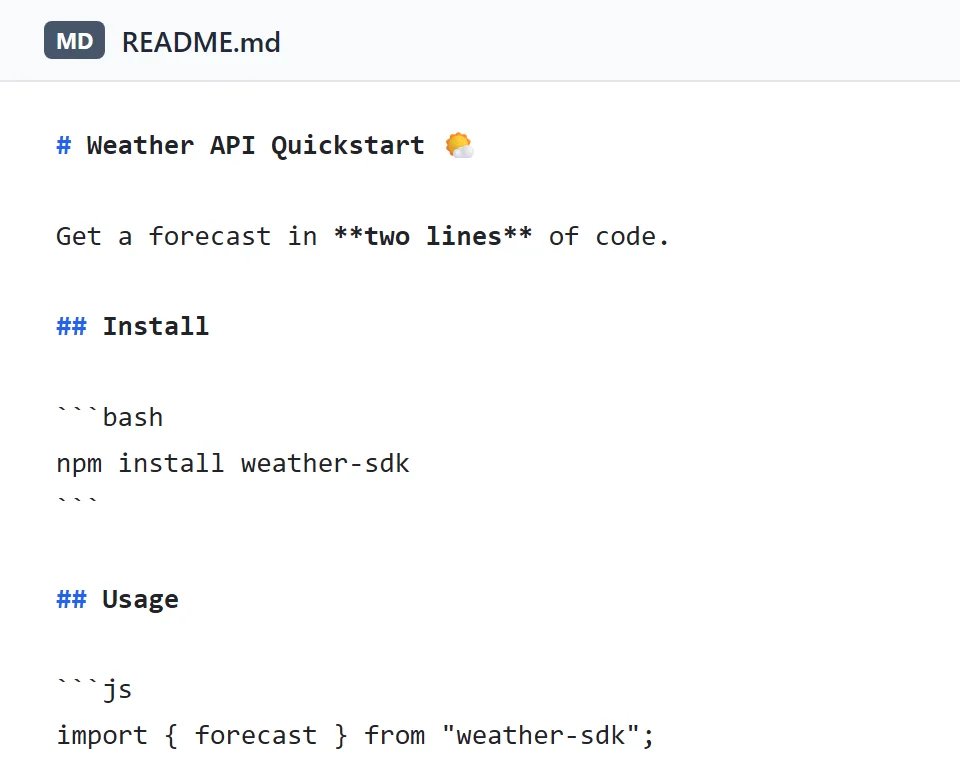
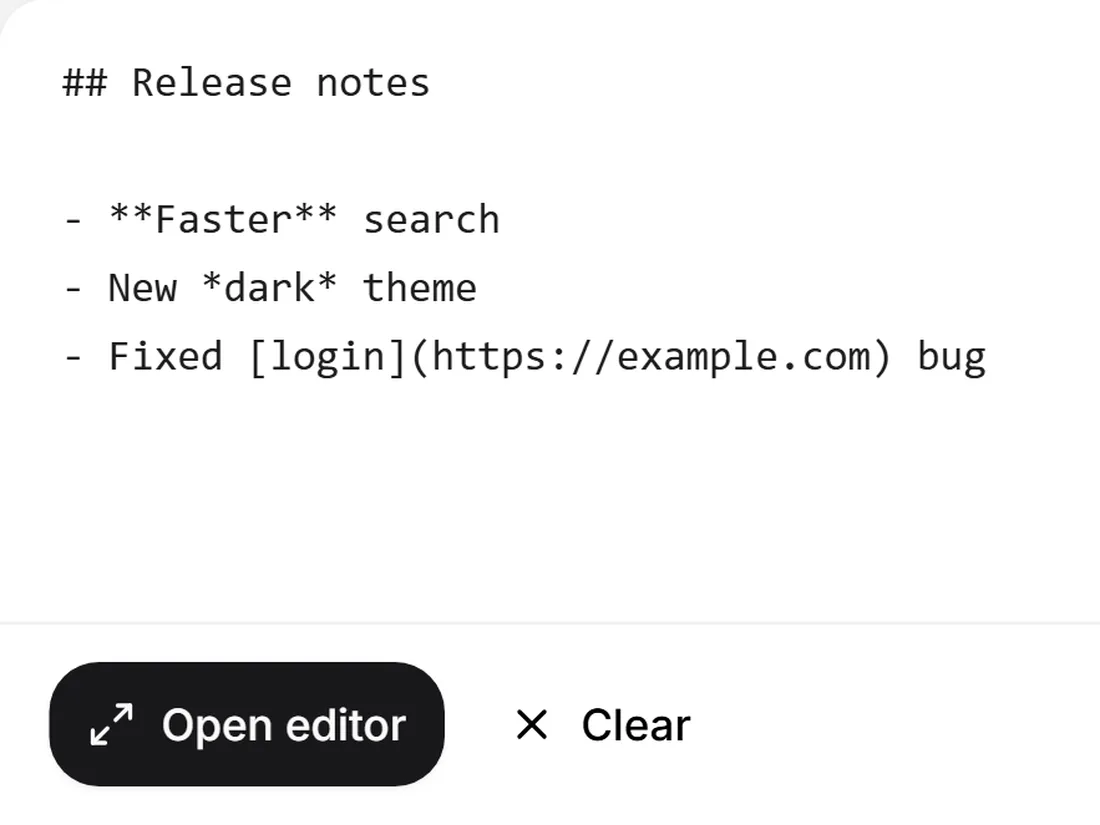
Paste Markdown and copy clean HTML for your CMS, or download a styled .html file that looks just like the preview
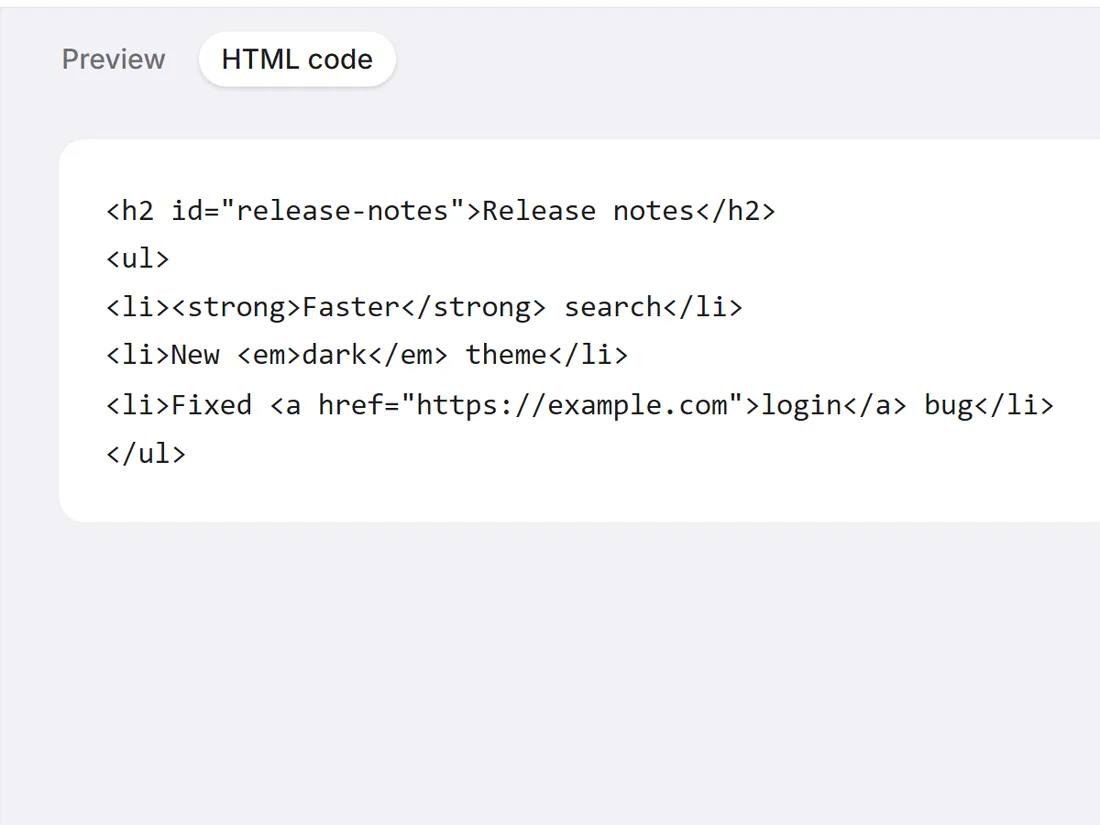
  • Copy HTML gives you semantic tags: h1–h6, lists, tables, pre and code
  • Download HTML saves one self-contained file with no CSS or scripts to host
  • Formulas become MathML that browsers display without a math library
  • HTML inside your Markdown is kept, but scripts and event handlers are removed
Markdown to HTML

From Markdown to a Page That Works Anywhere

One File With Styles Built In

The downloaded .html carries its own stylesheet, so headings, tables, code blocks and quotes stay styled when you email it, attach it or open it offline.

Clean HTML for Any CMS

Copy HTML gives you only the content markup, ready to paste into WordPress, Ghost, an email builder or a static site.

Math Without Scripts

Formulas are converted to MathML, which modern browsers render natively β€” no KaTeX or MathJax to load on your page.

Safe to Paste Anywhere

Any HTML inside your Markdown is sanitized before you see or copy the result: scripts, inline event handlers and iframes are stripped.

Switch Code and Preview

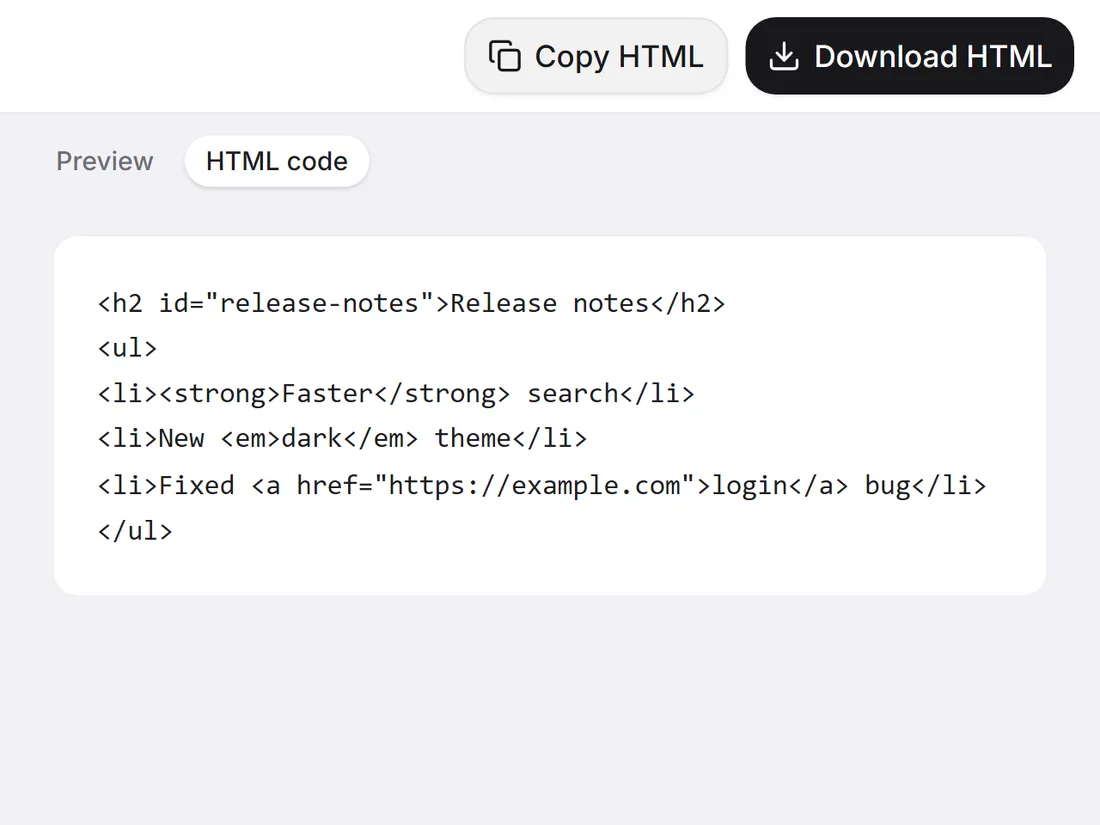
Switch between the HTML code and the rendered page while you edit, so you know exactly what you're about to copy.

Need Another Format?

Need a printable document? Convert Markdown to PDF. Have HTML that should become Markdown? Use HTML to Markdown.

How to Convert Markdown to HTML

  1. Paste or Open Your Markdown

    Type or paste Markdown into the editor, or open a .md file.

  2. Check the Code and Preview

    Switch between the HTML code and the rendered page to review the result.

  3. Copy or Download

    Click Copy HTML to paste the code elsewhere, or Download HTML to save a complete web page.

Markdown to HTML FAQ

What's the difference between Copy HTML and Download HTML?

Copy HTML copies only the content markup, without <html>, <head> or styles, for pasting into another page or editor. Download HTML saves a complete web page with the stylesheet built in, so it opens on its own and looks like the preview.

Is the generated HTML clean?

Yes. It uses standard tags such as h1–h6, p, ul, table, pre and code, plus class names for code highlighting. Table column alignment is kept with a text-align style.

Which Markdown features are supported?

GitHub Flavored Markdown β€” tables, task lists, strikethrough, autolinks and fenced code β€” plus footnotes, heading anchors and math in $…$, $$…$$, \(…\) and \[…\].

Will the downloaded file work offline?

Yes. It doesn't load fonts, scripts or stylesheets from the internet. Images that point to web addresses still need a connection to show.

Is my Markdown uploaded?

No. The conversion runs entirely in your browser, and nothing is sent to our servers.

Is it free?

Yes. It's free with no sign-up and no limit on how often you convert.