
Blog
Learn the best tips and tricks for PDF processing
Complete Guide to Adding and Removing PDF Watermarks: From Brand Marking to Copyright Protection
Learn how to add text/image watermarks to PDFs, adjust opacity and position, and understand when watermark removal is safe. Covers business branding, copyright protection, anti-tampering, and more.
PDF to Images Complete Guide: The Right Way to Export High-Quality JPG/PNG
Export every PDF page as JPG or PNG, with adjustable DPI and embedded image extraction. This guide covers mode selection, clarity control, and best practices for common scenarios.
Complete Guide to Converting PPT to PDF: Preserve Layout, Fonts, and Animation Notes
How can you convert PowerPoint slides to PDF while preserving layout and fonts? This guide covers scenarios like archiving final decks, printing, cross-platform sharing, and exporting notes pages.

Guide to Extracting and Deleting PDF Pages: Pick Exactly What You Need
How to extract specific pages from a PDF, delete unwanted pages, and reorder pages by drag and drop. Covers scenarios like extracting contract signature pages, cleaning up scanned files, and splitting chapters from long documents.
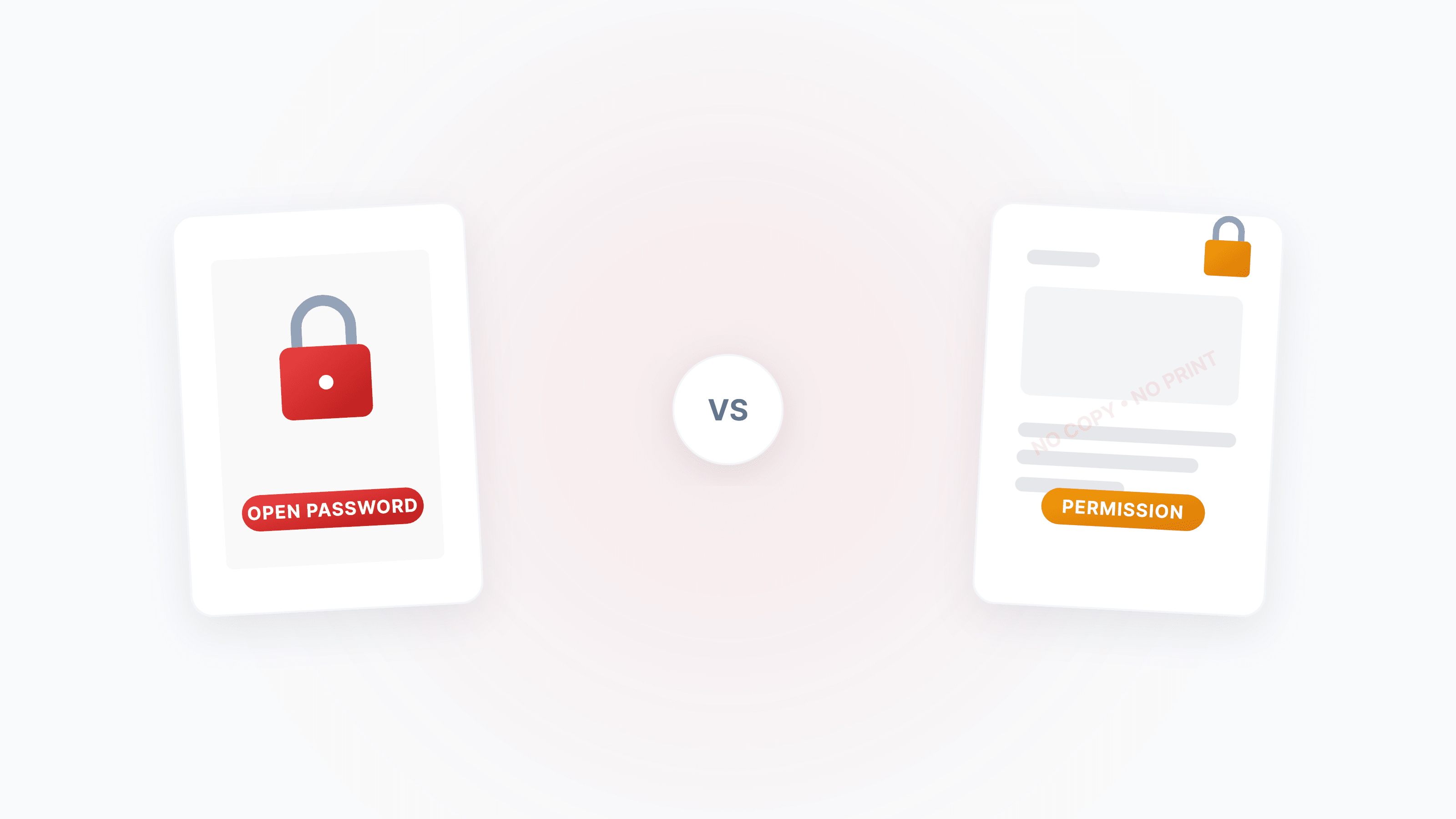
The Complete Guide to PDF Protection and Unlocking: Passwords, Permissions, and Security Strategies
A systematic guide to the two PDF password types (open password vs permission password), how to disable copying/printing/editing, and how to legally unlock restricted PDFs.

How to Rotate PDF Pages: Fix Orientation, Batch Rotate, and Save Permanently
Wrong PDF page orientation? Learn how to rotate a single page or all pages (90°/180°/270°), fix upside-down scans, switch landscape to portrait, and standardize orientation before merging.
How to Convert PDF to PowerPoint (PPTX) — Editable Slides, Layout Preserved
Turn any PDF into editable PowerPoint slides. Each page becomes one slide with text, images, and layout preserved. Built-in OCR handles scanned PDFs automatically.
Convert Color PDF to Black & White/Grayscale: The Best Solution for Ink-Saving Printing and Maximum Compression
A complete guide to converting color PDFs to black & white or grayscale mode, covering ink-saving printing, maximum compression, OCR optimization, and more — with a clear breakdown of black & white vs. grayscale and step-by-step workflows.
DWG to PDF — Convert Engineering Drawings Online Without AutoCAD
No AutoCAD? No problem. Convert DWG files to PDF online for easy sharing, bid submissions, and print archiving. Plus post-conversion tips on compression, rasterization, and grayscale conversion.