
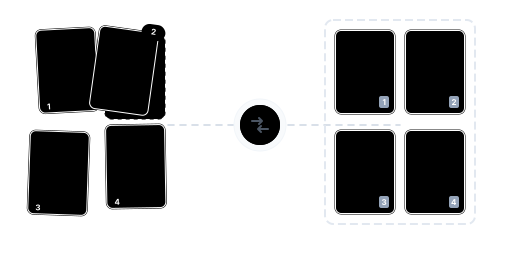
Beyond Organizing: Comprehensive Page Management
Visual Drag-and-Drop Reordering

Page Rotation & Deletion

Three-in-One Efficiency

Continue With More Tools

Confidential Files Protected

No App Required

Organize PDF Pages in Just 3 Steps

Upload Your PDF
Click "Choose Files" or drag and drop your PDF.

Drag, Rotate & Delete
Drag thumbnails to reorder, click rotate buttons, or mark pages for deletion.

Download Your Organized PDF
Confirm all adjustments, then download your organized PDF for free.
PDF Organization FAQ
Can I reorder, rotate, and delete simultaneously?
Yes. All three operations happen in the same interface — no tool switching needed.
Will operations affect page quality?
No. Operations only change page order, orientation, or removal — page content and quality remain unchanged.
Can I use this on my mobile phone?
Absolutely. Our tool is entirely web-based and compatible with all major browsers. Whether you're on a phone, tablet, or computer, you can process files anywhere.
What are the free plan limits?
Free: up to 100 MB, no watermarks. Pro: up to 2 GB.
Is it safe?
Your files are safe. 256-bit encrypted transfer, EU-based servers, GDPR compliant, and permanently deleted after processing.
Related Guides
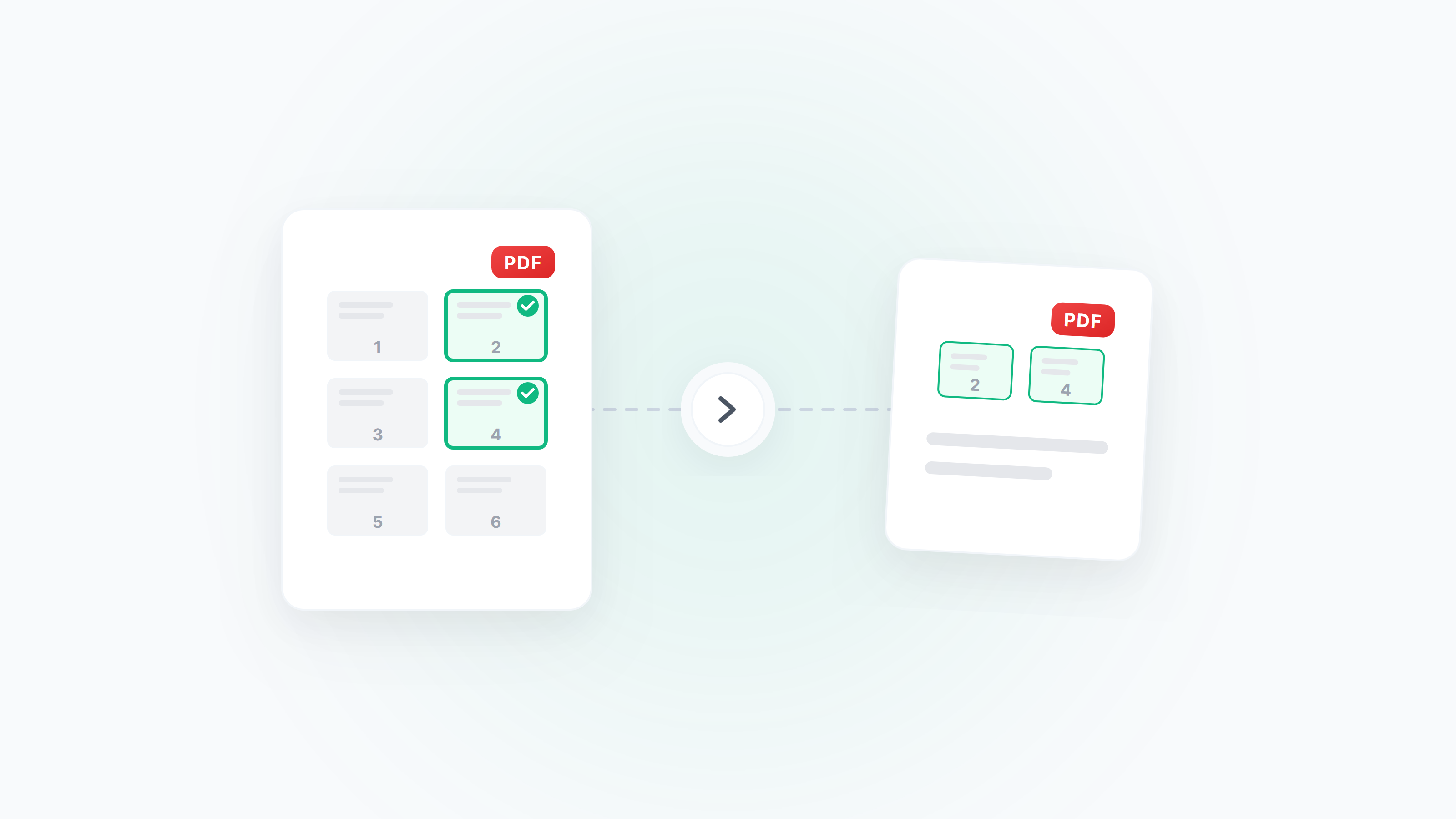
Guide to Extracting and Deleting PDF Pages: Pick Exactly What You Need
How to extract specific pages from a PDF, delete unwanted pages, and reorder pages by drag and drop. Covers scenarios like extracting contract signature pages, cleaning up scanned files, and splitting chapters from long documents.
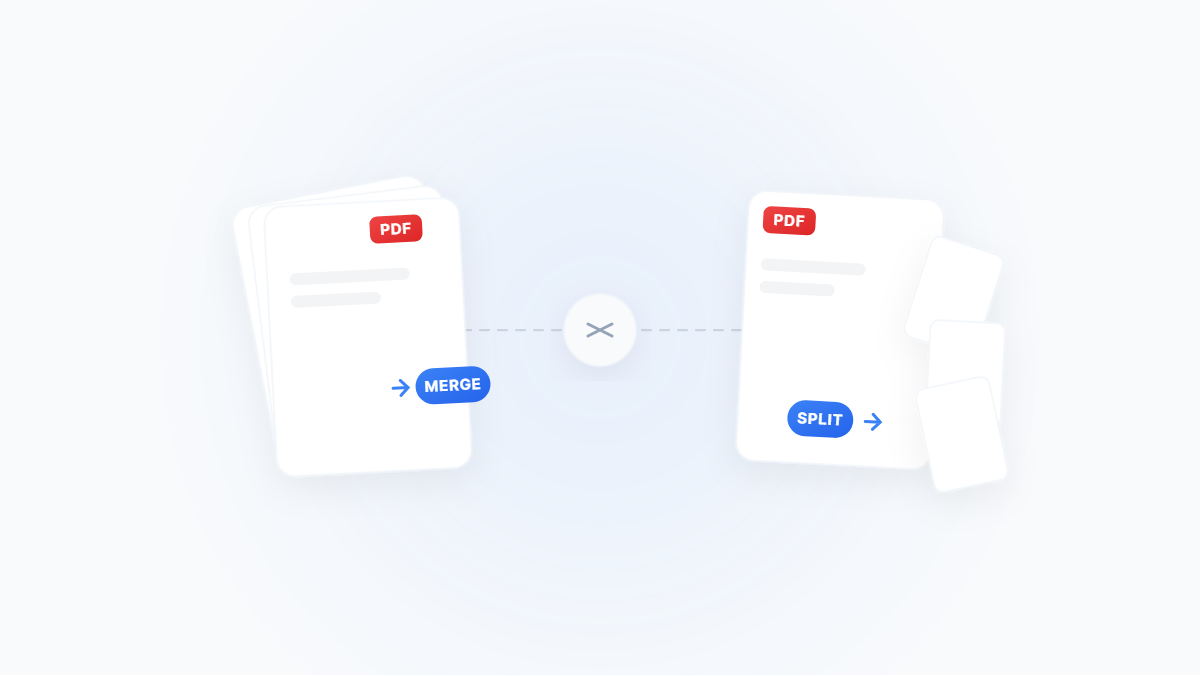
The Complete Guide to Merging and Splitting PDFs: Merge, Extract, Delete, Rotate — All You Need
A scenario‑driven guide to PDF page management: merge, split, extract pages, delete pages, rotate and reorder — with Windows/macOS and online methods plus practical tips.
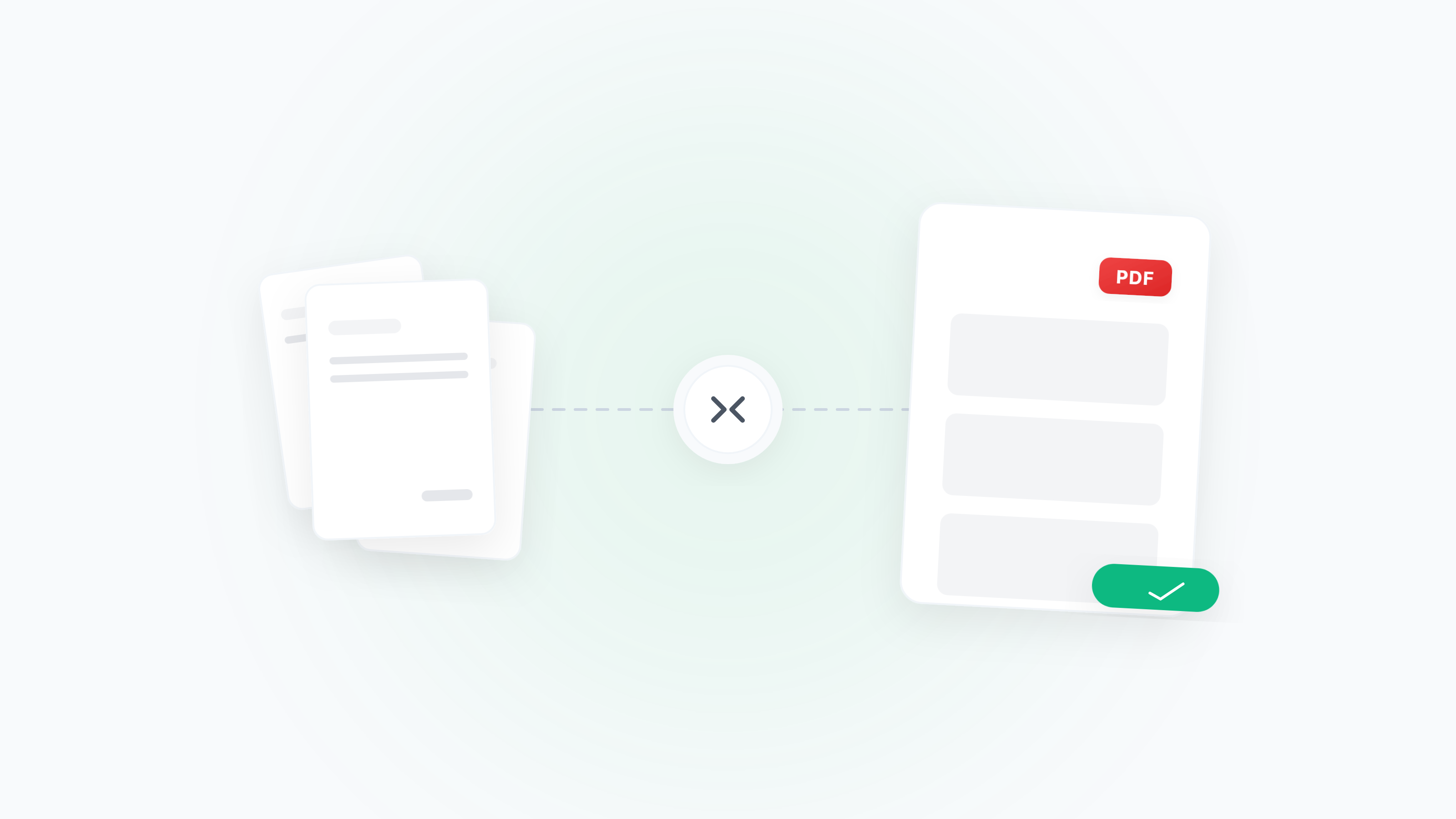
Merge Receipts/Invoices for Reimbursement — Multi‑Format, Sorting, Rotation, Compression
Turn messy receipts/invoices into a single, submission‑ready PDF. Handle mixed formats, sorting, orientation fixes, blank page removal, size limits, and common error checks.