
Beyond Rotation: Precise Page Orientation Adjustment
Visual Page Rotation

Rotate All or Individual Pages

Three Rotation Angles

Continue With More Tools

Your Files Stay Private

Works in Any Browser

Rotate PDF Pages in Just 3 Steps

Upload Your PDF
Click "Choose Files" or drag and drop your PDF into the secure workspace.

Select & Rotate Pages
Click rotate buttons on thumbnails to rotate all or individual pages. Supports 90°/180°/270°.

Download Your Rotated PDF
Confirm page orientations, then download your rotated PDF for free.
PDF Rotation FAQ
Can I rotate only some pages?
Yes. In the thumbnail view, you can rotate individual pages or all pages at once.
Will rotation affect document quality?
No. Rotation only changes page orientation — text, images, and layout remain completely unaffected.
Can I use this on my mobile phone?
Absolutely. Our tool is entirely web-based and compatible with all major browsers. Whether you're on a phone, tablet, or computer, you can process files anywhere.
What are the free plan limits?
Free users can process PDFs up to 100 MB. Upgrade to Pro for files up to 2 GB.
Is it safe?
Your files are safe. 256-bit encrypted transfer, EU-based servers, GDPR compliant, and permanently deleted after processing.
Related Guides
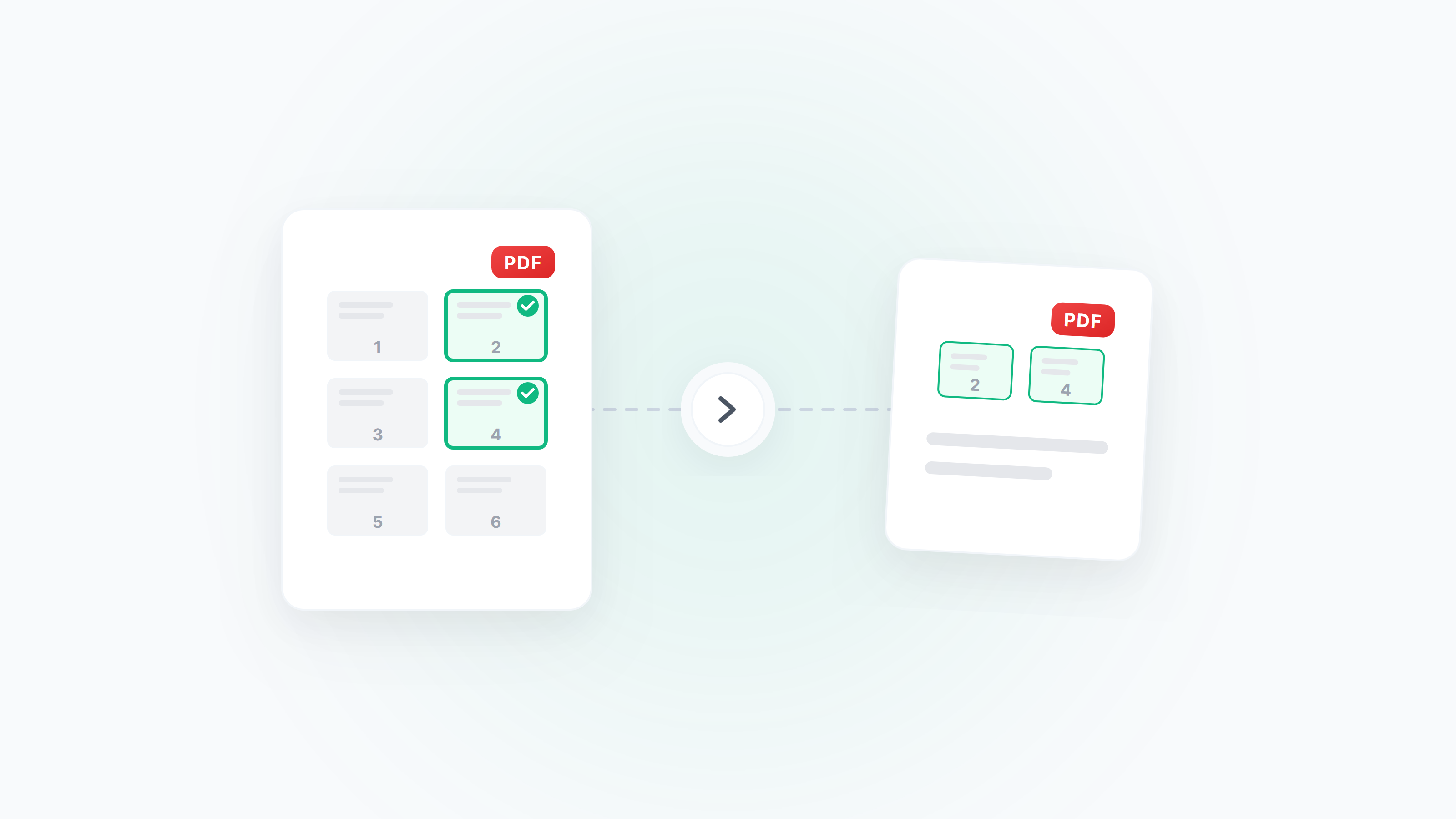
Guide to Extracting and Deleting PDF Pages: Pick Exactly What You Need
How to extract specific pages from a PDF, delete unwanted pages, and reorder pages by drag and drop. Covers scenarios like extracting contract signature pages, cleaning up scanned files, and splitting chapters from long documents.
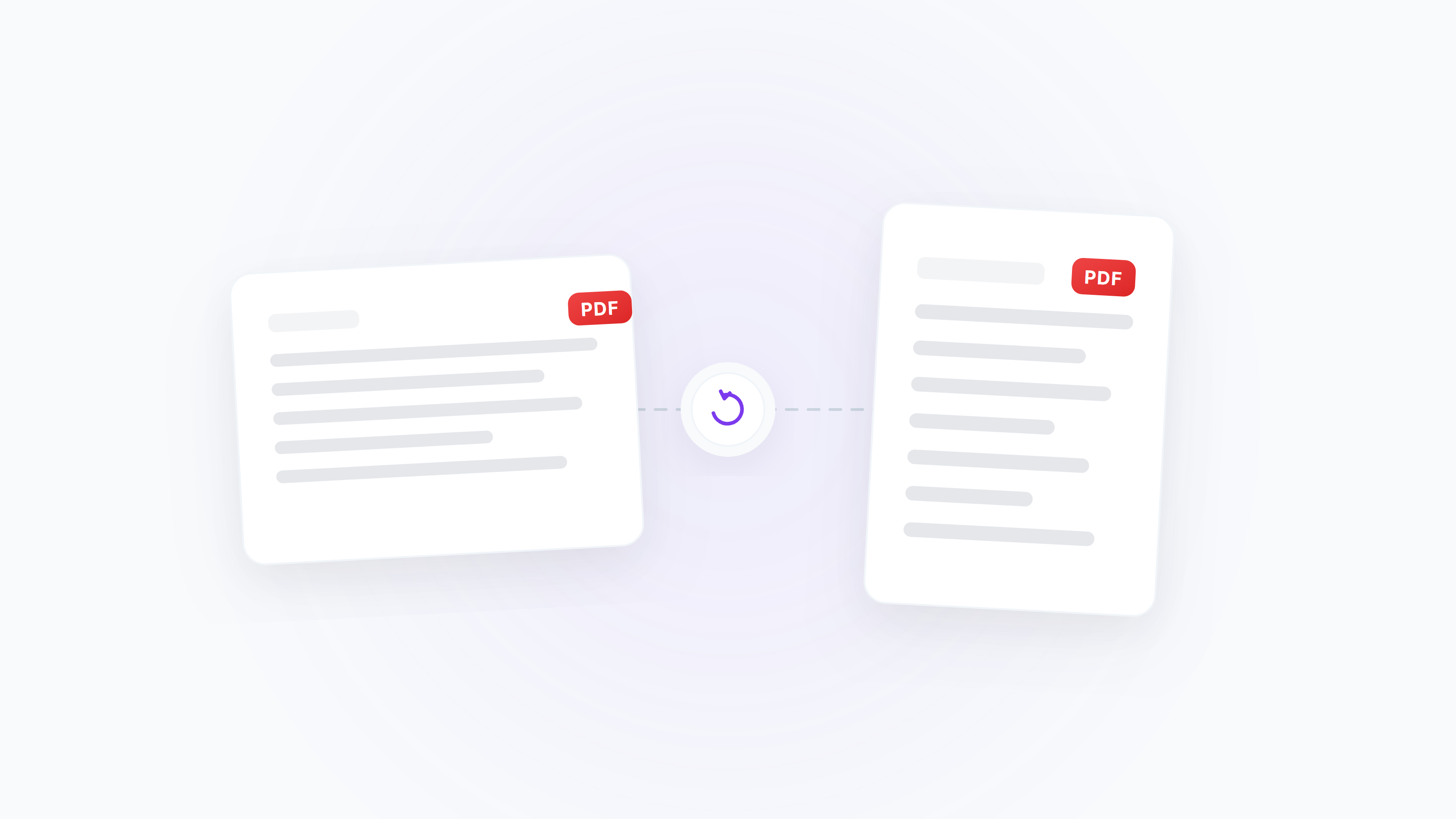
How to Rotate PDF Pages: Fix Orientation, Batch Rotate, and Save Permanently
Wrong PDF page orientation? Learn how to rotate a single page or all pages (90°/180°/270°), fix upside-down scans, switch landscape to portrait, and standardize orientation before merging.
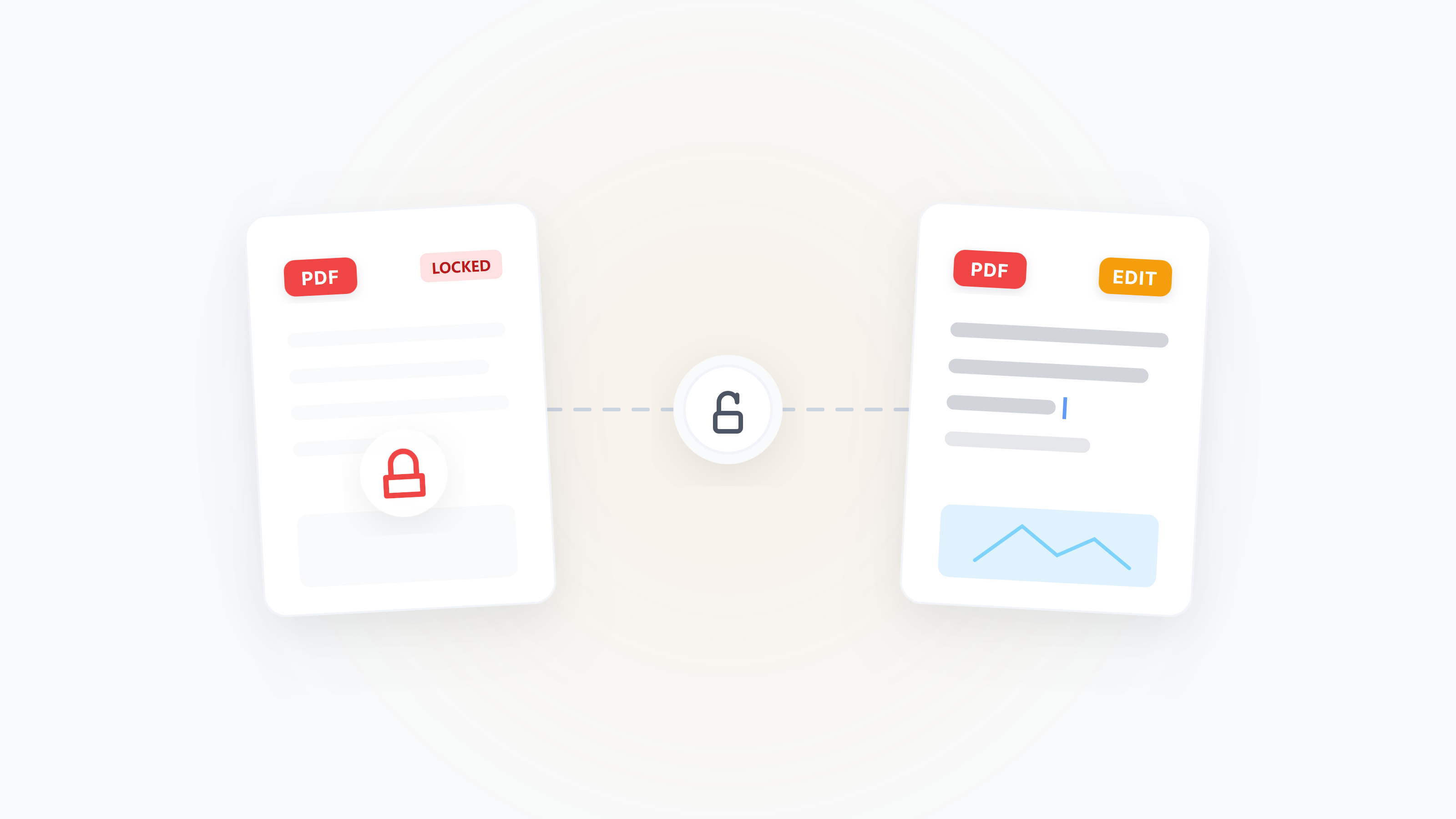
Why Can't I Edit My PDF File?
Exploring seven common reasons why PDF files cannot be edited and learning the corresponding solutions