
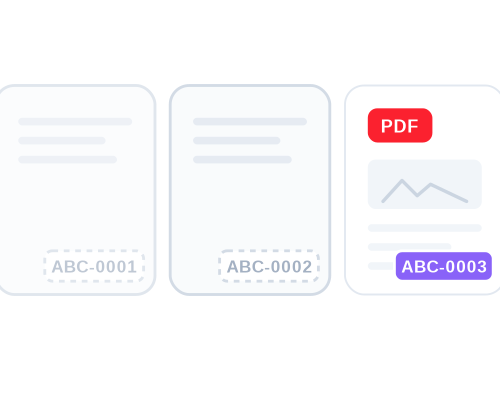
Bates Numbers Built for Legal Production
Your Prefix, Your Sequence

Six Number Positions

Searchable Numbers

Build the Production Set

Your Data, Protected

Runs in Your Browser

How to Add Bates Numbers to a PDF

Upload Your PDF
Click "Choose Files" or drag and drop the PDF you want to number.

Set Prefix and Position
The preview shows the number that will appear on the first page.

Download the Numbered PDF
Every page now carries its own Bates number.
Bates Numbering FAQ
What is Bates numbering?
A unique number stamped on every page of a document set, usually a prefix plus a zero-padded sequence such as ABC-000001, so each page can be cited in discovery, depositions and court filings.
How do I continue numbering from a previous file?
Set the start number to the one after your last page. If the last file ended at ABC-000250, start this file at 251 with the same prefix and digits.
Can I number several PDFs in one continuous sequence?
Not in one step yet. Merge them into one PDF first with Merge PDF, or number each file with the right start number.
Are the Bates numbers searchable?
Yes. They are added as text, so you can search for a number in any PDF reader.
Will the number cover page content?
The number is placed on top of the page near the edge you choose. If your pages have text in that spot, pick another of the six positions or a smaller size.
What can I use in the prefix and suffix?
Up to 20 English letters, digits, spaces and symbols such as - or _ each, for example ABC- or _CONFIDENTIAL.
What are the free plan limits?
Free users can number one PDF up to 100 MB and 200 pages at a time. Pro adds batch processing and files up to 2 GB.
Is it safe?
Files are transferred with TLS and processed mainly in the EU/EEA. They are deleted after processing or kept only for the minimum time needed to provide the service.
Related Guides
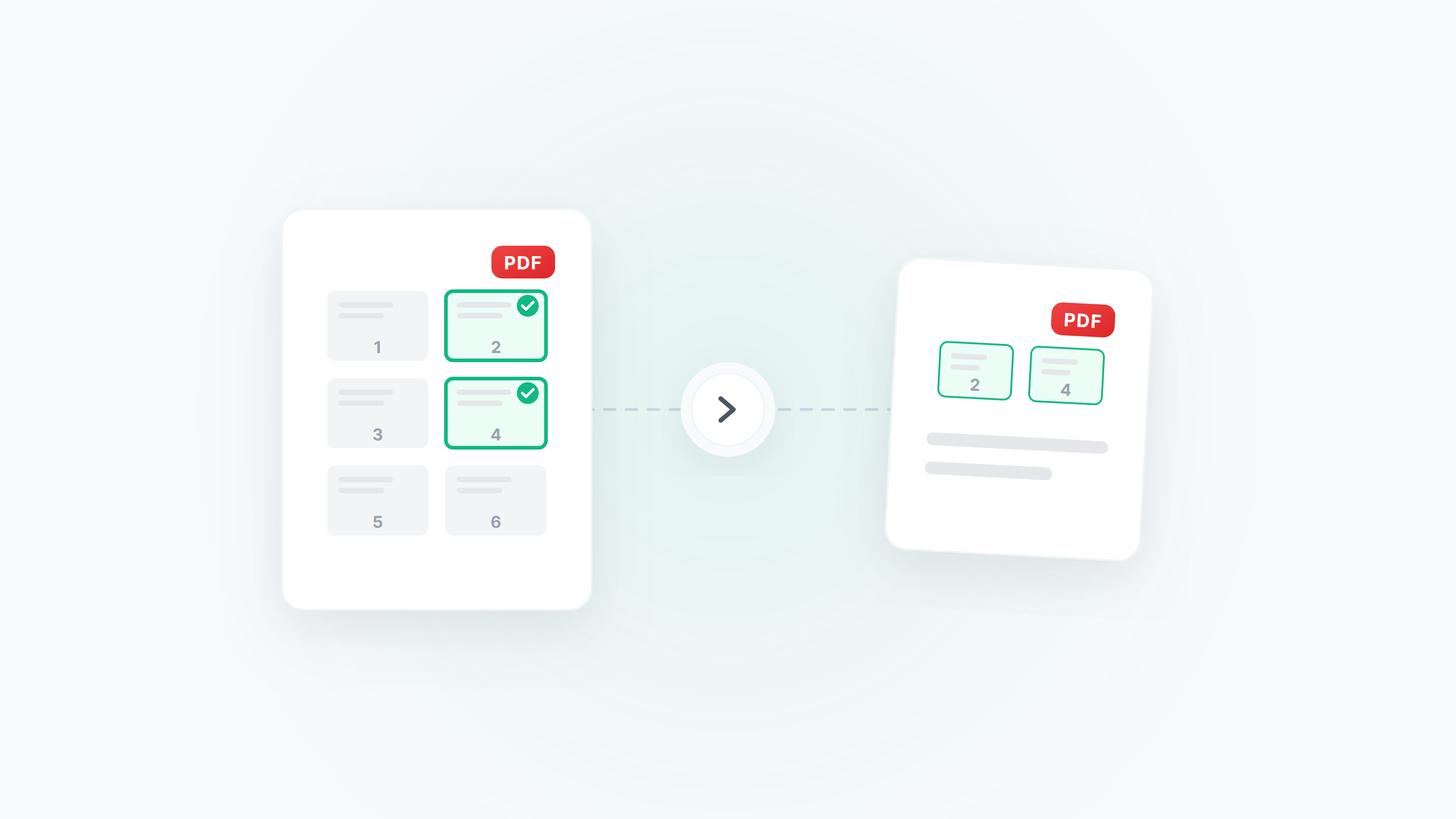
Guide to Extracting and Deleting PDF Pages: Pick Exactly What You Need
How to extract specific pages from a PDF, delete unwanted pages, and reorder pages by drag and drop. Covers scenarios like extracting contract signature pages, cleaning up scanned files, and splitting chapters from long documents.
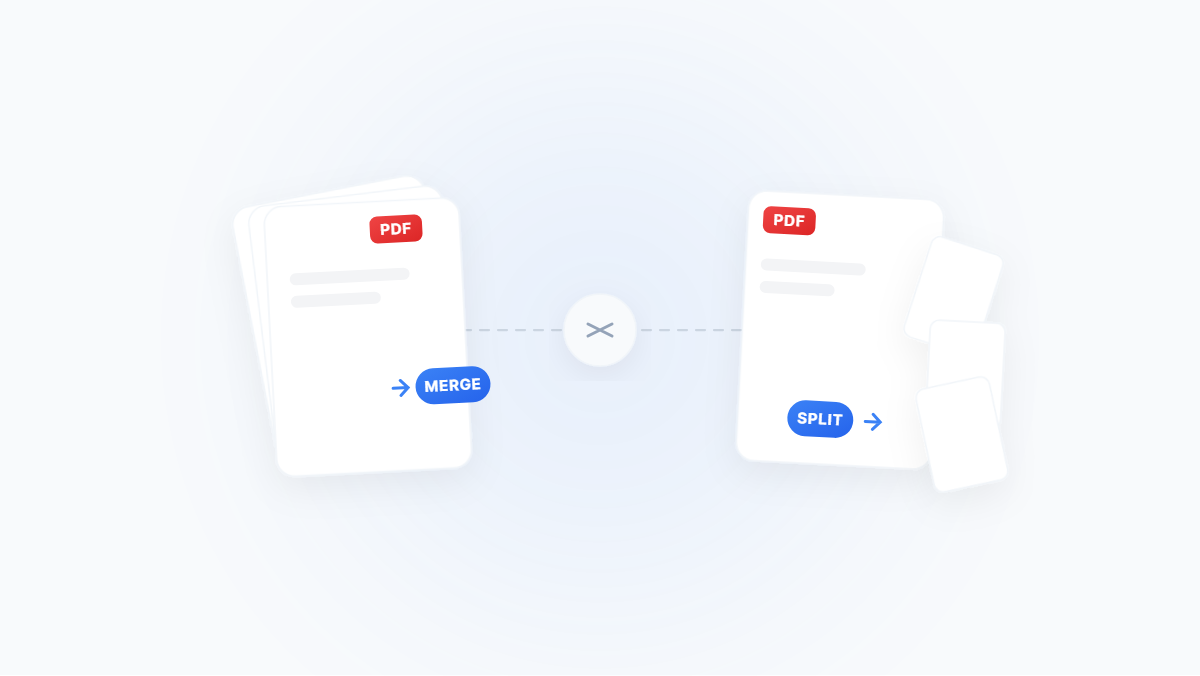
The Complete Guide to Merging and Splitting PDFs: Merge, Extract, Delete, Rotate — All You Need
A scenario‑driven guide to PDF page management: merge, split, extract pages, delete pages, rotate and reorder — with Windows/macOS and online methods plus practical tips.
Merge Receipts/Invoices for Reimbursement — Multi‑Format, Sorting, Rotation, Compression
Turn messy receipts/invoices into a single, submission‑ready PDF. Handle mixed formats, sorting, orientation fixes, blank page removal, size limits, and common error checks.