Online Markdown Editor

Write on the left, see it formatted on the right β€” your draft is saved in this browser

Nothing is uploaded Β· paste Markdown anywhere to start

Write Markdown With the Preview Right Beside You

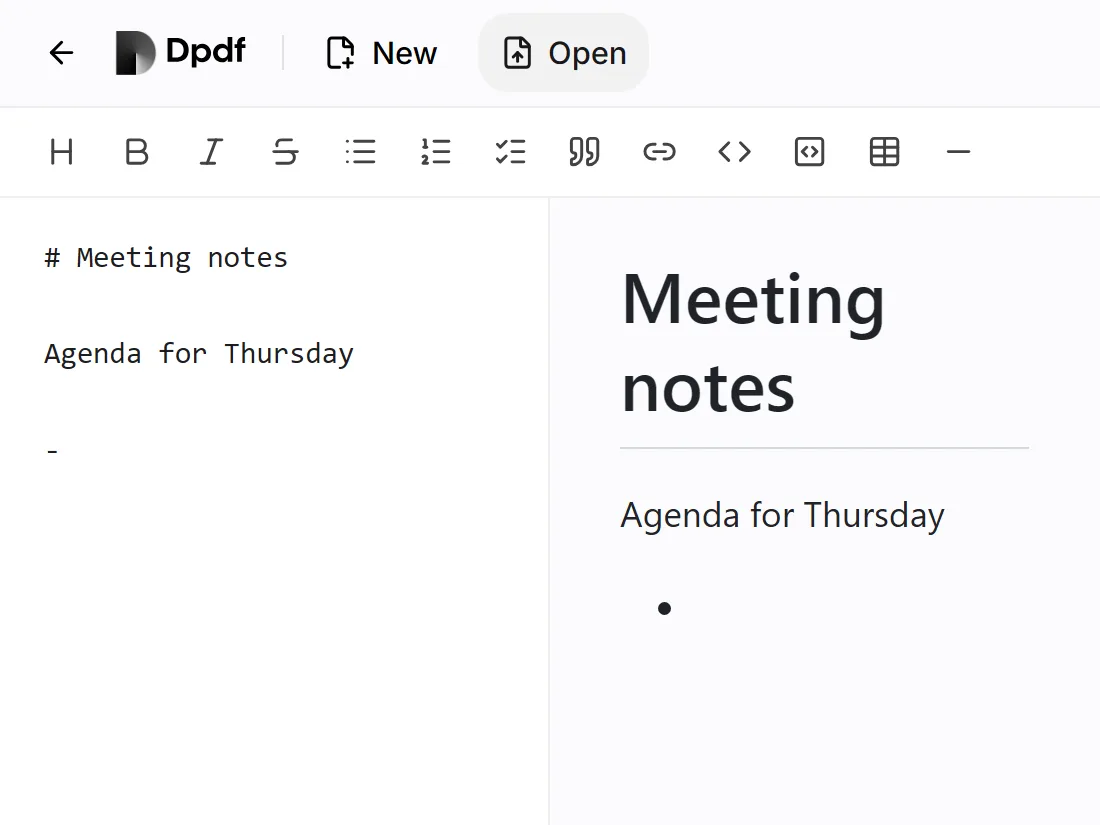
Type on the left and the formatted page updates on the right β€” closing the tab won't lose your draft
  • Toolbar and shortcuts for bold, headings, lists, links, code and tables
  • Synced scrolling between the source and the preview
  • Autosaves to this browser β€” no account, nothing uploaded
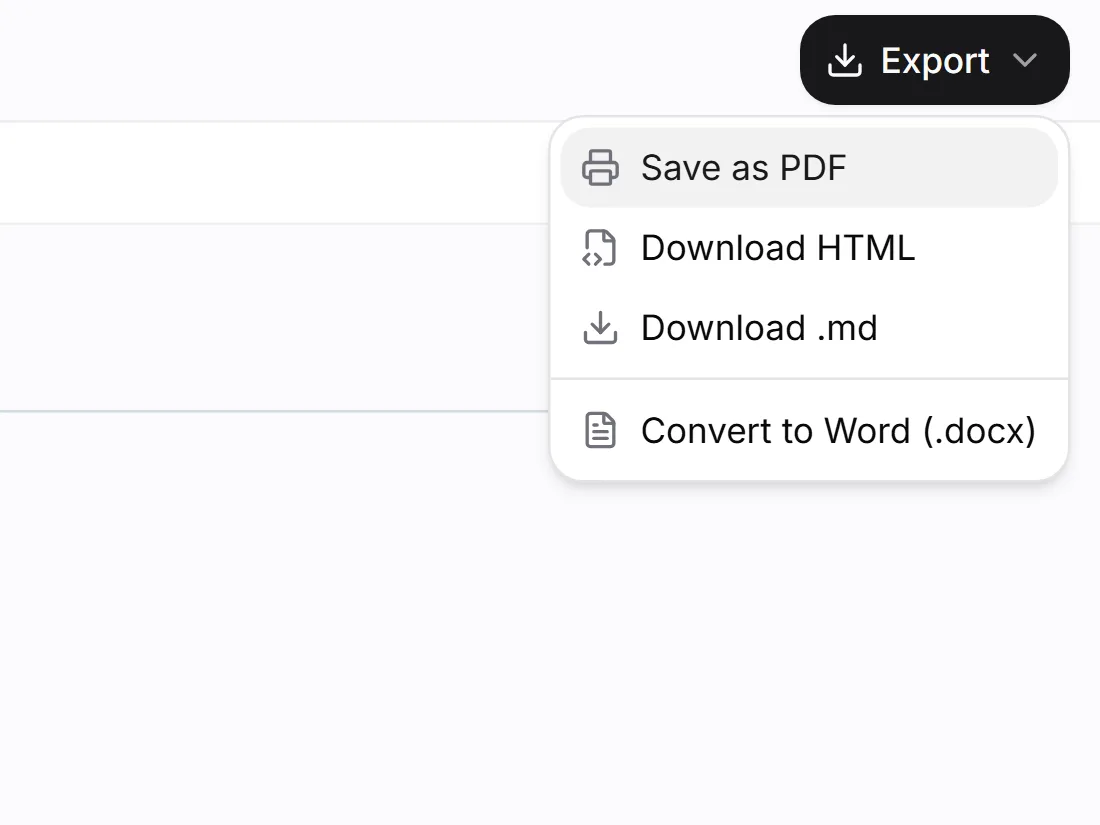
  • Download .md or HTML, or save as PDF

Everything to Write, Nothing to Install

Source and Preview, Side by Side

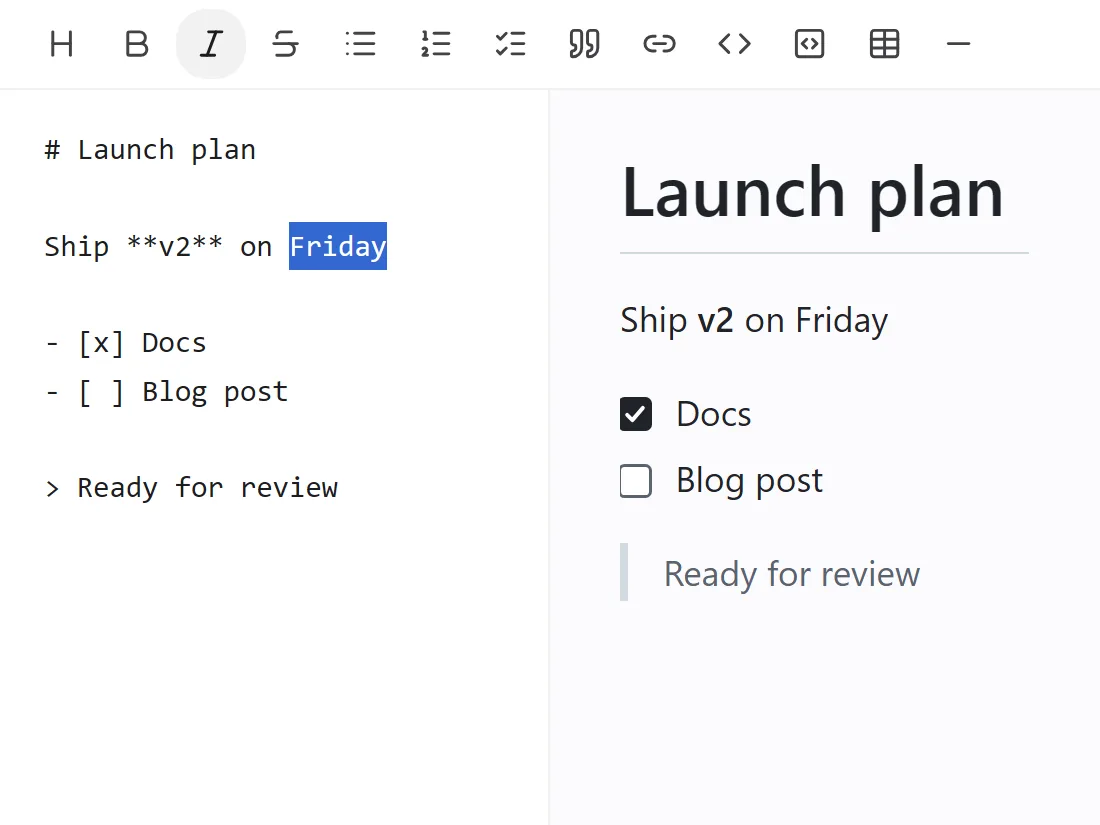
Write on the left and watch headings, tables, task lists and code take shape on the right, with both panes scrolling together. Switch to the source alone or the finished page any time.

No Syntax to Memorize

Select text and press Ctrl+B for bold, Ctrl+I for italic or Ctrl+K for a link, or use the toolbar for headings, lists, quotes, code blocks and tables.

Your Draft Is Saved

Every change is saved in this browser, so you can come back later and pick up where you left off. Clearing browser data removes it β€” download a copy of anything important.

Nothing Leaves Your Computer

There's no server behind the editor. Your text is never uploaded, which makes it fine for meeting notes, drafts and internal docs.

Edit Existing .md Files

Open a README or a notes export from your computer, or drop it onto the page, and carry on writing. Save it back as .md when you're done.

Export When Ready

Download a .md file, a standalone HTML page with styles built in, or a PDF. For a .docx, use Markdown to Word. Need a big table? Build it in the Markdown table generator.

How to Use the Markdown Editor

  1. Start Typing or Open a File

    Write in the left pane, paste text, or open a .md file from your computer.

  2. Format and Check the Preview

    Use the toolbar or keyboard shortcuts, and watch the formatted page update as you type.

  3. Download Your Document

    Save it as Markdown, HTML or PDF. Your draft also stays in this browser.

Markdown Editor FAQ

Where is my document saved?

In your browser's local storage on this device only. It isn't synced to other devices or browsers, and clearing site data deletes it.

Do I need an account?

No. Open the page and start writing β€” there's nothing to sign up for.

Does it work offline?

Once the page has loaded, editing, previewing and exporting all run in your browser, so a dropped connection won't interrupt your writing.

Which keyboard shortcuts are available?

Ctrl+B for bold, Ctrl+I for italic and Ctrl+K for a link (use ⌘ on a Mac). Everything else is on the toolbar.

Can I export to Word?

The editor downloads .md, HTML and PDF. For a .docx file, download your .md and convert it with Markdown to Word.

Which Markdown flavor does it use?

CommonMark with GitHub's extensions β€” tables, task lists, strikethrough and footnotes β€” plus syntax highlighting and LaTeX-style math.

Is the editor really free?

Yes. No sign-up, no watermark on exports and no limit on how many documents you write.