Markdown Viewer

Open a .md file and read it like a document — with an outline, dark mode and nothing uploaded

Sample document — open a .md file to read your own

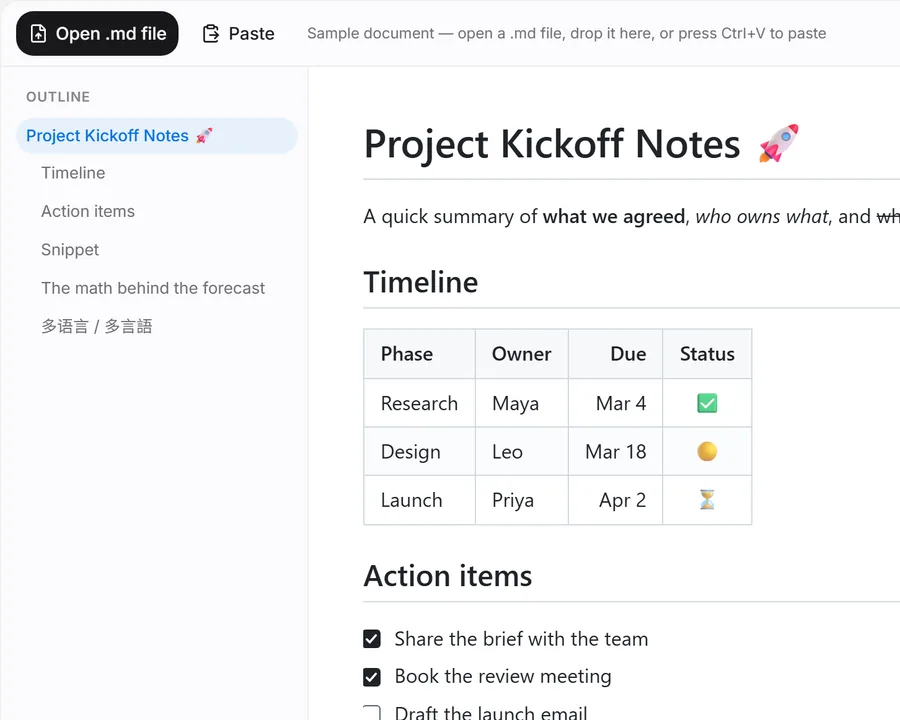
Project Kickoff Notes 🚀

A quick summary of what we agreed, who owns what, and what we dropped.

Timeline

Phase Owner Due Status
Research Maya Mar 4 ✅
Design Leo Mar 18 🟡
Launch Priya Apr 2 ⏳

Action items

  • Share the brief with the team
  • Book the review meeting
  • Draft the launch email
    • Get legal sign-off

Snippet

def growth(current: float, previous: float) -> float:
    """Return period-over-period growth in percent."""
    return (current - previous) / previous * 100

The math behind the forecast

Monthly growth gg compounds over nn months:

Vn=V0 (1+g)n V_n = V_0 \, (1 + g)^n

Note: numbers are estimates until the March report lands.[1]

多语言 / 多言語

中文、日本語、한국어 and emoji 👍🏽 👨‍👩‍👧 all render with the right fonts.


  1. Source: internal dashboard, exported Feb 28. ↩︎
Read .md FilesLike Real Documents

Drop in a README, a notes export or an answer copied from ChatGPT, and the raw # and ** turn into headings, tables and highlighted code. The outline jumps to any section, and the file stays on your device — this page never sends it anywhere.
  • Opens .md, .markdown and .txt files up to 5 MB
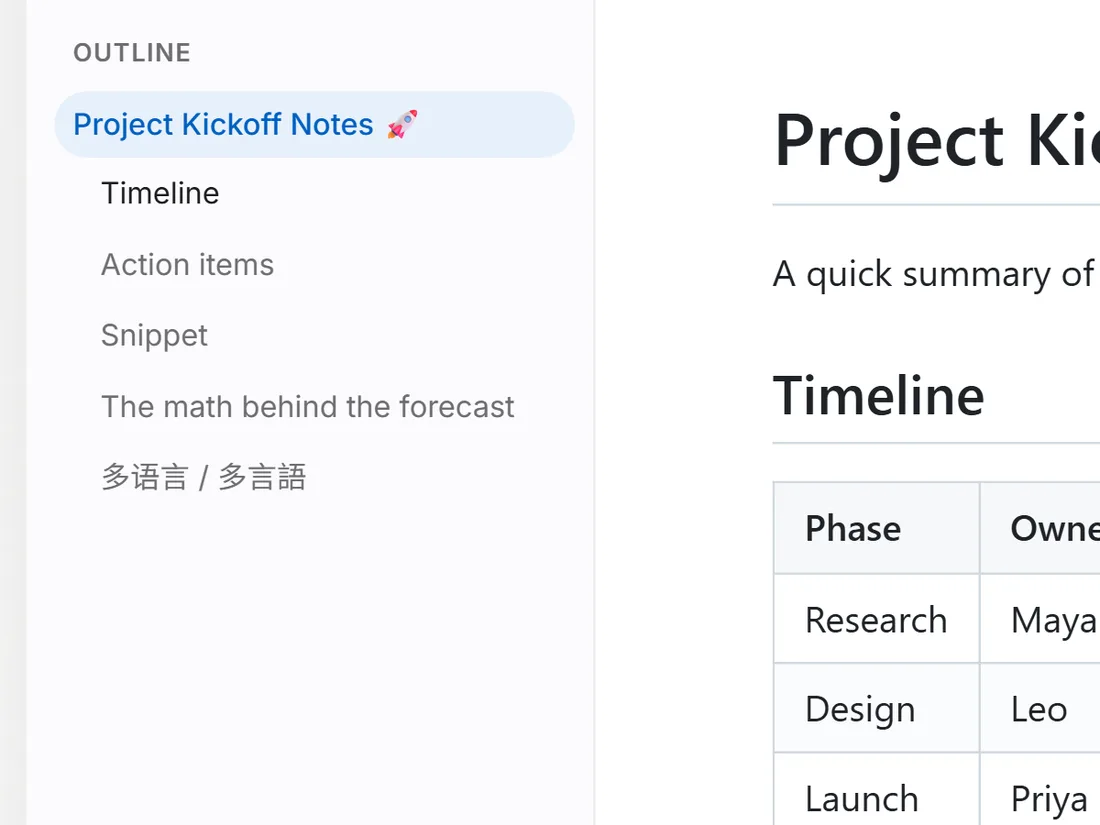
  • An outline of every heading that follows you as you scroll
  • Light or dark page and three text sizes for long reads
  • Word count and reading time for the open file
Markdown Viewer

A Reader, Not Another Editor

Your File Stays on This Computer

Your browser reads the file and renders it on the spot. There's no upload and no account, and reading keeps working if your connection drops after the page loads.

Jump Through Long Docs

Every heading appears in the outline. Click one to jump there. Links inside the file — footnotes, or a README's own table of contents — scroll the reader instead of leaving the page.

Full GitHub Markdown

Tables, task lists, footnotes, highlighted code and math written as $…$ or \(…\) display the way GitHub and ChatGPT intended, not as a wall of symbols.

Easy on the Eyes at Night

Switch the page to dark, make the text larger, or go full screen to read without the rest of the site around it.

Print It or Pass It On

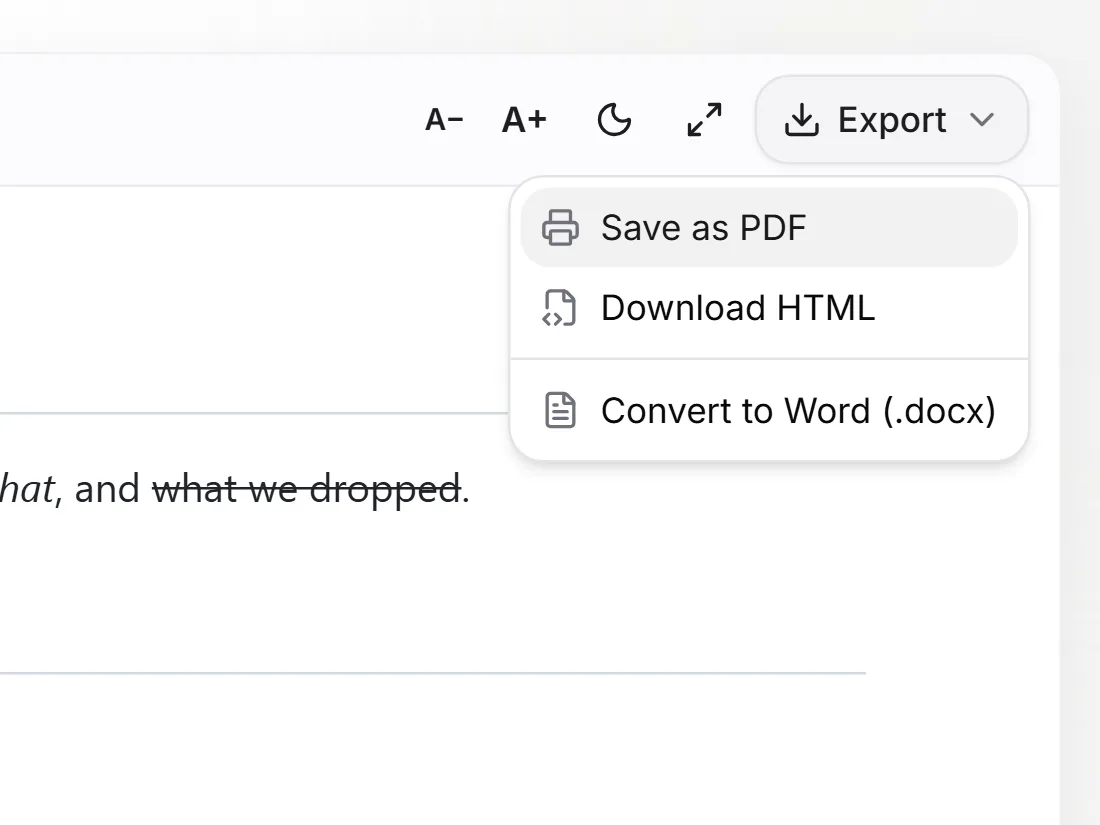
Save the document as a PDF or a standalone HTML file, or turn it into a .docx with Markdown to Word. Want to change the text? Open the Markdown editor.

How to Open an MD File Online

  1. Open or Drop the File

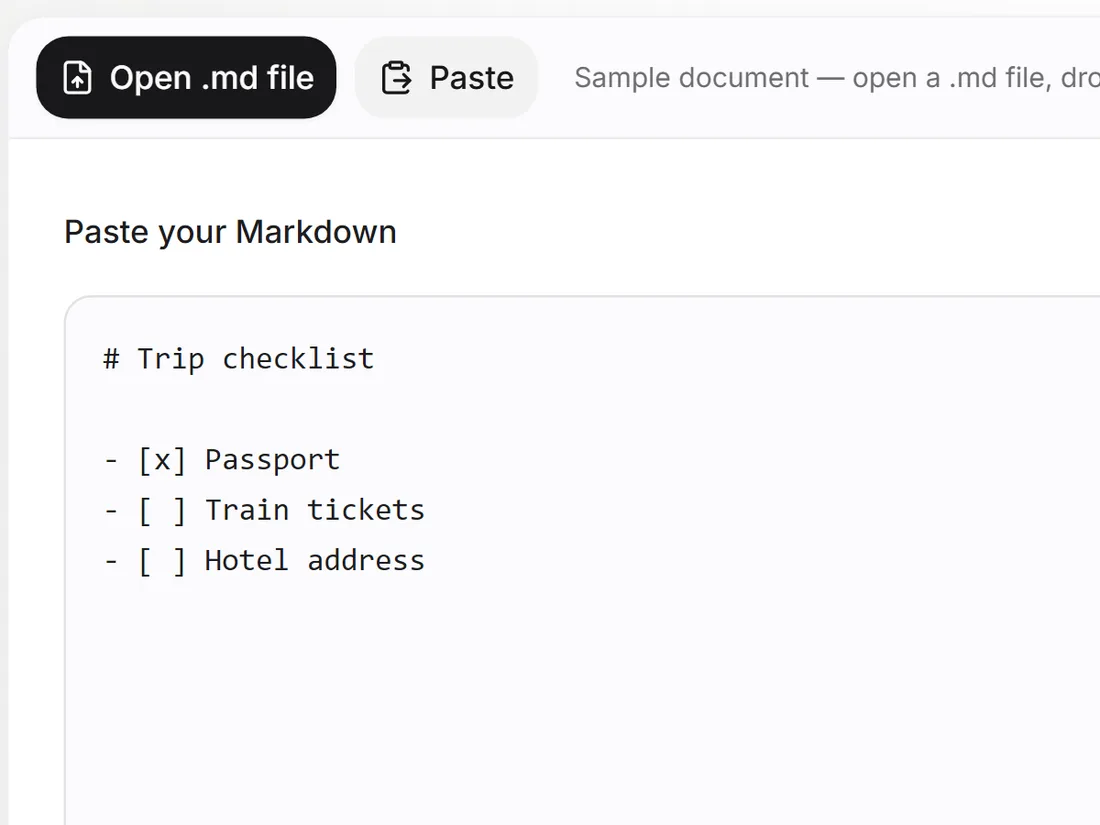
    Click Open .md file, drag the file onto the reader, or press Ctrl+V to paste Markdown text.

  2. Read With the Outline

    Move between sections from the outline. Switch to dark mode or a larger text size if you like.

  3. Export If You Need To

    Save it as a PDF or HTML file, or convert it to Word.

Markdown Viewer FAQ

How do I open an MD file?

An .md file is plain text with Markdown formatting. Open it here to see it formatted, or open it in Notepad or TextEdit to see the raw text with all the # and * symbols.

Is my file uploaded anywhere?

No. Your browser reads and renders the file locally. Nothing is sent to our servers.

Can I open an MD file on iPhone or Android?

Yes. Open this page in your phone's browser, tap Open .md file and pick the file from Files or Downloads.

Can I edit the Markdown here?

The viewer is built for reading. To change the text, use the Markdown editor, which keeps a live preview next to the source and saves your draft in the browser.

Why are some images missing?

Images with a relative path, such as img/photo.png, point to a folder on your computer that a web page can't read. Images with a full web address display normally.

Which Markdown features are supported?

CommonMark plus GitHub's extensions — tables, task lists, strikethrough, autolinks and footnotes — along with code highlighting and LaTeX-style math. Mermaid diagrams show as code for now.

Is the Markdown viewer free?

Yes. There's no sign-up, no watermark on exports and no limit on how many files you open.