
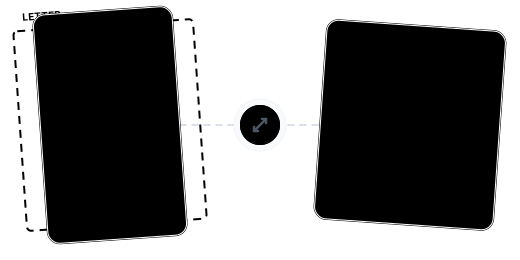
Beyond Resizing: Precise Page Size Management
Rich Preset Sizes

Custom Precise Dimensions

Uniform Page Sizing

Continue With More Tools

Secure Cloud Processing

No Installation Needed

Resize PDF Pages in Just 3 Steps

Upload Your PDF
Click "Choose Files" or drag and drop your PDF.

Choose Target Size
Select a preset size (A4/Letter, etc.) or enter custom width and height.

Download Your Resized PDF
Confirm parameters, then download your uniformly sized PDF for free.
PDF Resizing FAQ
What standard sizes are available?
A0, A1, A2, A3, A4, A5, Letter, Legal, Tabloid, and Executive international standard paper sizes.
Can I enter custom dimensions?
Yes. Select 'Custom' and enter width and height (10-2000 pt). Modifying dimensions automatically switches to custom mode.
Will resizing affect content?
Page content adapts to the new dimensions, but the relative positioning and clarity of text and images remain consistent.
What are the free plan limits?
Free: up to 100 MB, no watermarks. Pro: up to 2 GB.
Is it safe?
Your files are safe. 256-bit encrypted transfer, EU-based servers, GDPR compliant, and permanently deleted after processing.
Related Guides
Convert Color PDF to Black & White/Grayscale: The Best Solution for Ink-Saving Printing and Maximum Compression
A complete guide to converting color PDFs to black & white or grayscale mode, covering ink-saving printing, maximum compression, OCR optimization, and more — with a clear breakdown of black & white vs. grayscale and step-by-step workflows.
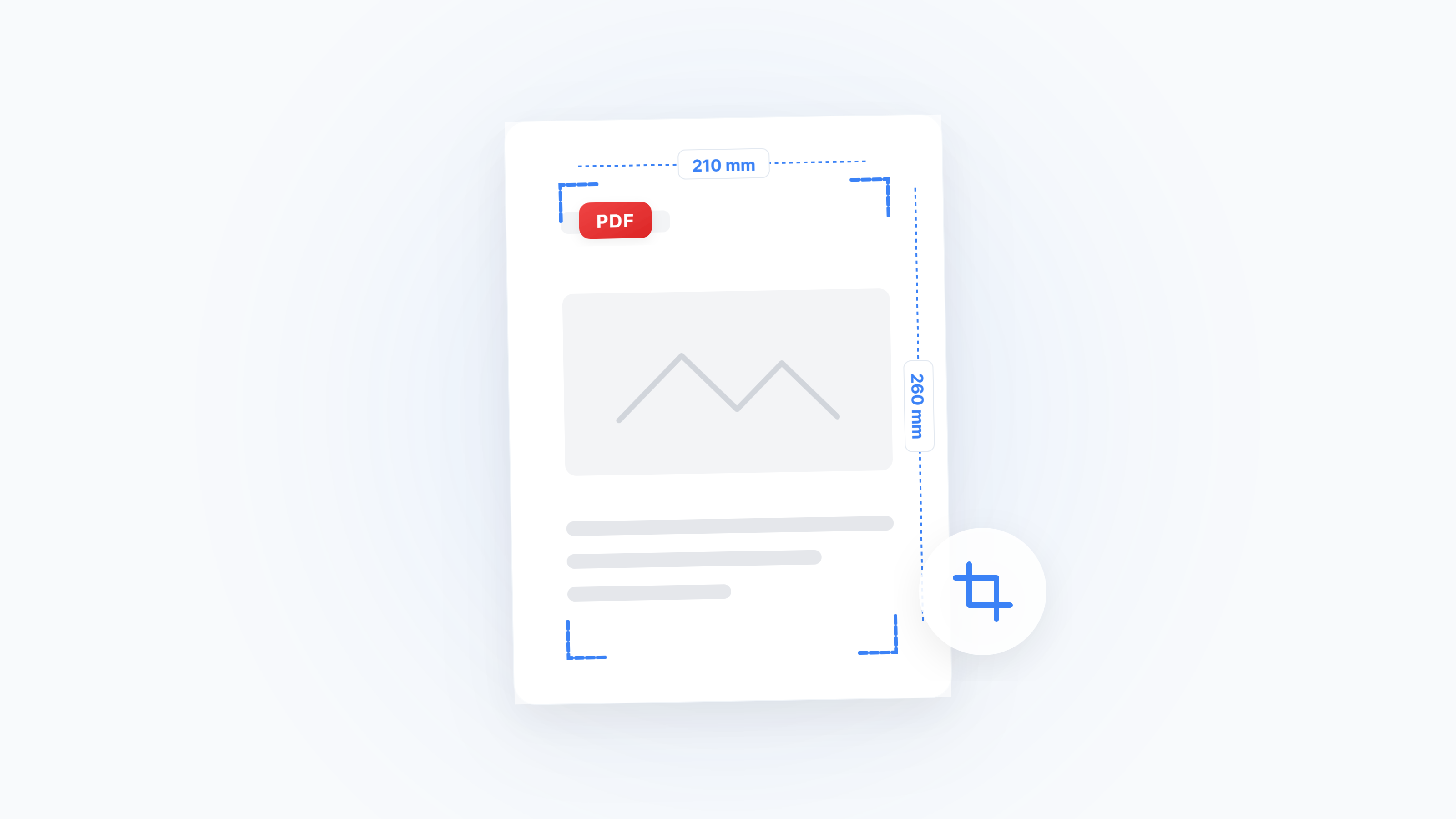
The Complete Guide to PDF Cropping & Margin Removal: Solutions for Every Scenario from Mobile Reading to Print Bleeds
Too much whitespace in your PDF? A systematic guide covering CropBox mechanics, e-reader optimization, academic annotation margins, print bleed setup, and OCR noise control — with a one-click cropping tool.
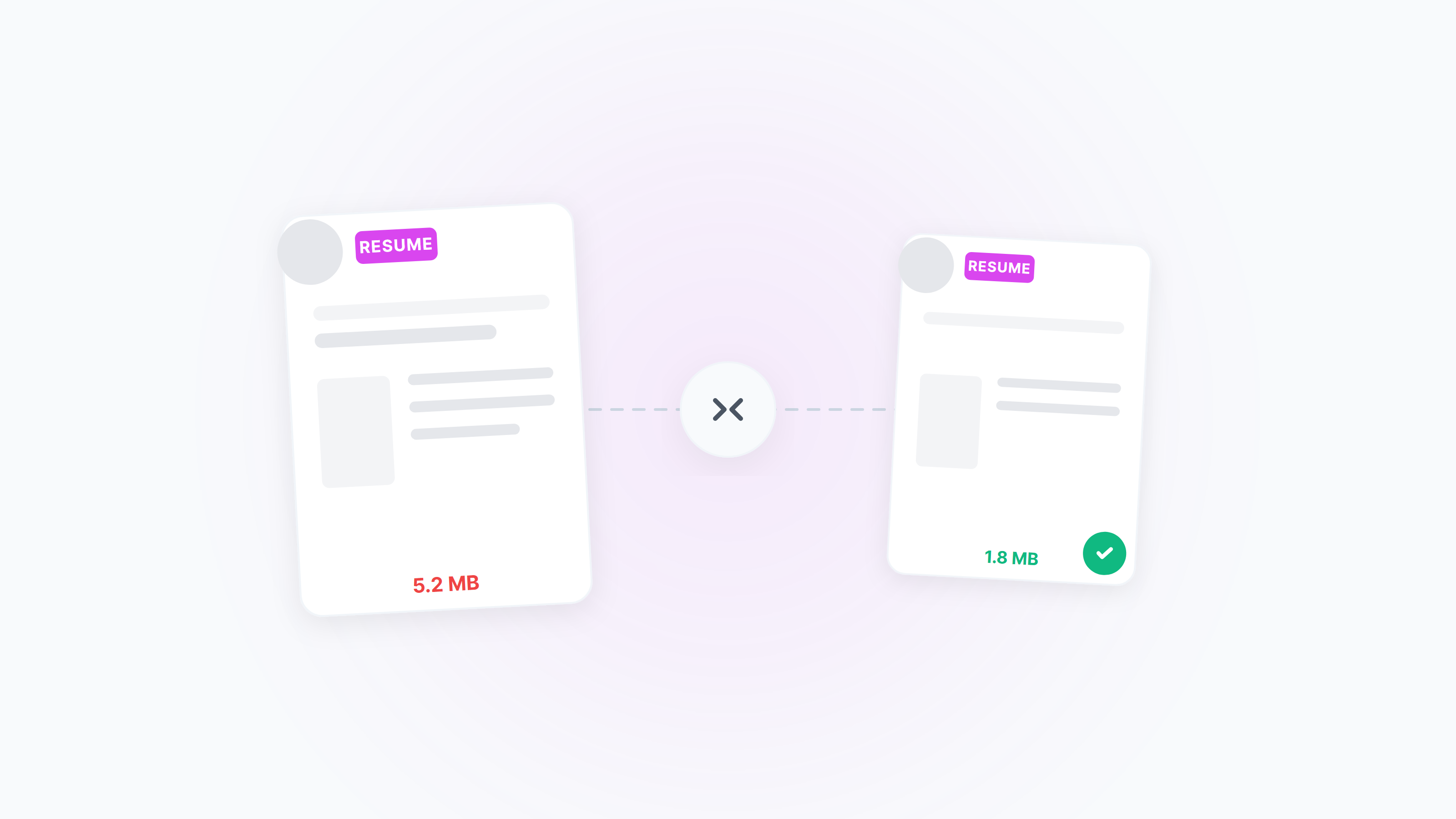
Compress Resume PDF to 2MB — Clear and ATS‑Friendly
Meet the common “≤2MB” resume limit without losing clarity. Practical online settings plus native Windows/macOS ideas, with tips for black‑and‑white, unified page size, and image optimization.