
PDF Processing Tips
Learn tips for processing PDF files
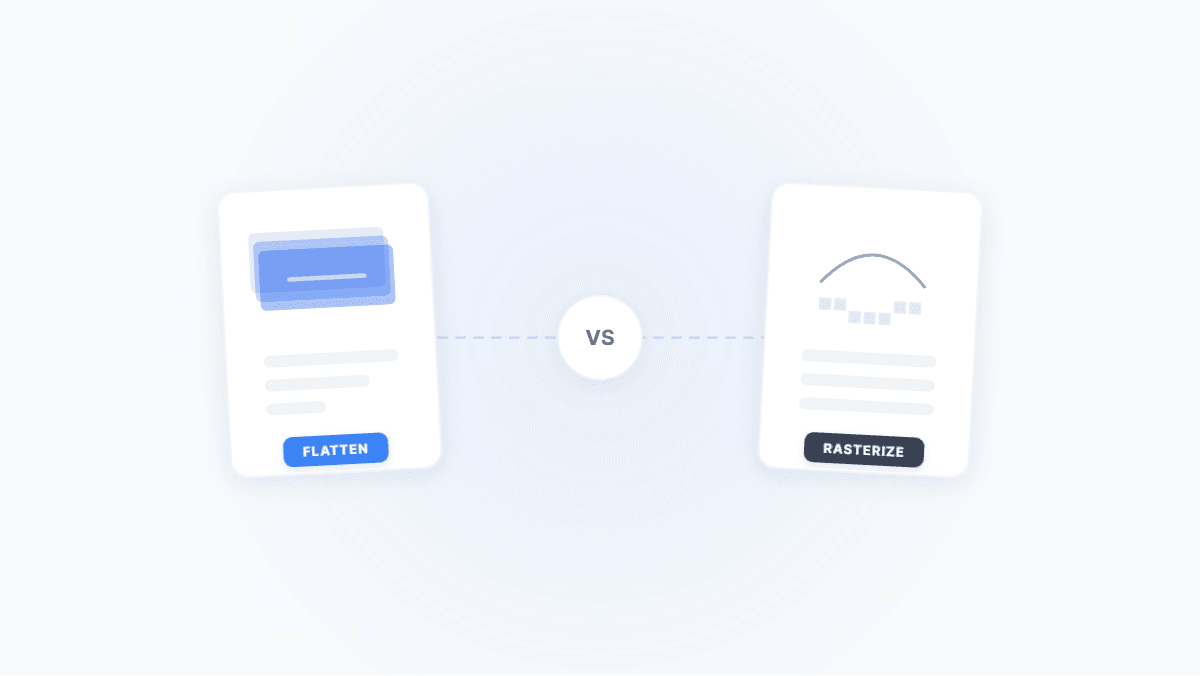
Flatten PDF vs. Rasterize PDF: Two Ways to Lock Down a Document — What's the Difference?
Both flattening and rasterizing can lock PDF content, but one preserves text while the other turns everything into an image. This article uses real-world scenarios to break down their differences, trade-offs, and when to use each.
PDF to EPUB — Read Documents Comfortably on Kindle and Mobile
PDF's fixed layout makes reading painful on small screens. Converting to EPUB enables reflowable text that adapts to any device. This guide covers conversion strategies and gotchas for different PDF types.
CAJ to PDF: Complete Guide to Converting CNKI Academic Papers
Can't open a CAJ file? Convert to PDF online instantly — no CAJViewer needed. Includes Tampermonkey script tips, encoding fixes, bookmark rebuilding, and more.

The Complete Guide to PDF Cropping & Margin Removal: Solutions for Every Scenario from Mobile Reading to Print Bleeds
Too much whitespace in your PDF? A systematic guide covering CropBox mechanics, e-reader optimization, academic annotation margins, print bleed setup, and OCR noise control — with a one-click cropping tool.
PDF Won't Open or Shows as Corrupted? Online Repair Steps + Common Causes
PDF won't open, shows 'file is corrupted', or upload fails? Repair the structure online first, then troubleshoot by cause — encryption, truncation, fonts — and get the shortest path to OCR, Word conversion, or compression.
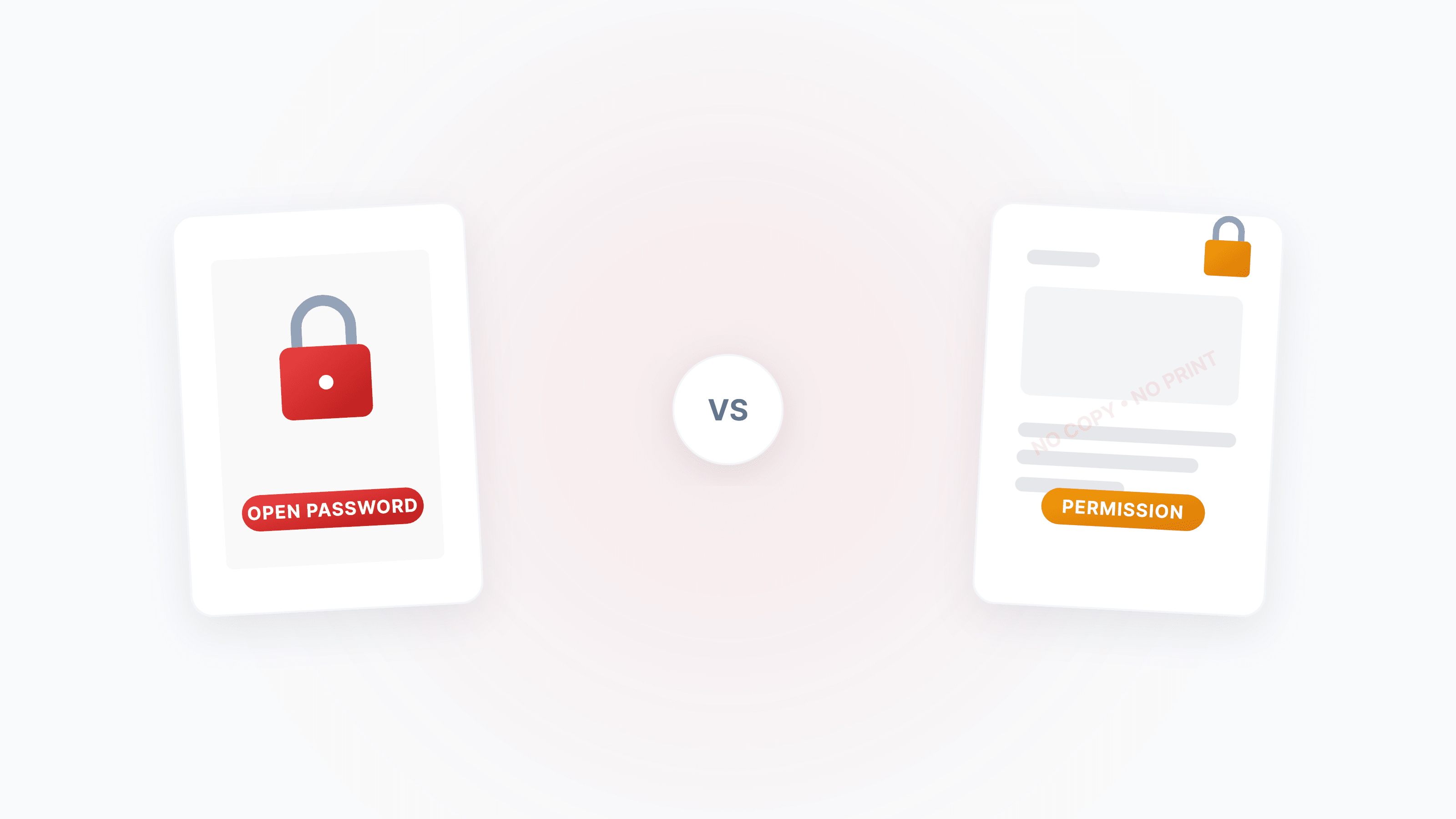
PDF Password Types Explained: Open Password vs. Permission Password — Security Differences & Practical Guide
What's the difference between a PDF open password and a permission password? Open passwords use AES-256 to encrypt content and can't be bypassed; permission passwords are merely a 'gentleman's agreement' and can be removed instantly. This article breaks down the underlying mechanisms and best practices for both.

PDF to Text (TXT) Best Practices: Do These Steps Before Feeding AI for Summarization / Retrieval
Want to feed PDF text to ChatGPT/Claude/Gemini? Crop, convert to B&W, then extract text — the tool auto-repairs and OCR — significantly reducing garbled text, broken lines, and lost table structure.
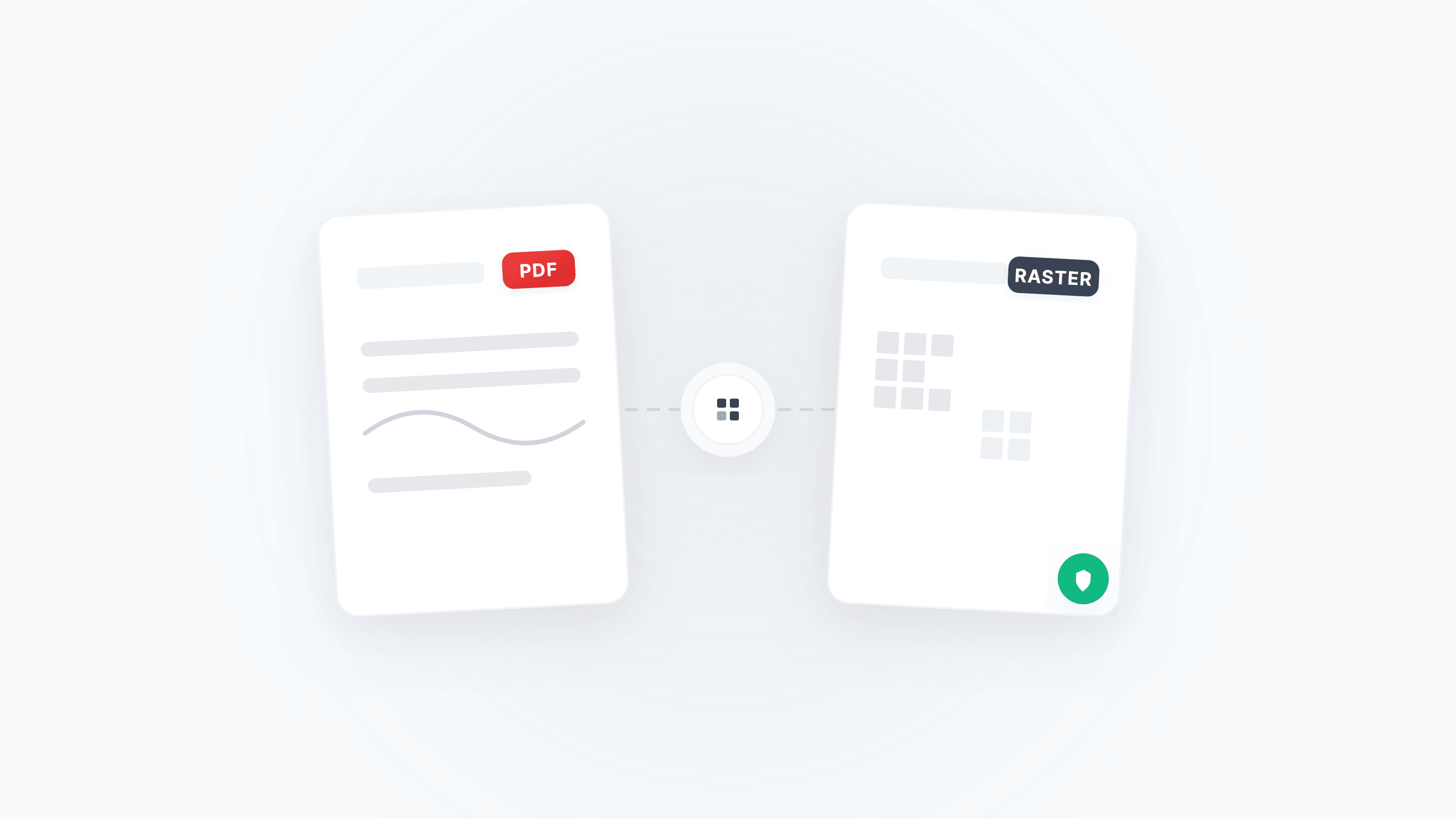
PDF Rasterization & Anti-Tampering: A Complete Guide from Pixel Locking to Cryptographic Defenses
Learn how PDF rasterization eliminates editable content through 'visual locking,' and how digital signatures build a document trust chain. Includes step-by-step instructions and tool recommendations.

Scanned PDF to Editable Word: Complete Guide (OCR + Layout Fixes)
Turn scanned/photo PDFs into editable Word — with a 10‑second OCR check, preprocessing tips, common pitfalls, and reliable fallbacks.