
Protect PDF
Open password, permission restrictions (disable copy/print/edit), and compliance practices
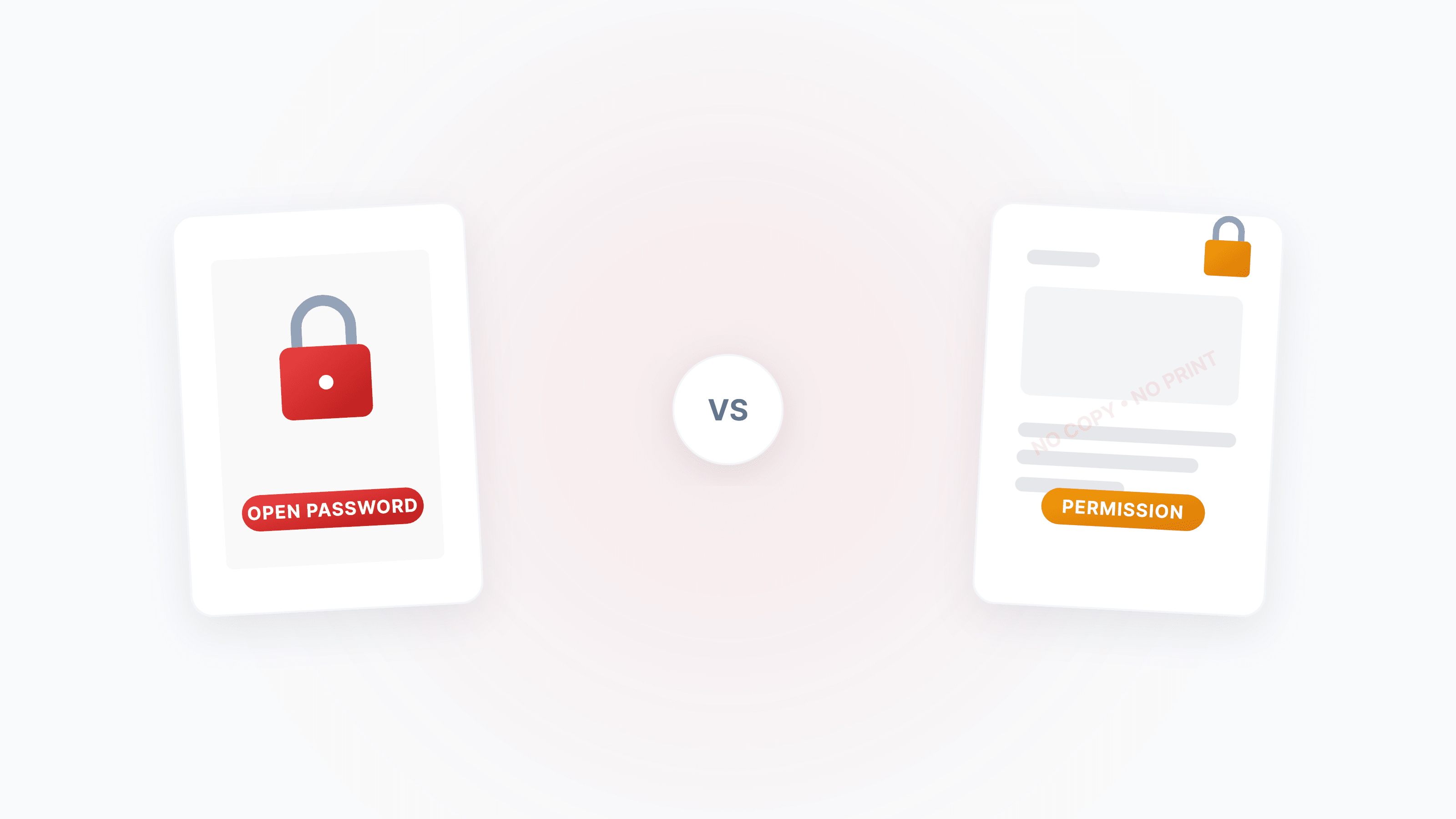
The Complete Guide to PDF Protection and Unlocking: Passwords, Permissions, and Security Strategies
A systematic guide to the two PDF password types (open password vs permission password), how to disable copying/printing/editing, and how to legally unlock restricted PDFs.
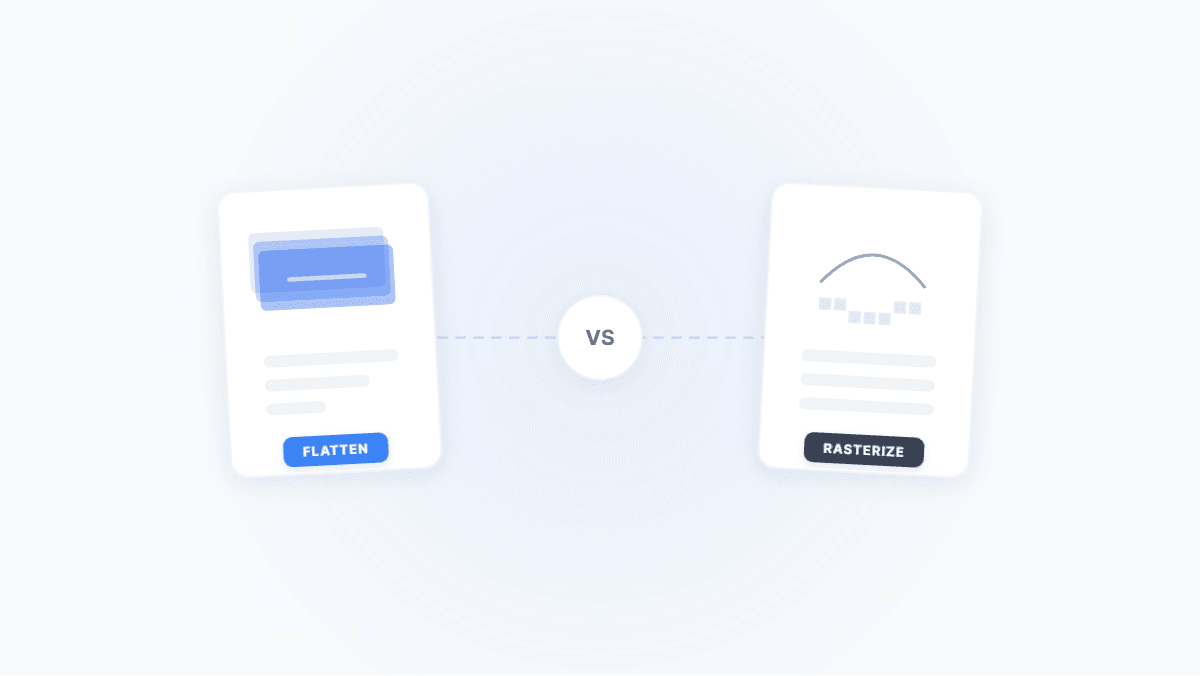
Flatten PDF vs. Rasterize PDF: Two Ways to Lock Down a Document — What's the Difference?
Both flattening and rasterizing can lock PDF content, but one preserves text while the other turns everything into an image. This article uses real-world scenarios to break down their differences, trade-offs, and when to use each.
PDF Password Types Explained: Open Password vs. Permission Password — Security Differences & Practical Guide
What's the difference between a PDF open password and a permission password? Open passwords use AES-256 to encrypt content and can't be bypassed; permission passwords are merely a 'gentleman's agreement' and can be removed instantly. This article breaks down the underlying mechanisms and best practices for both.
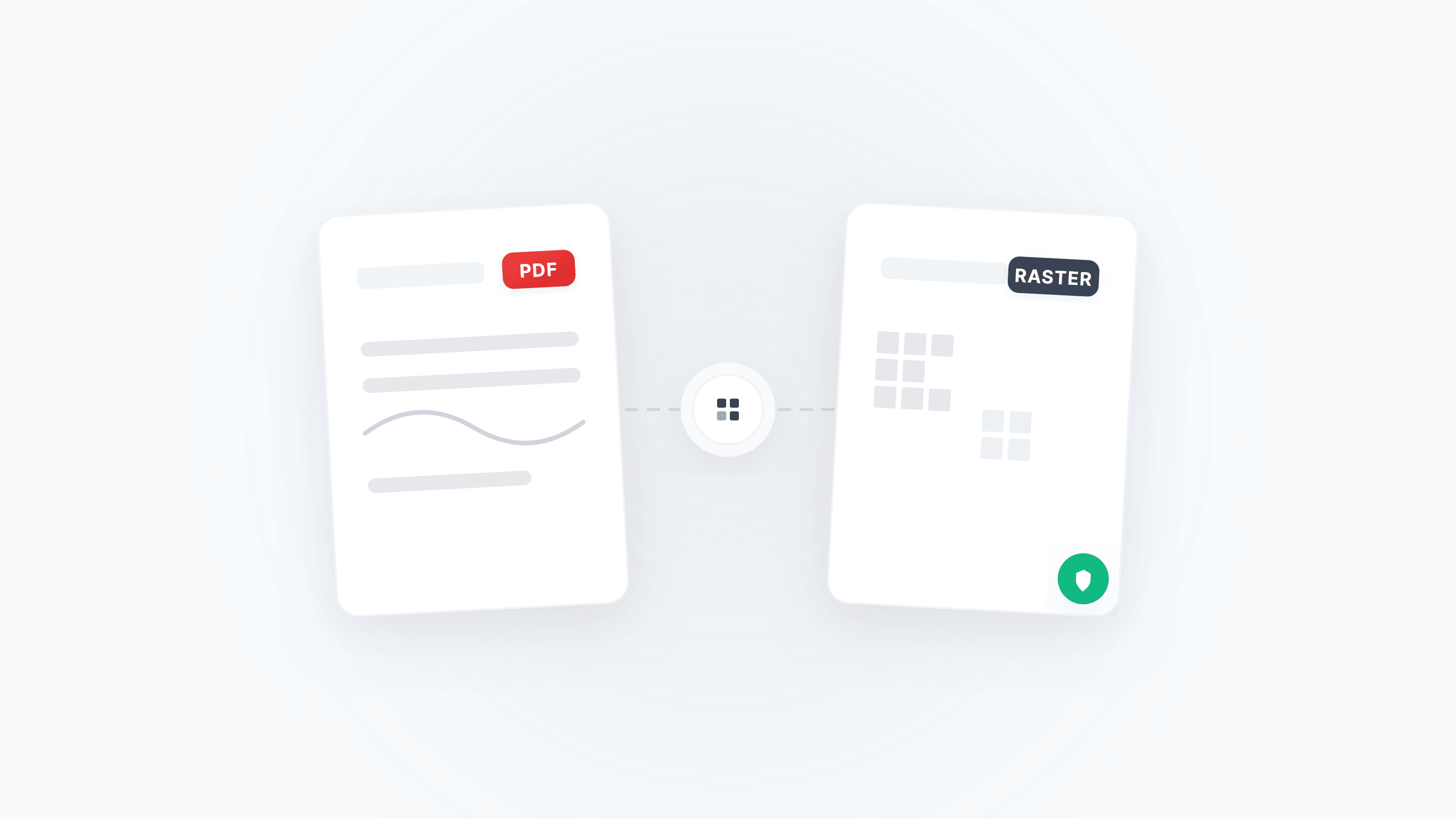
PDF Rasterization & Anti-Tampering: A Complete Guide from Pixel Locking to Cryptographic Defenses
Learn how PDF rasterization eliminates editable content through 'visual locking,' and how digital signatures build a document trust chain. Includes step-by-step instructions and tool recommendations.
Protect Tender/Proposal PDFs — Passwords, Permissions, Watermarks, and Flattening
How to protect bid/proposal PDFs: open password vs. permissions, disable copy/print, add watermarks, flatten layers, PDF/A compatibility, signing order, and compliance tips.